

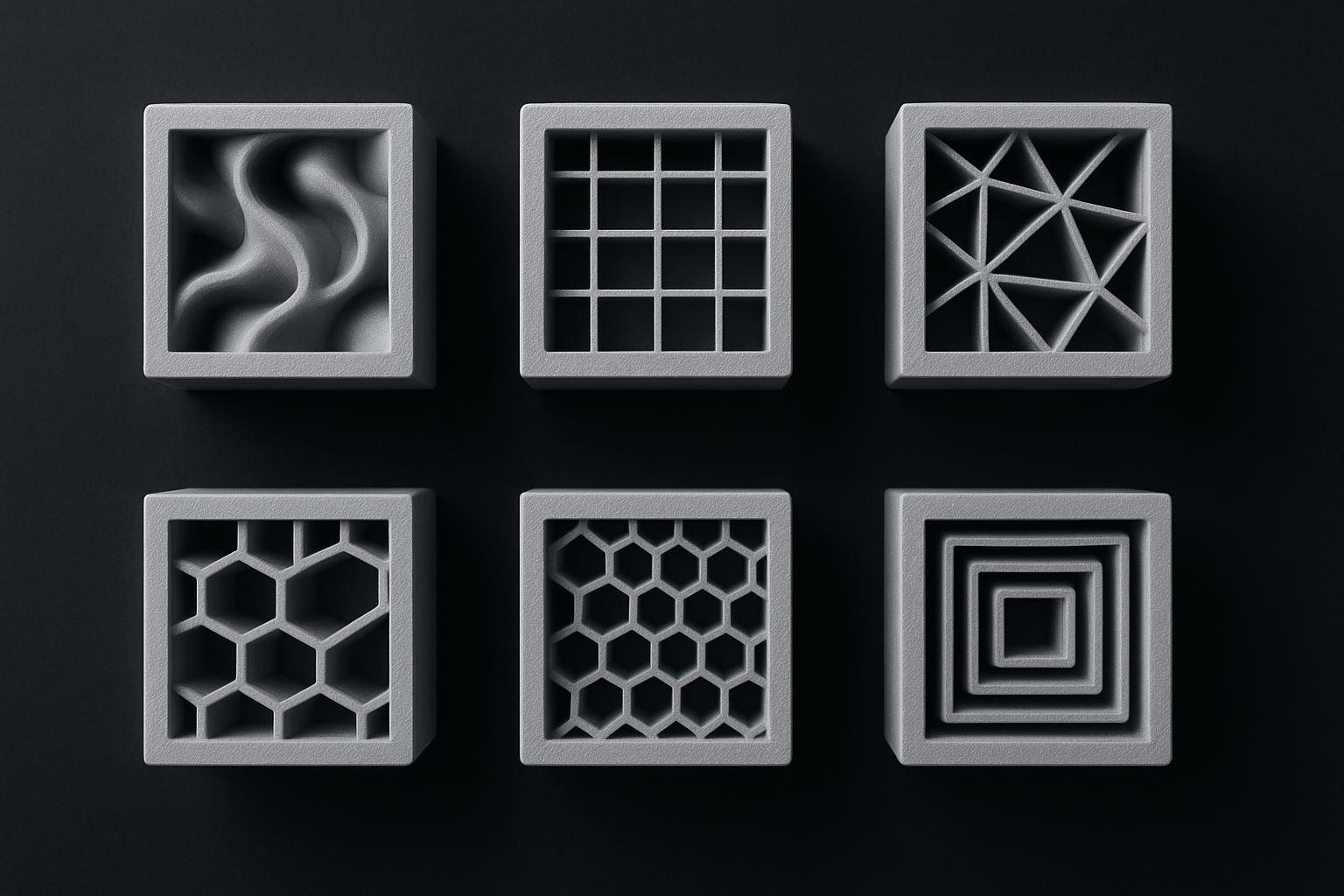
Infill-Muster im 3D-Druck: So wählst du das richtige
Vergleich der gängigsten Infill-Muster (Gyroid, Grid, Triangles & Co.) inkl. Startwerten für Dichte, Wände und typische Fehler.
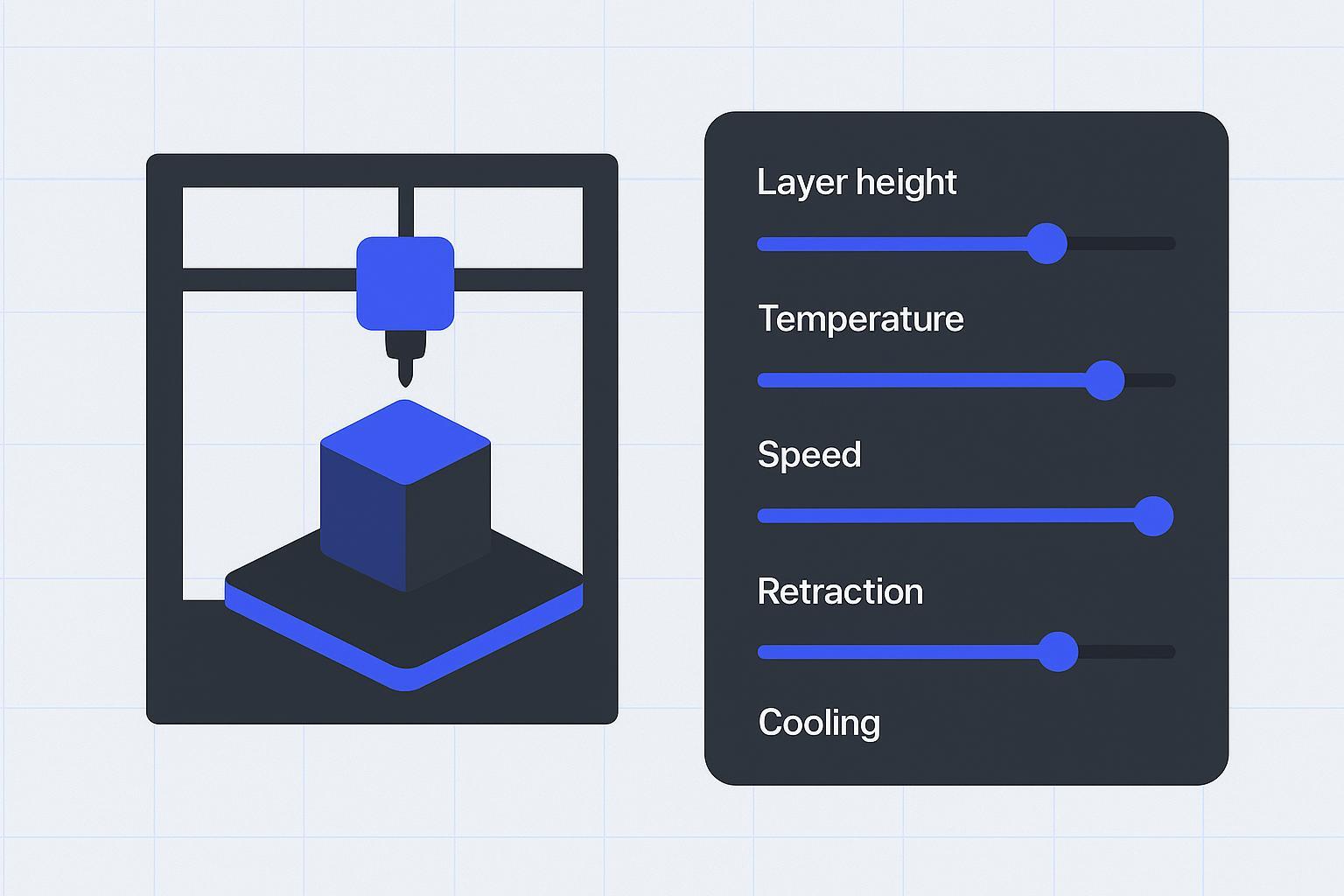
3D printing settings: basic parameters and what they do
Learn the core slicer settings for FDM 3D printing, what each parameter controls, and how to pick reliable starting values.
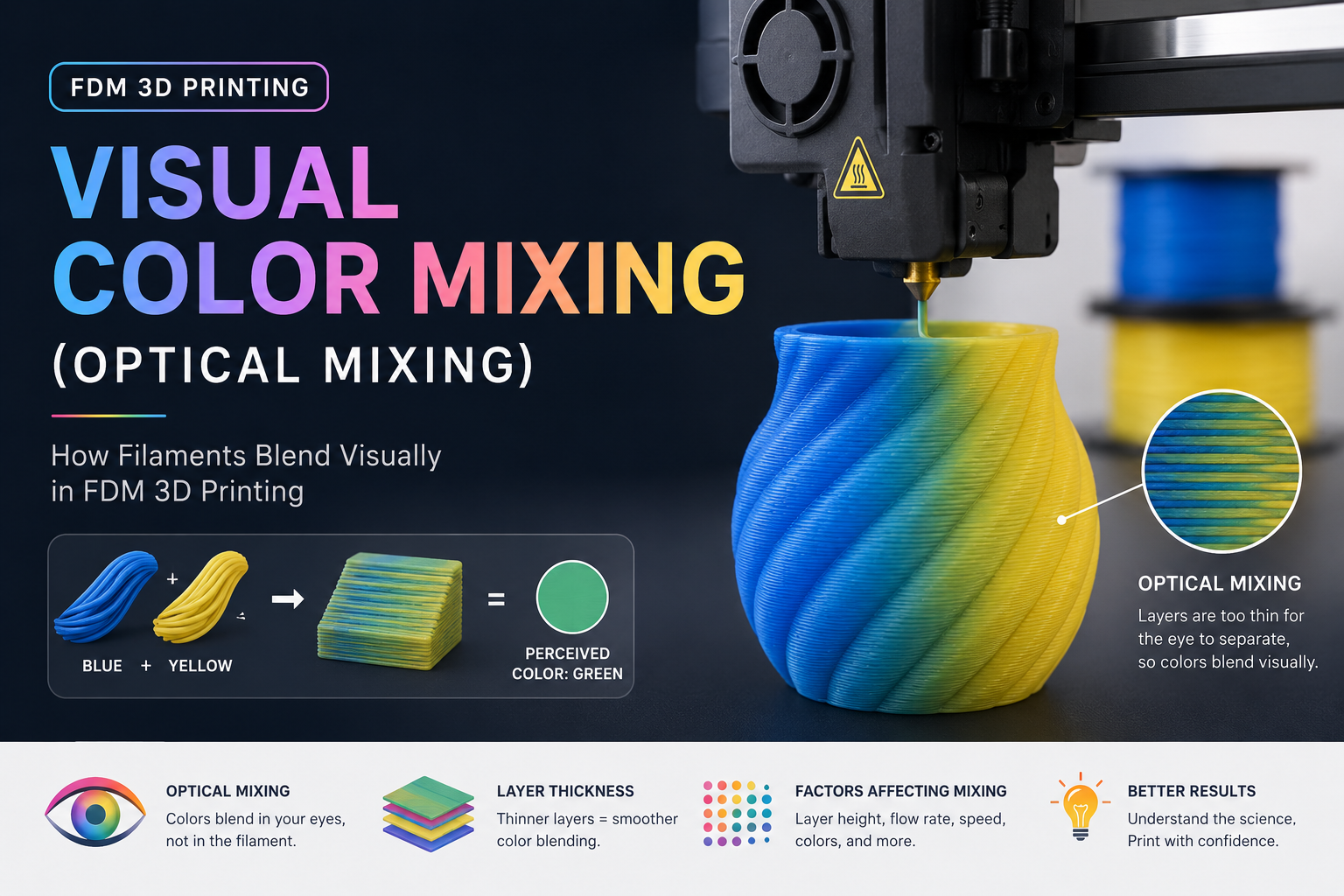
Visual color mixing in FDM 3D printing (optical mixing)
Learn what visual color mixing is in FDM, how dithering and layer alternation work, and what limits the results on real printers.
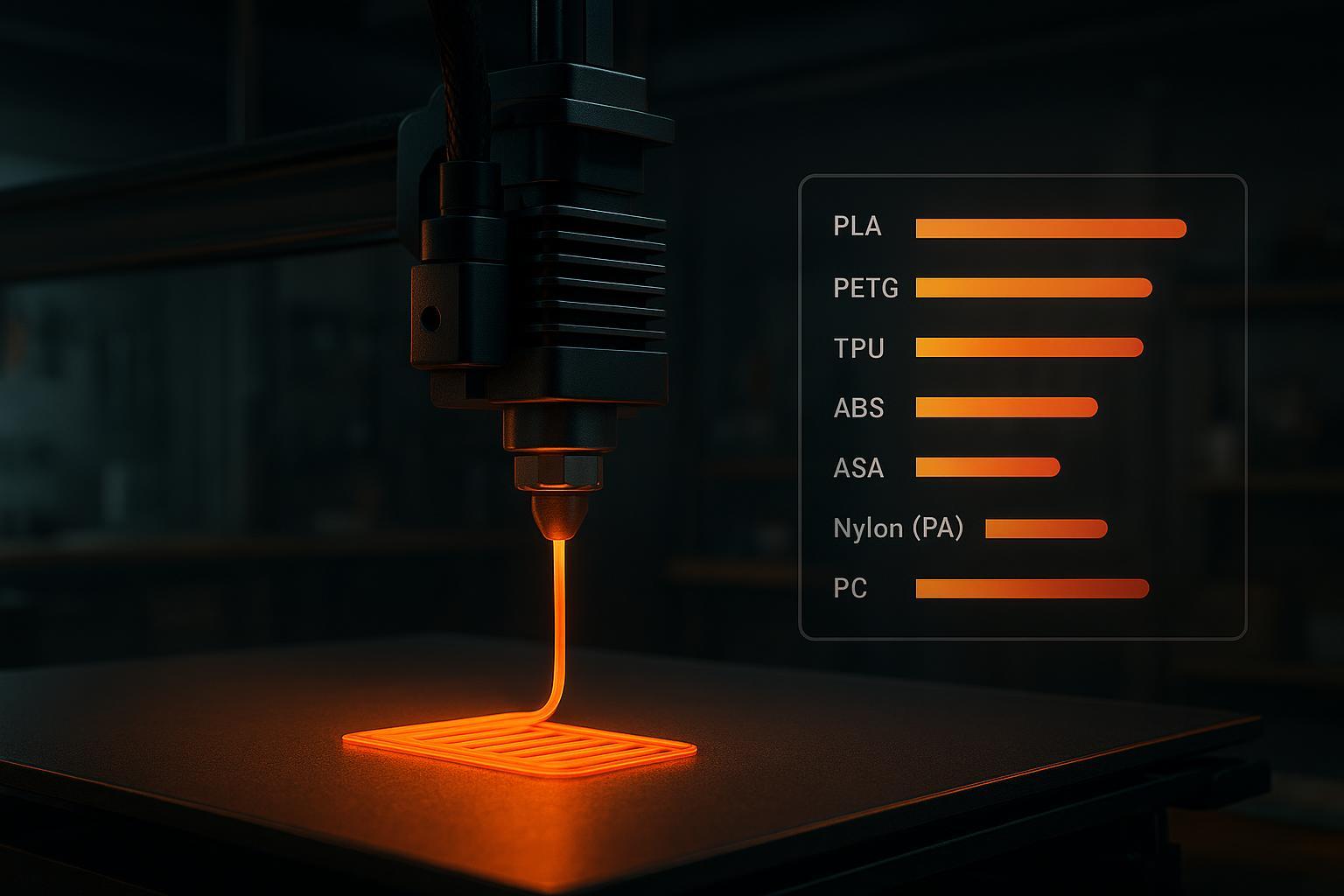
3D-Druck Filament Temperatur: Guide & Startwerte (2026)
Düsen- und Heizbett-Temperaturen für PLA, PETG, TPU, ABS, ASA, PA und PC – plus Tuning-Regeln gegen Stringing, Warping & Co.
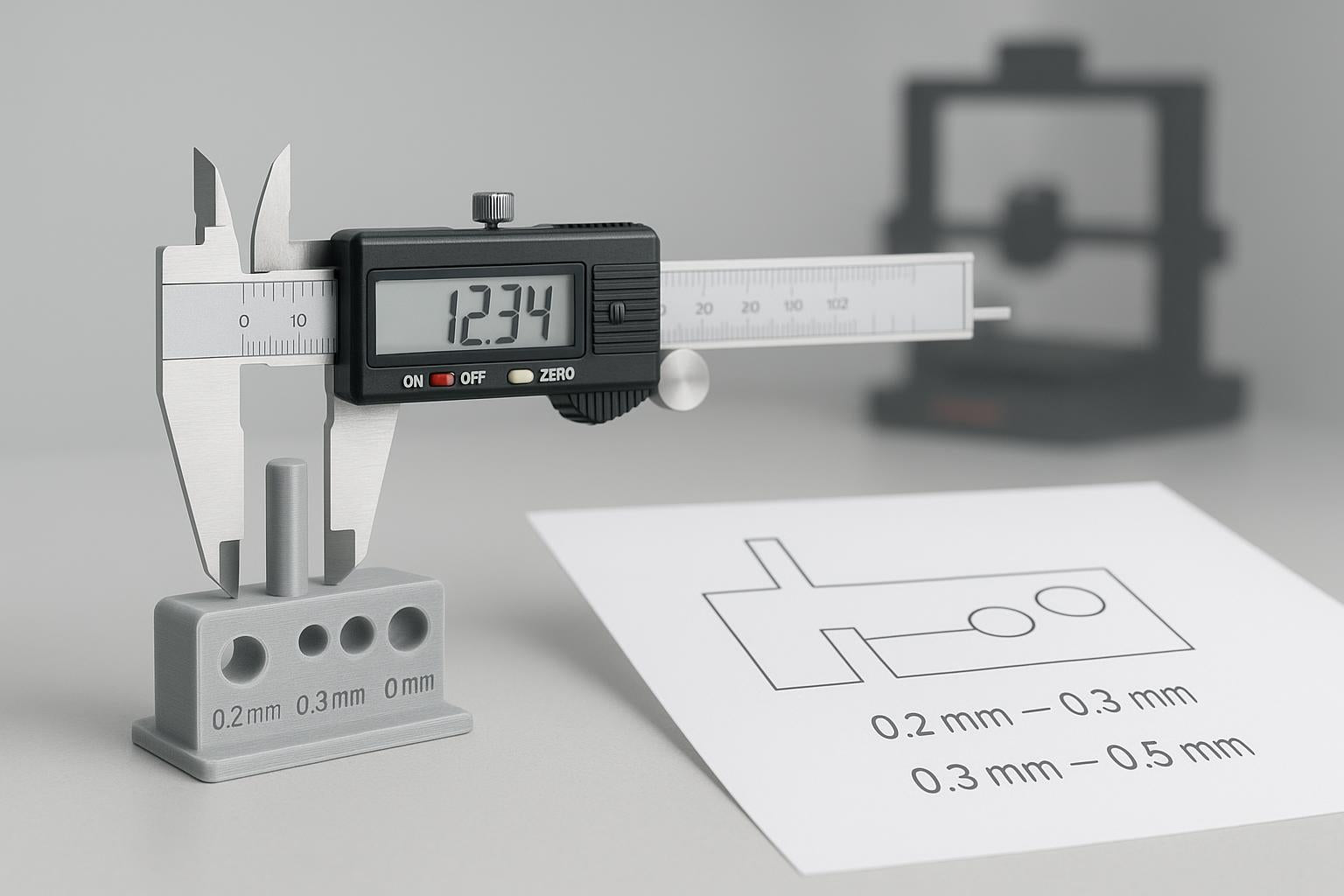
3D Printing Tolerances: Make Parts Fit Every Time
Beginner-friendly tolerance and clearance workflow for PLA/PETG so prints fit predictably—plus FreeCAD tips and fixes.
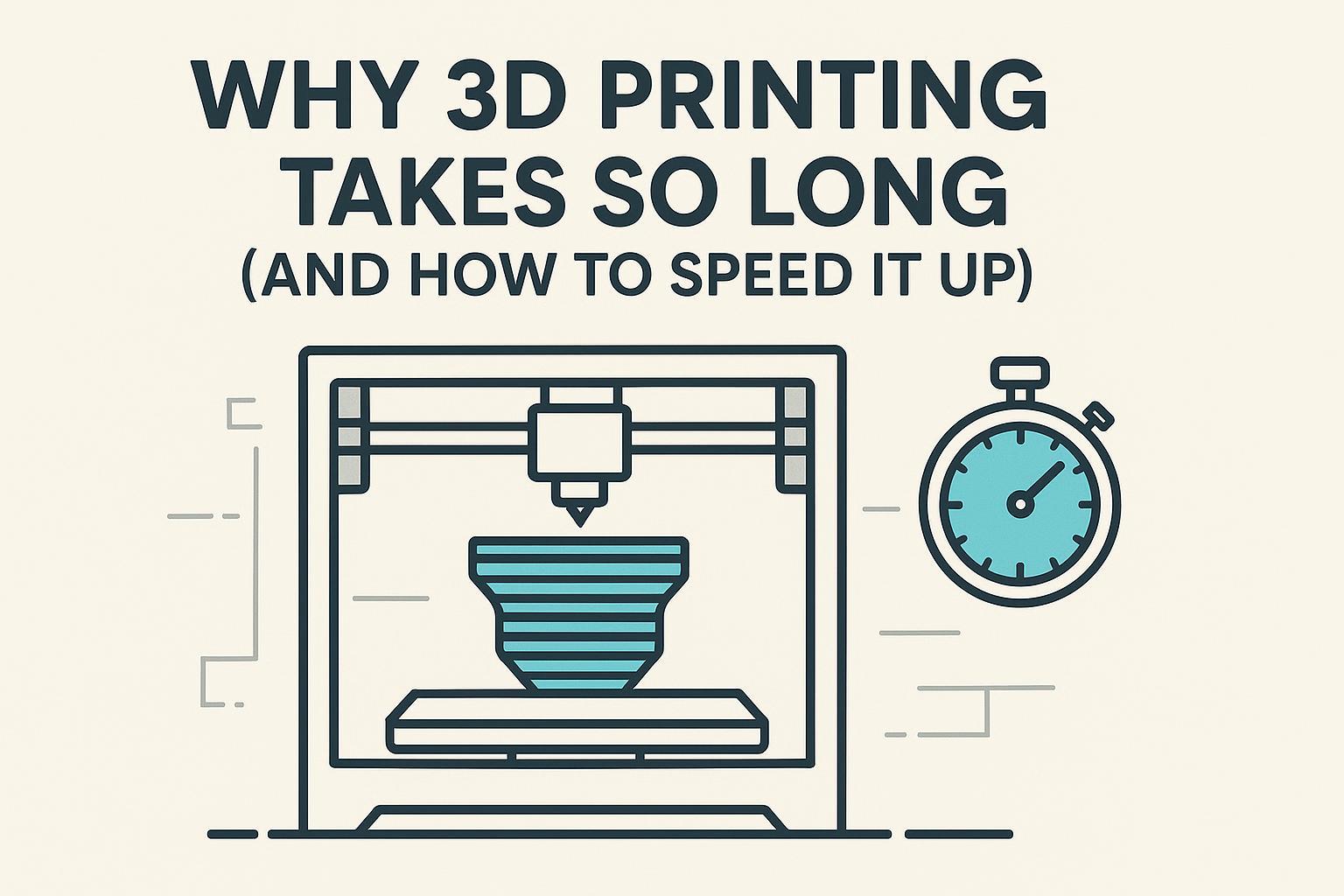
Why 3D Printing Takes So Long (and How to Speed It Up)
Learn what really drives FDM print time and the safest slicer tweaks to cut hours off your next print without ruining quality.
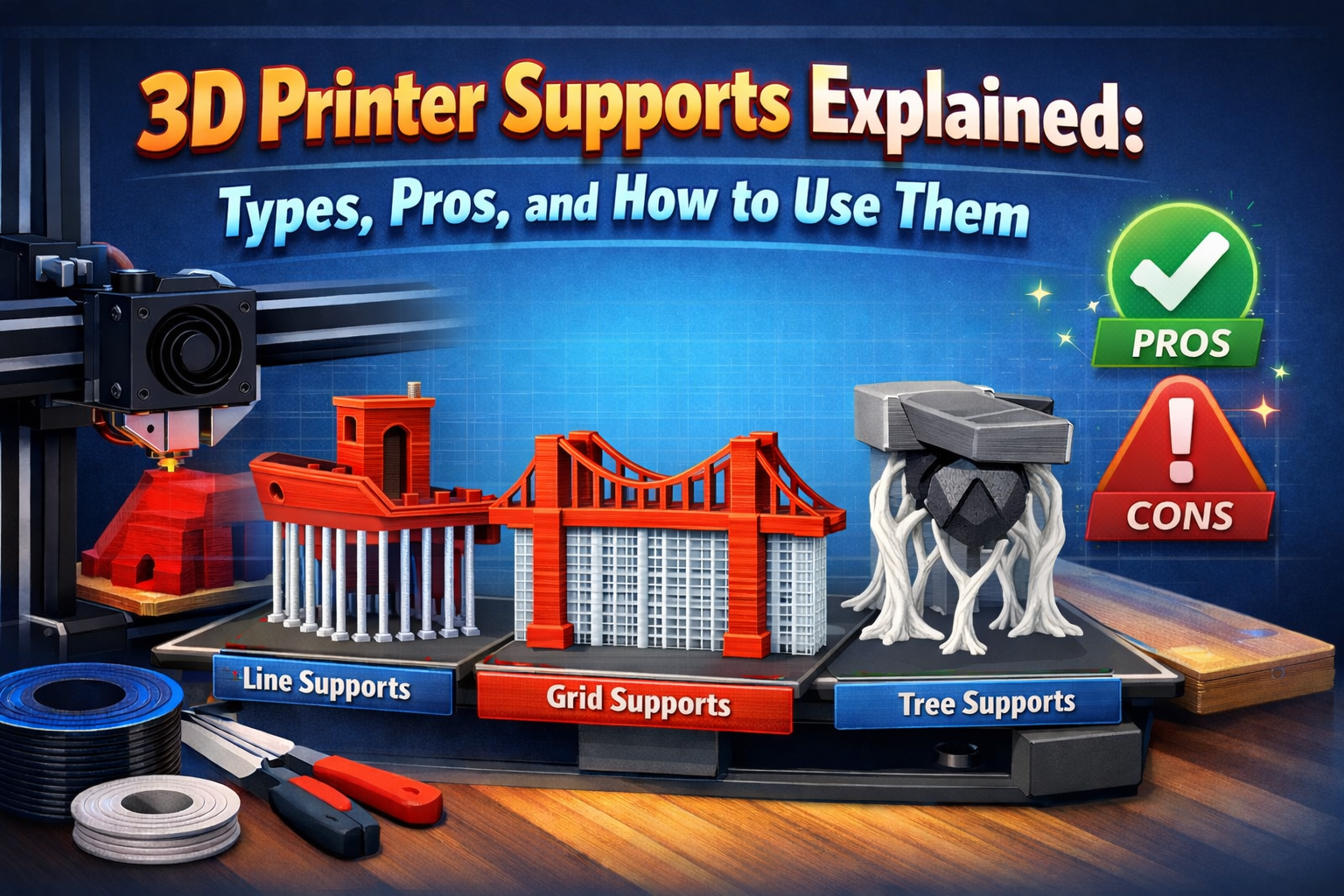
3D-Druck Support: Arten, Einstellungen und sauberes Entfernen
3D-Druck-Support richtig einstellen: Tree, Grid und Linien vergleichen, Z-Abstand wählen, Stützen sauber entfernen und typische Fehler lösen.
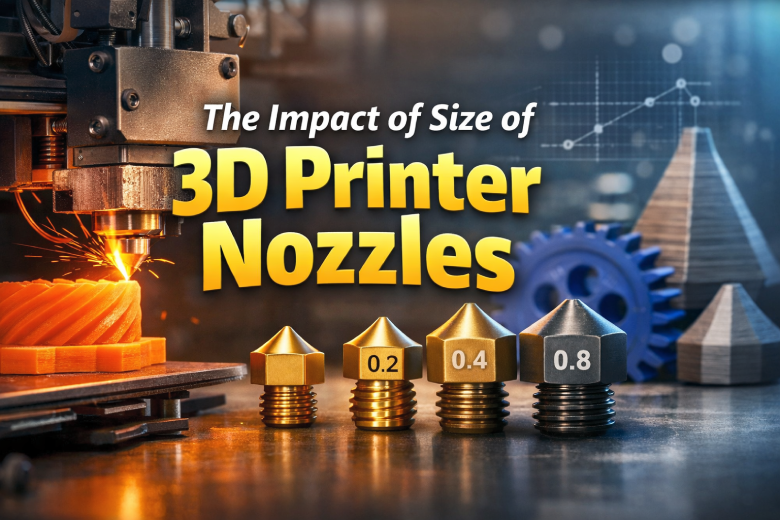
3D-Drucker-Düsengröße: 0,2 vs. 0,4 vs. 0,6 vs. 0,8 mm
Welche 3D-Drucker-Düse passt? Vergleiche 0,2, 0,4, 0,6 und 0,8 mm nach Detail, Tempo, Festigkeit, Filament und Volumenstrom.

PVA Support Material vs Regular Supports: What to Use
Learn when PVA supports are worth it, when breakaway supports are enough, and how to get cleaner prints with fewer headaches.