
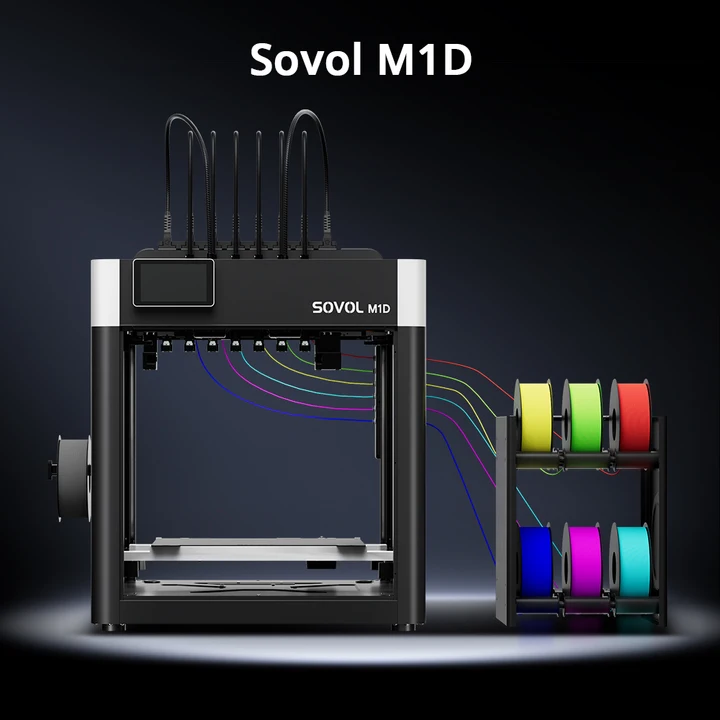
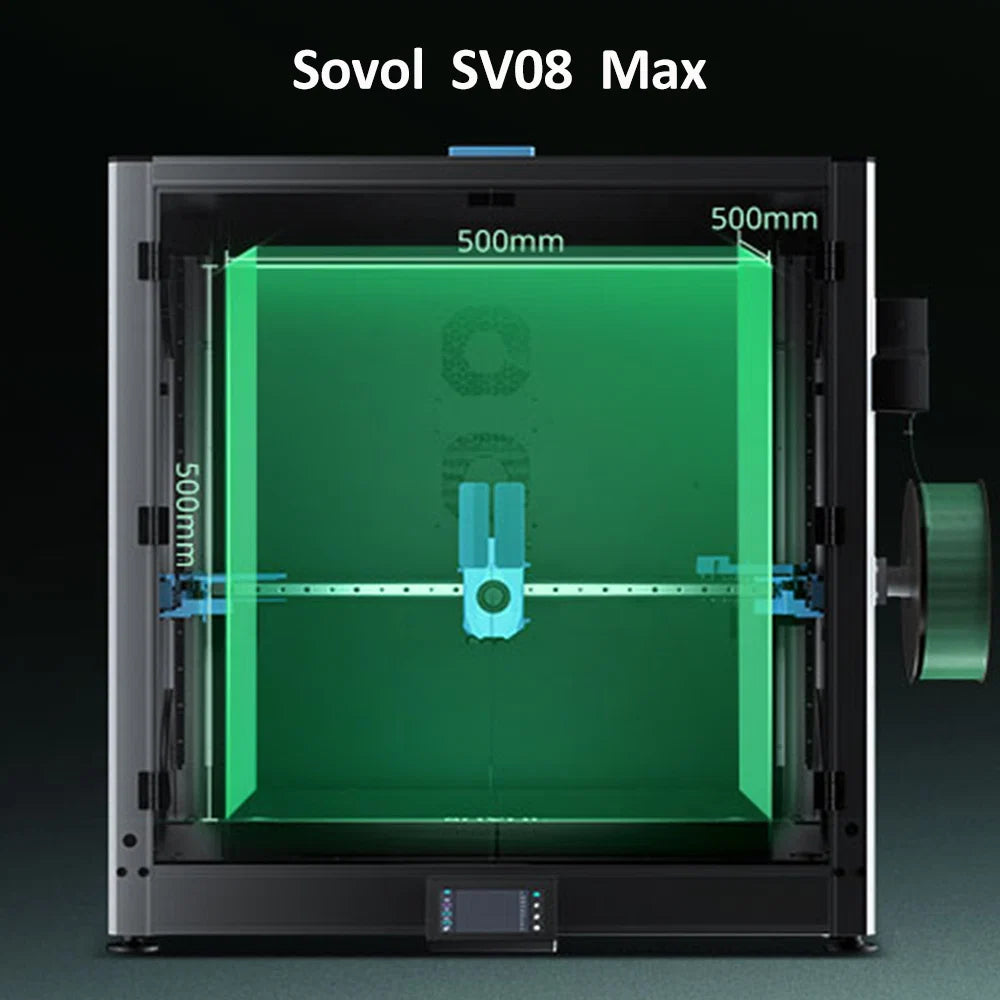
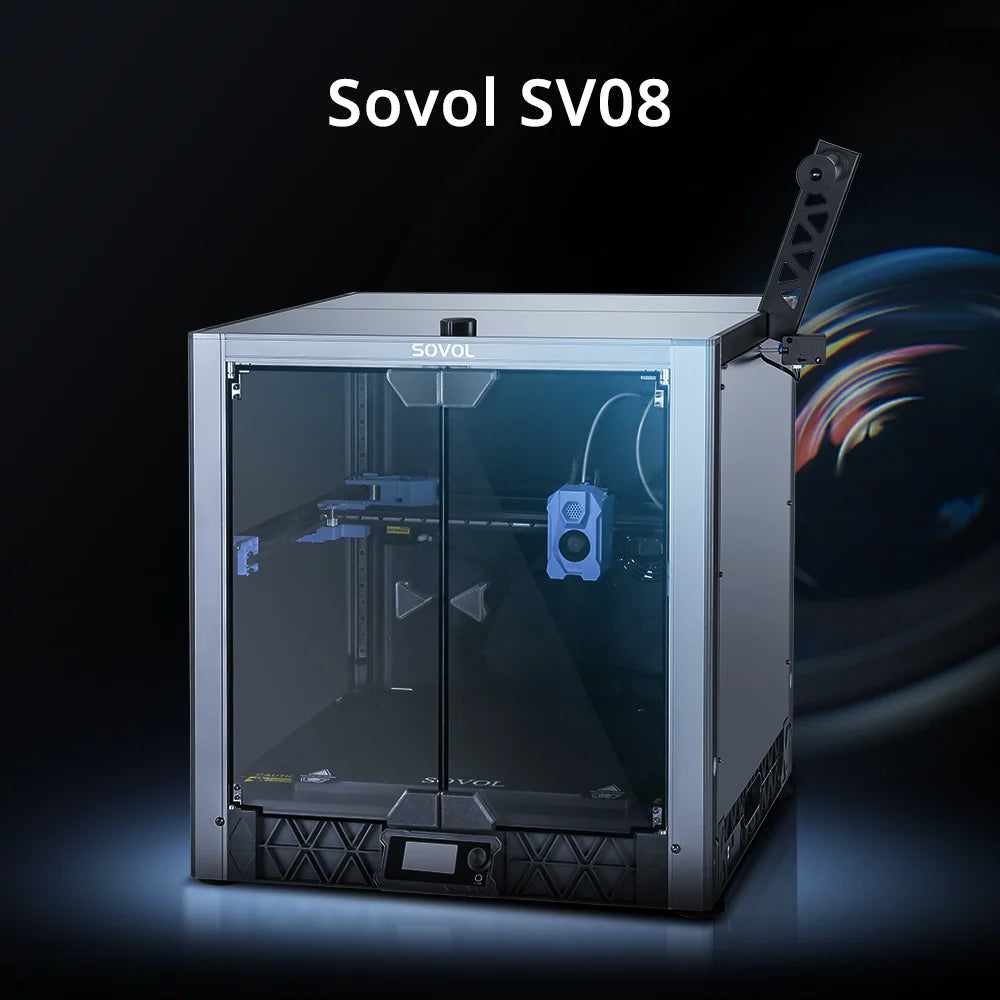





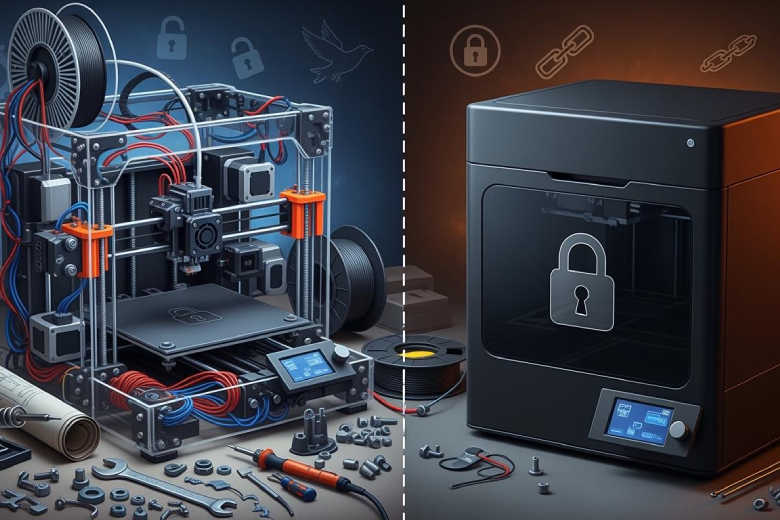
Open-source printers allow users to access and modify hardware and software designs. Closed-source printers use proprietary systems that restrict changes. Users notice key differences in customization, cost, repair options, material compatibility, and control over printing. Many people choose a 3d printer based on their needs in 3d printing. Both open-source and closed-source models share similar market presence. A study of 354 printers shows neither type dominates the market.
Key Takeaways
- Open-source printers offer users full control over hardware and software, allowing for extensive customization and upgrades.
- Closed-source printers provide reliability and ease of use, making them ideal for users who prefer a straightforward setup.
- Consider costs carefully; open-source models may save money over time due to lower repair and upgrade expenses.
- Community support for open-source printers enhances learning and problem-solving, while closed-source systems rely on official manufacturer assistance.
- Choose a printer based on your needs: open-source for experimentation and learning, closed-source for stability and support.
Core Differences
Open-Source Printers Defined
Open-source printers give users access to both hardware and software designs. People can study, change, and share these designs. This approach encourages learning and creativity. Many open-source 3d printer models use standard parts, which makes repairs easier. Users can find replacement parts from third-party suppliers or even print them using another 3d printer. For example, Prusa 3d printers have simple designs that help users fix problems quickly. The open-source community supports innovation and problem-solving. Projects like RepRap and MakerBot have inspired new ideas and helped lower prices in the 3d printing market.
Tip: Open-source printers often come with active online communities. These groups share upgrades, troubleshooting tips, and new features.
Closed-Source Printers Defined
A closed-source 3d printer uses proprietary hardware and software. The manufacturer controls the design and limits user access. People cannot easily change or repair these printers. Closed-source systems often require modular repairs, which can be expensive. For example, Bambu Lab 3d printers need special parts that are hard to find outside the company. These printers focus on reliability and ease of use. Many closed-source models work well for users who want a simple setup and consistent results.
Main Distinctions
The differences between open-source and closed-source printers affect cost, accessibility, and customization. The table below shows how these systems compare in important areas:
|
Aspect |
Closed-Source Systems |
Open-Source Systems |
|---|---|---|
|
Cost |
High initial investment, limited customization options |
Lower costs, customizable, accessible to wider audience |
|
Accessibility |
Limited to well-funded labs, proprietary software |
Democratized access, community-driven improvements |
|
Modification |
Difficult to modify for custom applications |
Easier to modify, fostering innovation and adaptation |
Open vs. closed 3d printer systems also differ in user preferences. Surveys show that 62% of users prefer open-source options, while 45% choose closed-source models. Open-source printers attract people who want to experiment and improve their machines. Closed-source printers appeal to those who value stability and manufacturer support.
- Prusa 3d printers are easier to repair due to their simple design.
- Replacement parts for Prusa can be sourced from third parties, enhancing repairability.
- Bambu Lab 3d printers are more complex and require modular repairs, which can be more costly due to limited sourcing options.
Open-source projects like RepRap and MakerBot have changed the 3d printing industry. These projects encourage customization and competition. Open Hardware has helped create a decentralized manufacturing ecosystem. This movement led to lower prices from major manufacturers because of competition from low-cost open-source printers.
Customization & Flexibility
Modifying Open-Source Printers
Open-source 3d printer models offer users the freedom to modify their machines. This flexibility allows for unlimited customization. Many people upgrade their printers by installing new control boards, such as the Duet 2 WiFi. This change improves precision and makes the interface easier to use. Users often share designs and modifications online, which leads to performance optimization. The table below shows common upgrades and their impact on 3d printing:
|
Modification |
Impact on Performance |
|---|---|
|
Upgrading to a Duet 2 WiFi board |
Enhances precision and provides a user-friendly interface. |
|
Often outperforms standard models like the Ender 3 in speed and print quality. |
|
|
Community-shared designs and mods |
Improve overall printer performance through collaborative innovation. |
Open-source printers give users the freedom to upgrade and experiment with new features. This approach helps people achieve better results in 3d printing.
Limits of Closed-Source Printers
Closed-source printers restrict user flexibility. Manufacturers control the hardware and software, which limits customization. Users cannot easily change parts or add new features. Repairs often require specialized technicians and branded components. The table below compares key features of closed-source and open-source systems:
|
Feature |
Closed-Source Printers |
Open-Source Printers |
|---|---|---|
|
Customization |
Limited due to proprietary systems |
High, allows for extensive modifications |
|
Repairability |
Often requires specialized technicians |
Users can perform repairs independently |
|
Parts Availability |
Locked into specific brands and parts |
Access to a wide range of generic parts |
|
Cost |
May incur licensing fees and high repairs |
No licensing fees, lower long-term costs |
|
Upgrade Potential |
Restricted by manufacturer limitations |
High, users can upgrade components easily |
Closed-source systems may offer reliability, but they limit the freedom to modify and upgrade. This can affect long-term flexibility for users who want to improve their 3d printer.
Community Upgrades
Large online communities play a major role in open-source 3d printer development. These groups share ideas, designs, and solutions. Projects like RepRap and MakerBot started as community-driven efforts. RepRap released the first open 3d printer kit in 2007, which sparked a new industry. MakerBot encouraged users to customize and innovate. Open Hardware projects fostered a decentralized manufacturing ecosystem. The table below highlights important community upgrades:
|
Project |
Description |
Impact |
|---|---|---|
|
RepRap |
Released the first open 3D printer kit design in 2007. |
Sparked a RepRap-based industry with numerous spinoffs and a self-replicating goal. |
|
MakerBot |
Community-driven development of 3D printers. |
Encouraged customization and innovation in 3D printing, influencing market dynamics. |
|
Open Hardware |
Fostered a decentralized manufacturing ecosystem. |
Led to lower prices from major manufacturers due to competition from low-cost open source printers. |
Note: Community upgrades help users achieve better flexibility and performance. Many open-source projects rely on collaboration to improve 3d printing technology.
Material Compatibility
Supported Materials in Open-Source Printers
Open-source printers offer users the widest range of material compatibility in 3d printing. Many open-source 3d printer models support engineering thermoplastics such as ABS, Nylons, and Polycarbonate. These materials help users create strong and durable parts. Open-source designs allow for unrestricted filament choices, which means users can experiment with new materials and find affordable options. The table below compares supported materials and their pros and cons:
|
Printer Type |
Supported Materials |
Pros |
Cons |
|---|---|---|---|
|
Open-source |
ABS, Nylons, Polycarbonate, and more |
Widest range, safe to use, low entry cost |
Strength can vary based on print settings |
|
Closed-source |
Proprietary filament restrictions limit options |
Optimized for specific materials |
Higher costs, limited flexibility |
Open-source 3d printer users benefit from community support. People share tips and guides to help others improve material compatibility and print quality.
Restrictions in Closed-Source Models
Closed-source printers often limit material compatibility. Manufacturers require proprietary filaments and special parts, which restrict user choices. These restrictions can increase costs and make it harder to find alternatives. Users may face challenges when trying to adapt their 3d printer for new projects. The table below shows common restrictions and their impact:
|
Restriction Type |
Implication for Users |
|---|---|
|
Proprietary materials required |
Limits choices, increases costs |
|
Special parts needed |
Raises expenses, restricts alternatives |
|
Lack of detailed guides |
Makes modifications difficult, affects flexibility |
- Users may struggle to find cheaper alternatives due to proprietary material requirements.
- The need for specific parts from the manufacturer can lead to unexpected expenses.
- Difficulty in modifying printers can hinder project adaptability.
Expanding Options
Open-source 3d printer designs have expanded material compatibility for users in recent years. These systems promote innovation and make technology accessible. Users can experiment with new materials and configurations, which increases versatility in 3d printing. The community shares designs that enhance printer performance and material options. The table below highlights the difference in material versatility:
|
System Type |
Material Versatility |
|---|---|
|
Open Source |
|
|
Closed System |
Less Versatile |
- Open-source designs encourage users to try new filaments and improve their 3d printer.
- The community helps users find solutions for printing with different materials.
- Many open-source printers support upgrades that boost material compatibility.
Tip: Open-source printers give users more control over material choices, which leads to better results and lower costs in 3d printing.
Cost & Repairs
Upfront and Ongoing Costs
The initial investment for a 3d printer can vary greatly depending on the system. Open-source printers often require unlock fees that range from $6,000 to $10,000. These costs may seem high, but users gain flexibility and control over their machines. Ongoing costs for open-source models depend on the materials used and the upgrades chosen. Closed-source 3d printer systems usually have fixed, predictable costs. Maintenance and proprietary materials add to the total expense over time. The table below compares the typical costs for each type:
|
Printer Type |
Upfront Costs |
Ongoing Costs |
|---|---|---|
|
Open-source |
Unlock fees: $6,000 - $10,000 |
Variable, depending on materials used |
|
Closed-source |
Fixed, predictable costs |
Maintenance and proprietary materials |
Hidden costs of open 3d printer systems can include upgrades, repairs, and experimentation with new materials. Users should consider these factors when choosing between open vs. closed 3d printer systems.
Proprietary vs Standard Parts
Closed-source printers often require proprietary components for repairs. These parts can be expensive and hard to find. Open-source 3d printer models use standard parts that are widely available. Users can replace broken pieces with affordable components or even 3d print their own replacements. This approach leads to long-term cost savings and easier maintenance. The following points highlight the main differences:
- Closed-source printers often necessitate costly proprietary components.
- Open-source models utilize standard parts that are more easily replaceable.
- In case of a malfunction, users of open-source printers can find affordable components or even 3d print their own replacements.
Repair and Replacement
Repairing a 3d printer can be simple or complex depending on the system. Open-source printers allow users to fix issues themselves. Many people share guides and tutorials online, which helps with troubleshooting. Replacement parts for open-source models are easy to source and often inexpensive. Closed-source 3d printer systems require official service centers and branded parts. These repairs can be costly and may take longer. Long-term costs increase when users rely on proprietary solutions. Open-source 3d printer owners benefit from community support and long-term cost savings in 3d printing.
Tip: Open-source printers offer more freedom for repairs and upgrades, which can reduce costs over time.
User Experience
Setup and Learning Curve
Setting up a 3d printer can be easy or challenging. Open-source printers often require users to assemble parts and install software. Many people learn by following guides from online communities. This process helps users understand how each part works. Some users enjoy building their own machines and solving problems. Others may find the setup time-consuming. Closed-source printers usually arrive pre-assembled. Users only need to plug in the printer and start printing. The manufacturer provides step-by-step instructions. This approach saves time and reduces mistakes. Beginners often prefer closed-source models for their simple setup.
Note: Open-source printers offer more learning opportunities, while closed-source printers focus on convenience.
Software and Interface
Software controls how a 3d printer works. Open-source printers use free software that users can download and change. Many people choose programs like Cura or PrusaSlicer. These tools allow users to adjust settings and improve print quality. The interface is often simple, but users can customize it. Open-source software supports many file types and materials. Closed-source printers use proprietary software. The manufacturer controls updates and features. Users cannot change the interface or add new functions. This limits flexibility but ensures stability. Some users like the easy-to-use design of closed-source software.
- Open-source software supports more customization.
- Closed-source software offers a consistent experience.
Control Over Printing Parameters
Control over printing parameters affects the quality of 3d printing. Open-source printers give users full access to software and firmware. Users can change settings for speed, temperature, and layer height. Hardware upgrades are possible, and users can choose any material. Software is free to download and modify. Closed-source printers limit these options. Users must use the manufacturer’s settings and materials. Hardware upgrades are restricted. The table below compares control features:
|
Feature |
Open-Source Printers |
Closed-Source Printers |
|---|---|---|
|
Customization |
Full customization of software and firmware |
Limited to proprietary software |
|
Modification of Settings |
Users can modify settings for better performance |
Users cannot modify settings |
|
Hardware Upgrades |
Users can upgrade hardware freely |
Hardware upgrades are restricted |
|
Material Choice |
Users can choose materials freely |
Limited to proprietary materials |
|
Accessibility |
Software can be downloaded and modified for free |
Software is not accessible for modification |
Open-source printers provide more control and flexibility. Users can experiment and improve their 3d printer. This leads to better results in 3d printing.
Support & Reliability
Manufacturer vs Community Support
Support for 3D printers comes in different forms. Open-source printers rely on community-driven help. Users can ask questions in forums, read guides, or watch videos made by other owners. This support lets people fix problems and learn new skills. Many users share upgrades and solutions, which helps everyone improve their machines.
- Open-source printers benefit from community-driven support, allowing users to modify and repair their devices independently.
- Users can find answers quickly because many people have faced the same issues.
- Community support often covers both hardware and software questions.
Closed-source printers usually depend on official manufacturer support. The company provides help through customer service or repair centers. This support can be slow and may not cover all problems. Users must follow the company’s rules, which can limit repairs and upgrades.
|
Evidence Type |
Description |
|---|---|
|
Open-source printers allow for repairs and upgrades, reducing long-term costs compared to closed-source models that often require expensive service contracts. |
|
|
Material Versatility |
Open systems provide greater material versatility, letting users source affordable parts from various suppliers. |
Warranty and Maintenance
Warranty and maintenance plans differ between printer types. Open-source printers often do not come with long warranties. Instead, users rely on their own skills and community advice. They can perform maintenance, replace parts, and even upgrade their machines. This approach saves money over time.
Closed-source printers usually include a warranty and offer official maintenance. The company handles repairs, but users may pay more for service contracts. Some repairs require sending the printer to a service center, which can take time.
Reliability in Daily Use
The analysis highlights that open-source printers may appeal to users who are willing to perform maintenance, as they can extend the life of their printers through regular upkeep. In contrast, closed-source printers often limit user maintenance and impose life limits on cartridges to ensure consistent print quality, which can lead to higher costs and less reliability over time.
Open-source printers reward users who want to learn and take care of their machines. Regular maintenance keeps these printers running well for years. Closed-source printers focus on easy use, but their limits on repairs and parts can reduce reliability as the printer ages.
Market Trends
Adoption of Open-Source Printers
Open-source printers have changed how people use 3D printing at home and in businesses. These printers give users more choices in materials and help lower costs. The table below shows some important findings about open-source systems:
|
Feature |
Benefit |
|---|---|
|
Material Versatility |
34% greater material versatility compared to closed systems |
|
Production Efficiency |
Up to 28% improvement in production efficiency |
|
Cost Savings |
Households save $300–$2000 per year; ROI over 200% |
|
Toy Market Impact |
Over 75% savings on toy costs, totaling $60 million per year |
Open-source technology also makes it easier for people to design and share new products. For example, a new design platform lets users create microfluidic devices quickly, even with low-cost printers. This helps more people join the 3D printing community.
Growth of Closed-Source Brands
Closed-source brands have grown in popularity over the past five years. Many companies choose these printers because they protect company ideas and keep quality high. These printers often come with special systems that make them easy to use and work well with certain tools and materials. People who want reliable results often pick closed-source printers for their consistent performance.
Industry Outlook
Market analysts see big changes ahead for 3D printing. Many companies now use open materials systems, which give users more flexibility and help lower costs. At the same time, closed-source printers remain important for jobs that need steady, high-quality results. Some businesses are starting to use hybrid systems that mix the best parts of both open and closed approaches. This trend gives users more options and helps the industry grow.
Note: The future of 3D printing will likely include more choices for users, with both open-source and closed-source systems playing key roles.
Choosing Your Printer
Key Factors
Selecting the right printer depends on several important factors. Users should think about how much control they want over their device. Open-source printers allow users to change hardware and software. This means users can upgrade parts and improve performance. Closed-source printers limit changes and rely on company support. The costs of each system also matter. Open-source models may save money over time because users can fix problems themselves. Closed-source printers often have higher costs for repairs and replacement parts. The type of support is different too. Open-source printers come with active communities that share guides and ideas. Closed-source systems depend on official company help, which can be slower.
User Profiles
Different users have different needs in 3d printing. Hobbyists often choose open-source printers because they enjoy customizing and learning. Educators may prefer open-source models for teaching students about technology. Professionals who need reliable results might pick closed-source printers. These printers offer easy setup and consistent performance. Small businesses may look at open vs. closed 3d printer systems to find the best fit for their budget and workflow. Users who want to experiment with new materials or upgrade their machines should consider open-source options. Those who value stability and quick support may choose closed-source systems.
Tip: Think about your main goal before buying a 3d printer. Customization, costs, reliability, and support all play a role.
Decision Table
The table below summarizes key decision points for choosing between open-source and closed-source printers. It highlights customization, costs, reliability, and support.
|
Decision Point |
Open-Source 3D Printer |
Closed-Source 3D Printer |
|---|---|---|
|
Customization |
Full control over hardware and software |
Limited by manufacturer restrictions |
|
Costs |
Lower long-term costs; users can repair and upgrade |
Higher costs for repairs and proprietary parts |
|
Reliability |
Depends on user maintenance and upgrades |
Consistent performance; company-backed support |
|
Support |
Active user communities share guides and fixes |
Official company support; may be slower |
Choosing the right printer means matching your needs to the features of each system. Open-source printers offer flexibility and savings. Closed-source printers provide stability and easy use. Consider what matters most for your 3d printing projects.
- Open-source printers give users more control, flexibility, and repair options.
- Closed-source models focus on reliability and easy setup.
- Cost, customization, and support are important when choosing a printer.
Think about your needs before buying. Open-source printers work well for users who want to experiment and learn. Closed-source printers suit those who prefer simple operation and company support.
FAQ
What is the main benefit of choosing an open-source printer?
Open-source printers let users change hardware and software. People can upgrade parts, fix problems, and use many materials. This freedom helps users learn and save money.
Are closed-source printers easier to set up?
Most closed-source printers arrive ready to use. Users follow simple instructions from the manufacturer. This setup saves time and reduces mistakes for beginners.
Can I use any filament with a closed-source printer?
Many closed-source printers need special filaments from the manufacturer. This limits choices and can increase costs. Always check the printer’s material list before buying.
How do repairs differ between open-source and closed-source printers?
|
Printer Type |
Repair Options |
|---|---|
|
Open-source |
|
|
Closed-source |
Repairs need official parts |
Open-source printers allow users to find or print replacement parts. Closed-source printers often require expensive, branded components.
Who should choose a closed-source printer?
Professionals and users who want reliable results may prefer closed-source printers. These models offer consistent performance and official support.
