

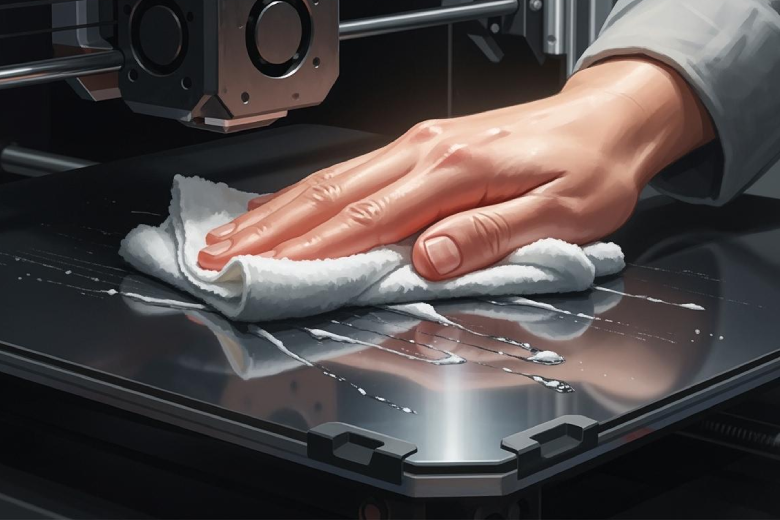
3D-Druckbett reinigen für bessere Haftung der ersten Schicht
3D-Druckbett reinigen: So verbessern Sie die Haftung der ersten Schicht und vermeiden typische Druckfehler durch einfache, effektive Reinigungstipps.
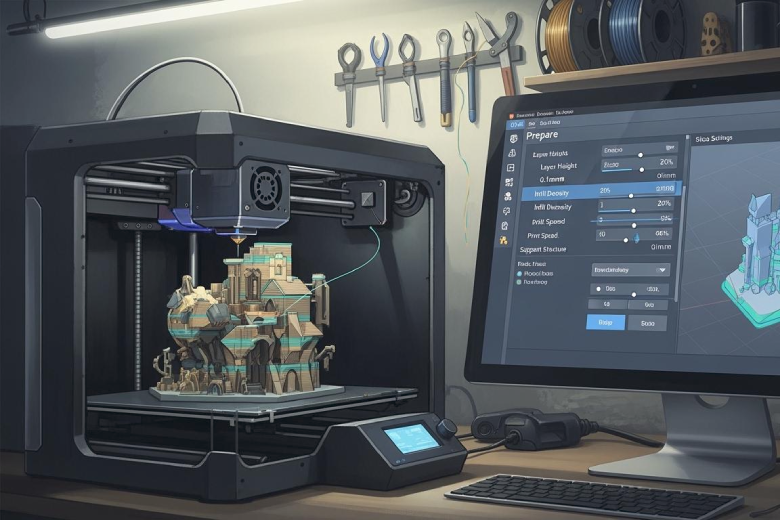
Best slicing parameters for Cura
Best slicing parameters for Cura include 0.2 mm layer height, 15-25% infill, and 50-70 mm/s print speed for reliable, high-quality 3D prints.
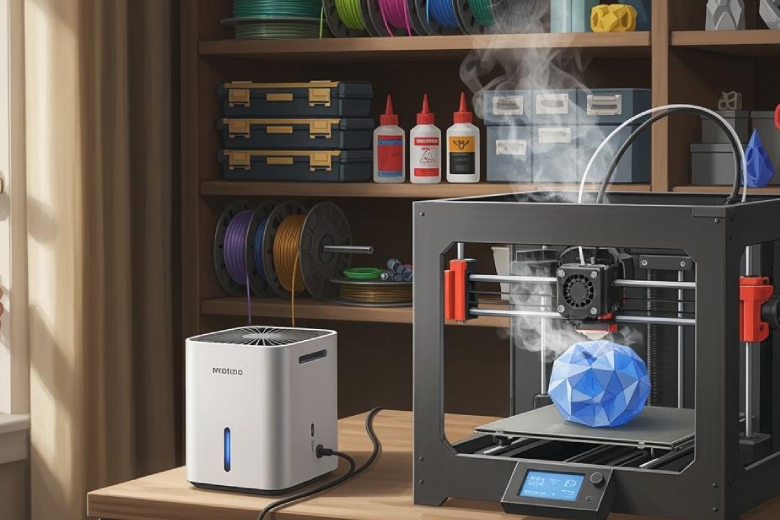
Is 3D Print Smell Harmful and What Can You Do
3D print smell can be harmful due to fumes and particles. Learn which filaments are safer and how to reduce exposure with proper ventilation.
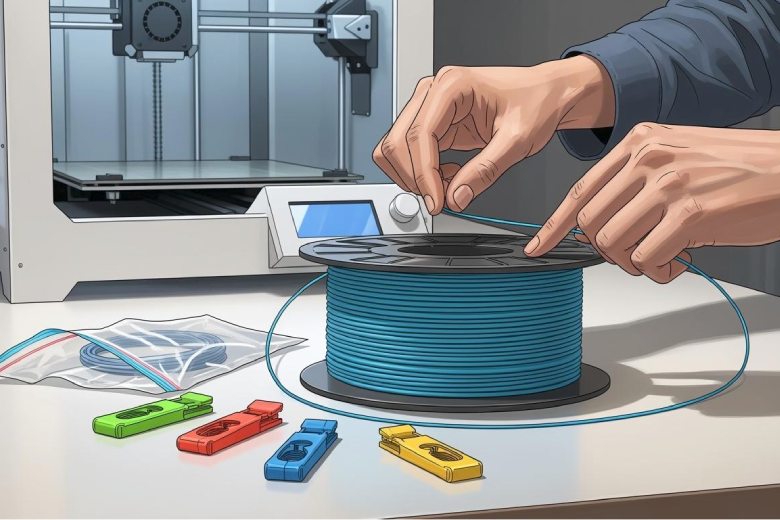
How to Keep Your 3D Printing Filament Tangle-Free
Prevent tangling in 3D printing filaments with secure storage, clips, and proper handling. Keep your filament tangle-free for smooth, reliable prints.
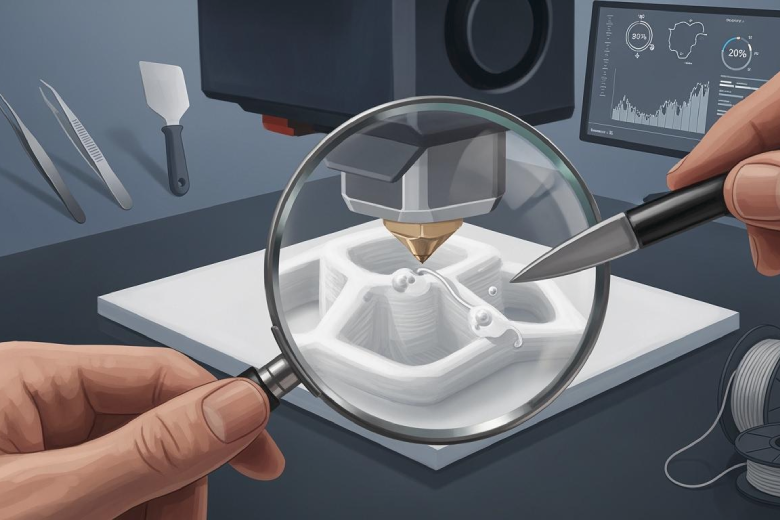
How to eliminate zits and blobs on your 3D prints
Stop 3d printing zits and blobs by adjusting retraction, temperature, and filament care. Achieve smoother 3D prints with these proven troubleshooting tips.
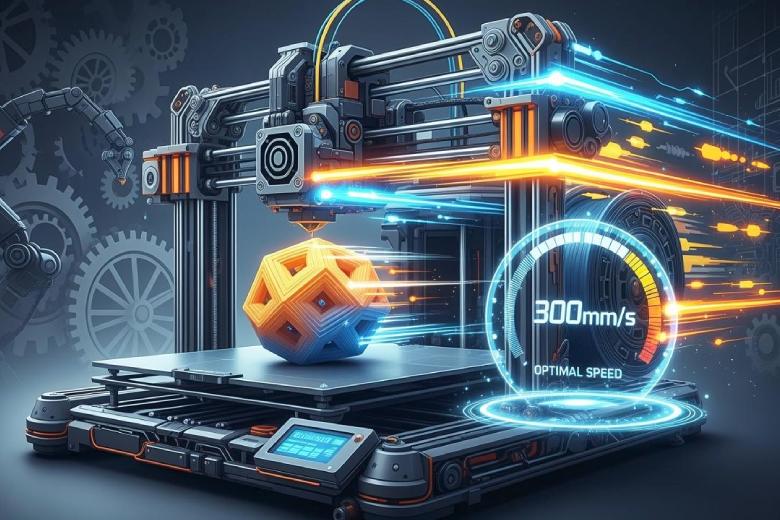
The best speed for 3D printing
The best speed for 3D printing is typically 40-60 mm/s, but the optimal speed depends on your printer, material, and desired print quality.
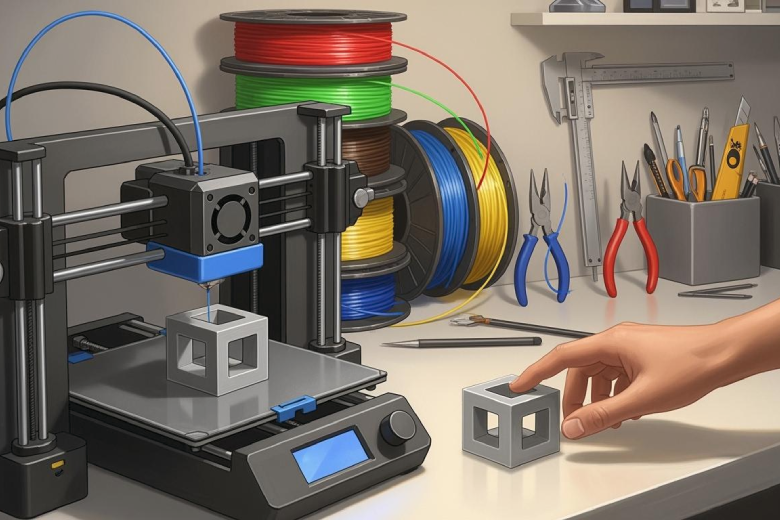
Easiest Material for 3D Printing You’ll Love Using
PLA is the easiest material for 3D printing, offering low warping, safe use, and great results—perfect for beginners seeking reliable, quality prints.
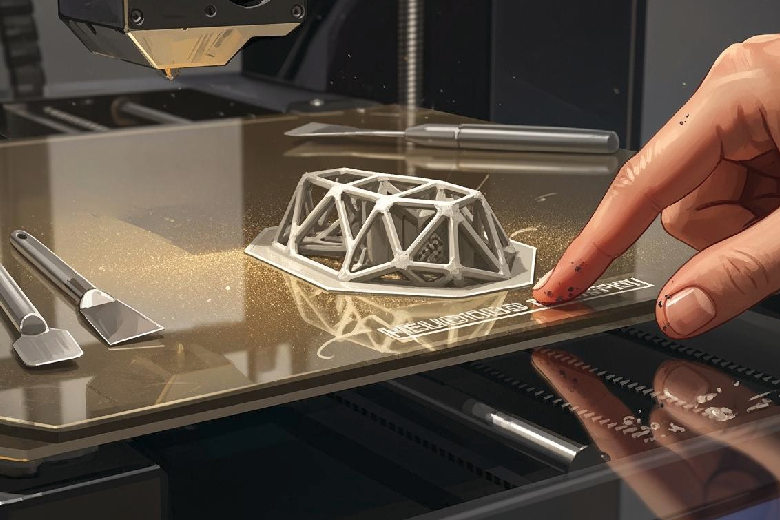
How to master build plate adhesion for successful 3D prints
Master build plate adhesion with tips on leveling, cleaning, and slicer settings to prevent warping and ensure successful 3D prints every time.
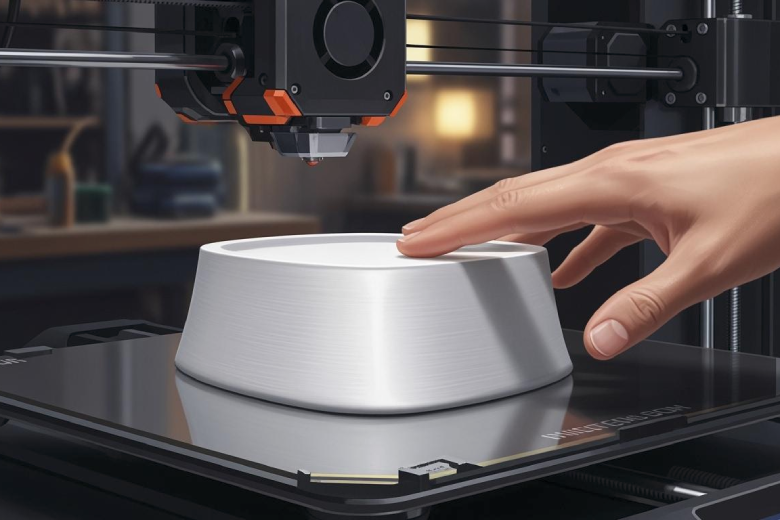
How to Achieve a Flawless Top Layer on Your 3D Prints
Achieve a flawless top layer on your 3D printer by tuning layer height, infill, and cooling settings for smooth, professional-quality prints every time.