






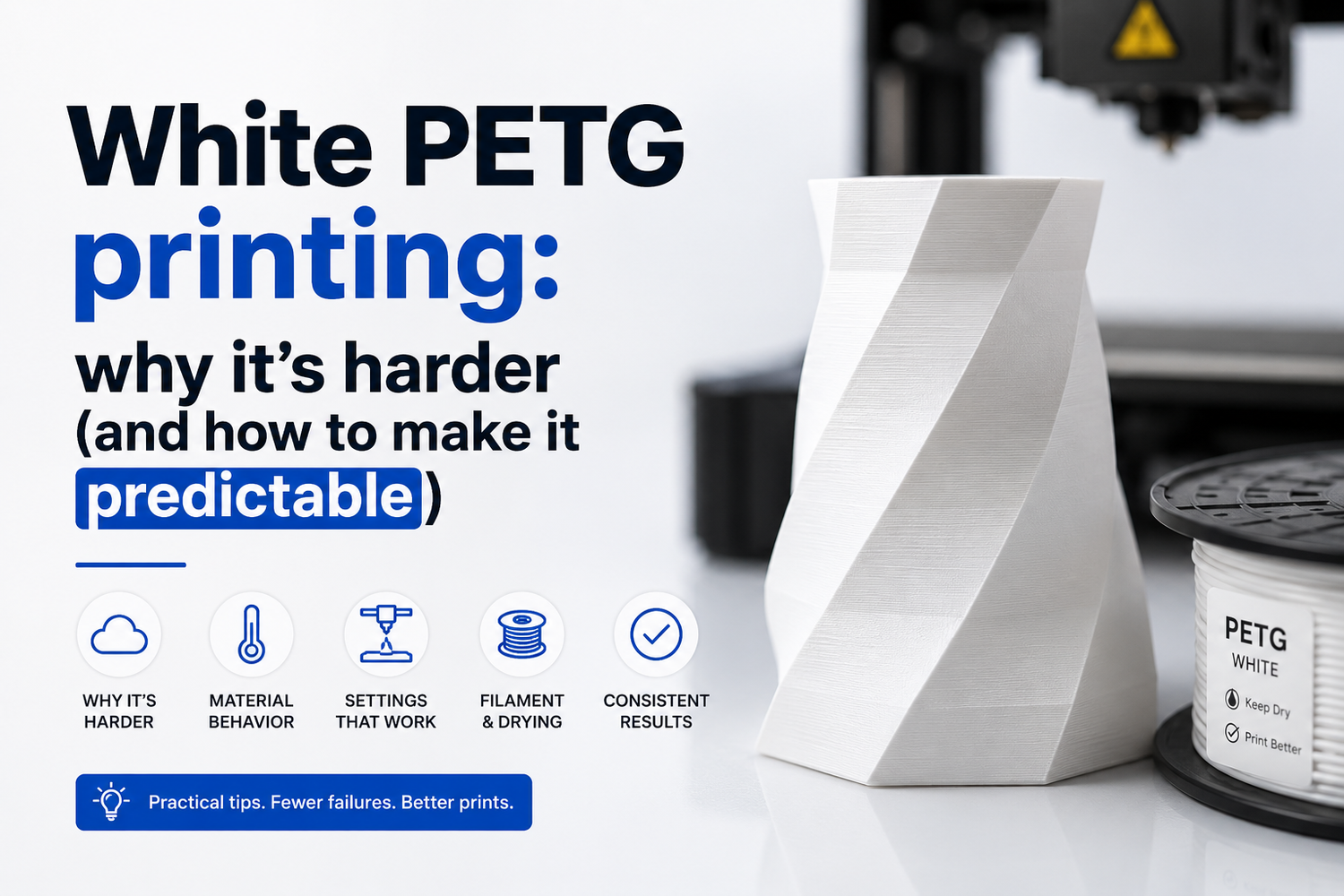
White PETG has a reputation: the same printer profile that looks “dialed” for black or natural PETG suddenly turns into stringing, random blobs, rough walls, or weak layer bonding.
The annoying part is that the usual advice—“dry it and run a temp tower”—isn’t wrong. It’s just incomplete.
This article gives you a decision framework that separates three different problems people lump together under “white PETG is hard”:
- The filament formulation is genuinely narrower-window (common with heavily pigmented whites)
- The spool is wet (PETG is hygroscopic, and moisture can mimic tuning issues)
- Your hotend/cooling/extrusion setup is at its limit (so white becomes the first thing that exposes it)
If you’re comparing printers or upgrades, that framework is also the point: white PETG is a good stress test for whether a setup is tunable and repeatable, not just “fast on PLA.”
White PETG printing: the quick decision framework (start here)
Use this section as a checklist before you change ten slicer knobs at once.
|
What you see |
Most likely cause |
What to do first |
|---|---|---|
|
Loud popping/hissing, fuzzy surfaces, random micro-bubbles |
Wet PETG |
Dry the spool, then re-test |
|
Looks fine at slow speed but goes messy as speed/flow increases |
Narrower processing window (pigment + flow) or hotend limit |
Slow down + raise temp slightly, then check cooling |
|
Stringing that gets worse the hotter you go |
Too hot or too wet (often both) |
Dry first, then drop temp 5°C |
|
Under-extrusion or “grainy” white walls even at normal temps |
White formulation needs more heat or has poor dispersion |
Increase temp in 5°C steps; consider changing brand/batch |
|
Nozzle gets gunked up quickly, intermittent extrusion |
PETG ooze + retraction/cooling mismatch; sometimes abrasive pigment |
Reduce retraction aggression, increase wipe/coast carefully, consider tougher nozzle |
Pro tip: Don’t treat “white PETG” as a material category. Treat it as a formulation that can vary dramatically by brand—and even by batch.
Why is white PETG hard to print, compared to other colors?
(And yes, it’s usually the pigment package—not your imagination.)
Most white filaments get their color from titanium dioxide (TiO₂). Makers have been pointing this out for years, and the consistent observation is simple: white often contains more pigment than other colors, and it prints differently as a result (see the discussion in the Prusa community thread “Why is printing with white filament so hard?” (2022)).
The important takeaway isn’t “TiO₂ is bad.” It’s this:
- Pigment changes melt behavior. When you add solid particles to a polymer, you can change how it flows through a nozzle.
- Pigment can narrow the “good” temperature window. A setting that’s forgiving on a less-loaded filament can become picky when the formulation is more demanding.
- Dispersion matters. If pigment isn’t dispersed well, you can see more inconsistent extrusion.
There’s published research on TiO₂-filled printable polymer composites showing that higher TiO₂ loading can increase viscosity and shrink the reliable processing window, and that dispersion/agglomeration becomes a real printability variable (Kennedy et al., “Breaking Bad: Deagglomerating TiO₂ in 3D printable polymer composites” (2026)). That study isn’t “about PETG spools,” but it supports the mechanism: more filler can mean less forgiveness.
PETG pigment titanium dioxide: what it changes in practice
Most of the time, the pigment in white PETG is titanium dioxide. The part that matters for printing is that adding solid pigment can change how the melt flows and how narrow the “good” window feels.
A practical way to think about it
If natural PETG gives you a wide “good-enough” zone—where small changes in temp, fan, or speed still look okay—white PETG sometimes turns that zone into a thinner line. You can still get excellent prints, but you have to be more intentional about:
- melt temperature (enough to fuse, not so hot you ooze)
- cooling (enough to control strings, not so much you weaken layers)
- flow consistency (extruder grip, hotend stability, clean nozzle)
The confounder everyone ignores: PETG moisture
PETG is hygroscopic—it absorbs humidity from the air. Moisture doesn’t just make the surface look worse; it can also mess with strength and consistency.
Slice Engineering puts it plainly in “The 3D Printing Holy Trinity: PLA, ABS, and PETG” (2022): PETG absorbs humidity, and that can cause poor surface finish and mechanical properties.
If you take one thing from this article, make it this:
- Drying isn’t a “nice to have” for PETG. It’s step zero.
And white is unforgiving: small defects that hide in darker colors show up instantly on opaque white.
PETG drying temperature: what “dry” actually means
Most hobby workflows land in a low-and-slow range. Sovol’s own guide on common filament drying temperatures is a good starting point for practical numbers and times.
If you don’t have a dryer, don’t try to tune white PETG anyway. You’ll waste hours chasing retraction when the real problem is water.
How to tune white PETG without going in circles
Here’s a tuning order that minimizes false conclusions.
Step 1: lock in bed adhesion so you’re not debugging two problems
If the first layer is sketchy, everything else is noise. Start with Z-offset, cleanliness, and first-layer speed. Sovol’s first layer troubleshooting guide is a useful checklist.
Step 2: run a temperature tower (but interpret it differently for white)
A temperature tower is still the fastest way to find your “least bad” zone. The difference with white PETG is what you’re looking for:
- Too cold: grainy walls, poor fusion, brittle feel when you flex thin features
- Too hot: strings that don’t snap, glossy blobs, thickened corners
Use Sovol’s walkthrough on how to use a 3D print temperature tower if you want a repeatable process.
Step 3: set cooling for bonding first, cleanliness second
With PETG, cooling is a trade-off. If you crank the fan to make it “look clean,” you can quietly kill layer bonding—especially on larger parts.
A good approach for white PETG:
- keep fan conservative for most geometry
- add cooling only when you need it (bridges, tiny layers, sharp overhangs)
Step 4: white PETG stringing — tune it like an engineer, not a gambler
PETG stringing usually responds best to a combination of: dryness + correct temp + reasonable retraction, not extreme retraction.
If you want a structured workflow, Sovol’s how to reduce stringing in PLA and PETG is worth bookmarking.
Step 5: only then adjust speed and acceleration
If you’re pushing higher flow, white PETG can be the first filament that exposes marginal hotend melt capacity or inconsistent extrusion. Slow the outer walls down before you touch a dozen slicer settings.
If you’re looking for a sanity check on what slicer knobs matter most overall, Sovol’s best slicing parameters for Cura is a decent reference.
The “hard truth” section: sometimes the spool is the problem
If you’ve dried it, tuned temp, kept cooling reasonable, and it still behaves badly, you’re not necessarily doing anything wrong.
White is where brands show their formulation differences:
- pigment loading
- additives (flow modifiers, stabilizers)
- dispersion quality
That’s why you’ll see experienced users say “my printer prints every color fine except this white spool.” It’s not superstition; it’s variation.
In that situation, the most time-efficient move is often: try a different white PETG brand or a fresh spool before you rebuild your profile from scratch.
What to look for in a printer setup if you print a lot of PETG
This is where the topic connects to printer choice—especially if you’re considering an open-source CoreXY.
White PETG rewards setups that are:
- thermally stable (hotend holds temperature under load)
- extrusion-stable (consistent filament grip, smooth filament path)
- cooling-controllable (you can run conservative cooling without heat creep problems)
- tunable (firmware, motion settings, and slicer profiles you can actually adjust)
CoreXY doesn’t magically fix filament formulation, but a rigid, tunable platform makes it easier to:
- slow down only the surfaces that need it
- keep acceleration under control for corners and small features
- maintain consistent extrusion when you change materials
And if you care about modability and long-term control, that’s the open-source argument in one sentence: you can iterate the machine around your workflow, instead of forcing your workflow around the machine.
Nozzle wear and clogs: when “white” becomes a hardware issue
Some makers treat white filament as mildly abrasive because TiO₂ is a hard pigment, and recommend tougher nozzles if you print a lot of white. Hackaday’s summary (“PSA: Watch Out For White Filament” (2022)) captures that argument, while also showing that not everyone agrees on how severe it is.
The practical advice is boring, but it works:
- If you print a lot of white PETG, consider a more wear-resistant nozzle.
- If your “PETG profile” suddenly starts under-extruding across materials, check whether your nozzle is worn or partially clogged.
FAQ
Is white PETG actually a different material?
No. It’s still PETG. The difference is typically the additive package (pigments and modifiers) used to make it white, and that can shift print behavior.
Why does white PETG string so much?
Two common reasons: it’s printing too hot for that specific formulation, or it’s not dry. If you chase retraction first, you can end up masking the real cause.
Should you print white PETG hotter or cooler?
It depends on the symptom:
- If layers are weak or walls look grainy: you often need a bit more heat.
- If it’s glossy, blobby, and stringy: you often need less heat.
Make one change at a time (5°C steps) and re-test.
Next steps
If you’re trying to make white PETG repeatable, don’t “tune everything.” Follow a sequence:
1)dry → 2) temp tower → 3) conservative cooling → 4) stringing workflow
For the practical checklists, start with Sovol’s guides on filament drying temperatures, temperature towers, and PETG stringing reduction (linked earlier in this article).
