

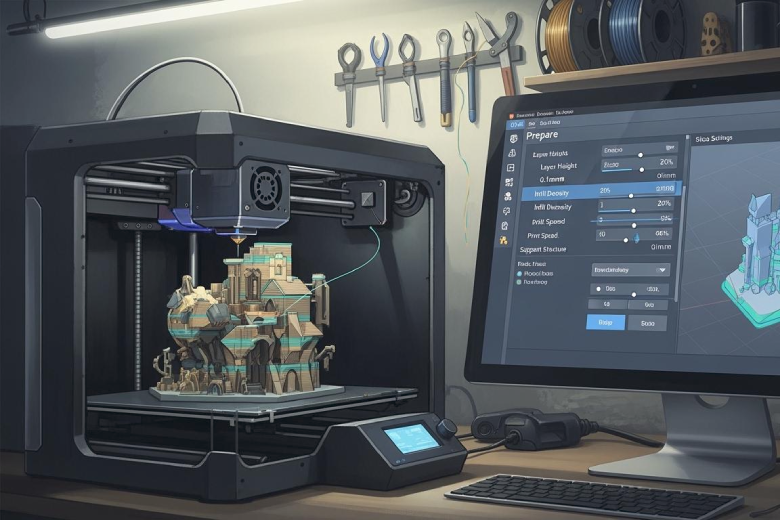
Best slicing parameters for Cura
Best slicing parameters for Cura include 0.2 mm layer height, 15-25% infill, and 50-70 mm/s print speed for reliable, high-quality 3D prints.
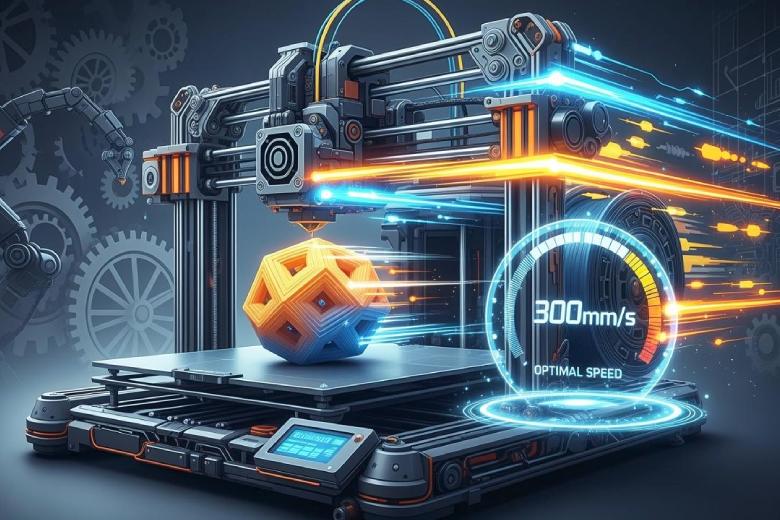
The best speed for 3D printing
The best speed for 3D printing is typically 40-60 mm/s, but the optimal speed depends on your printer, material, and desired print quality.
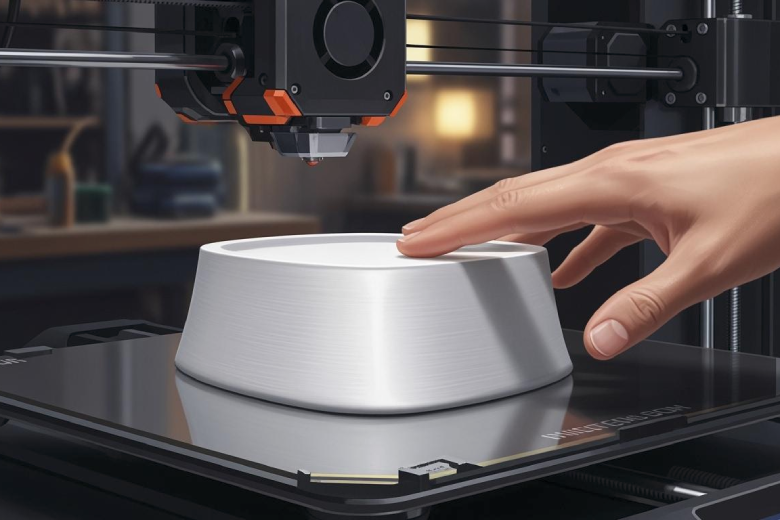
How to Achieve a Flawless Top Layer on Your 3D Prints
Achieve a flawless top layer on your 3D printer by tuning layer height, infill, and cooling settings for smooth, professional-quality prints every time.
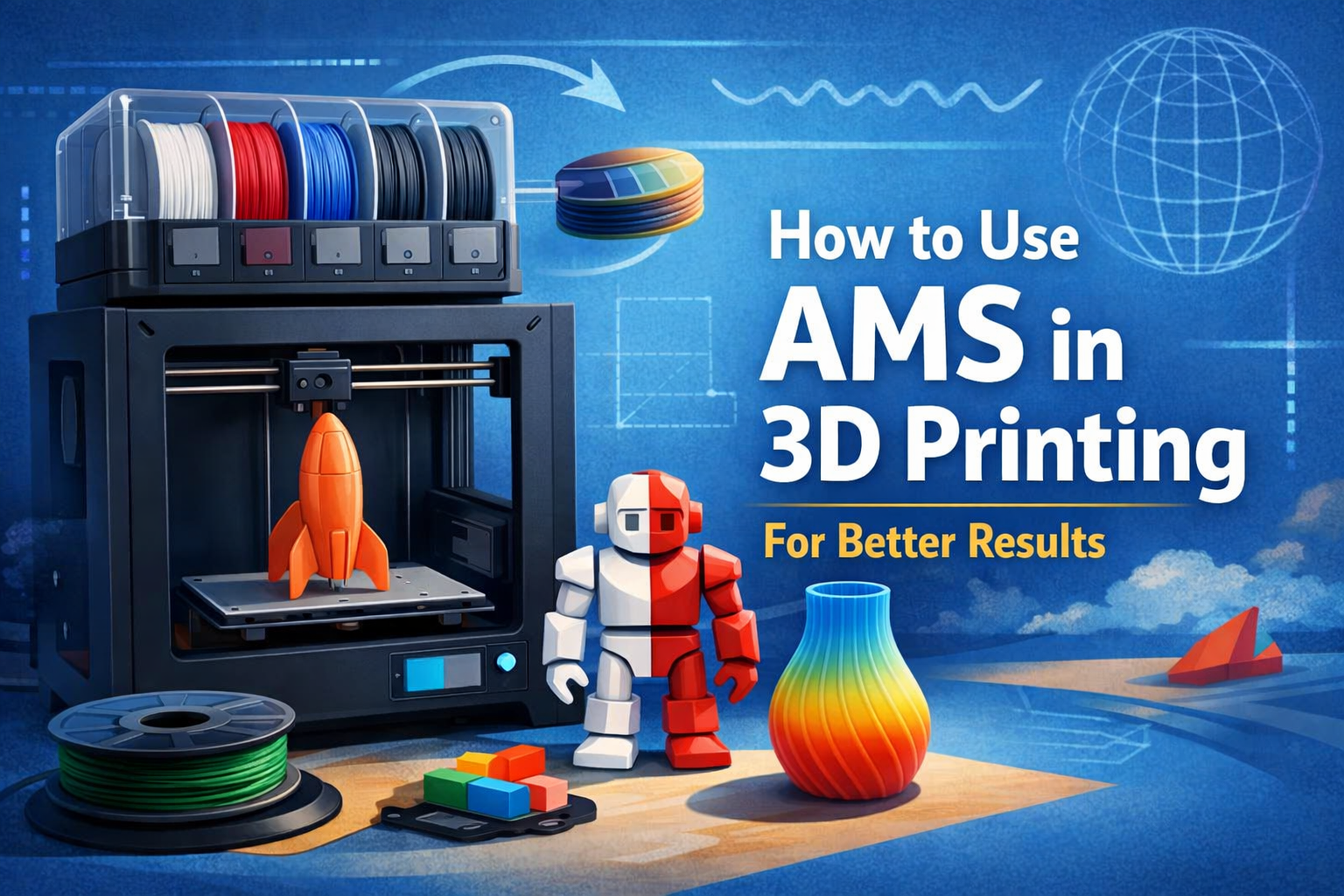
How to Use AMS in 3D Printing for Better Results
AMS in 3D printing automates filament changes, supports multi-material prints, and boosts efficiency for better, more reliable 3D printing results.
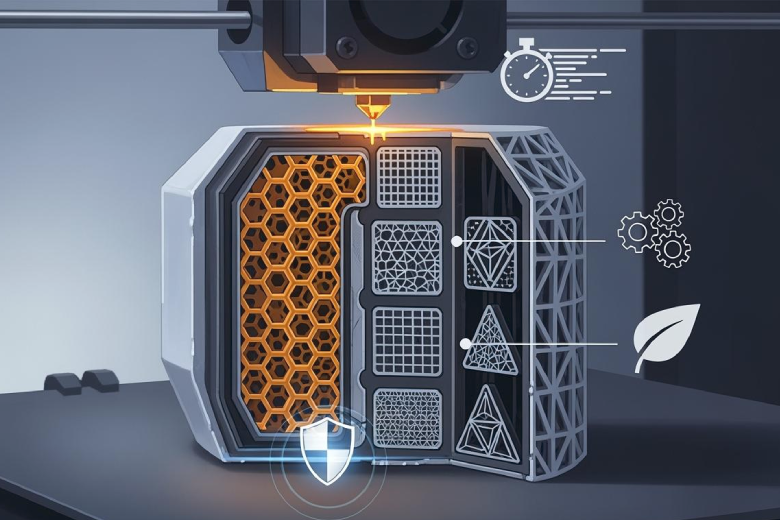
3D Printing Infill Patterns: Strength, Speed, and Efficiency
3D Printing Infill Patterns affect strength, speed, and efficiency. Compare gyroid, grid, and lightning infills to choose the best for your 3D print needs.
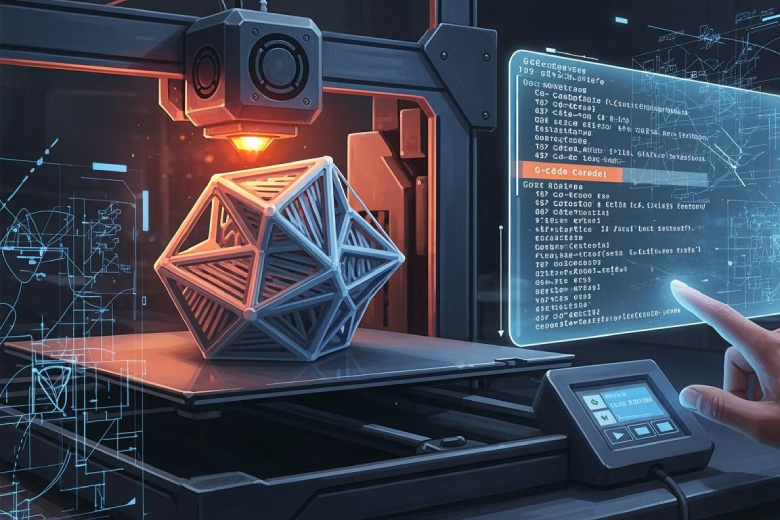
Everything You Need to Know About G Code 3D Printing
G Code 3D Printing controls every step of your 3D printer. Understand key commands, troubleshoot issues, and optimize print quality with this complete guide.
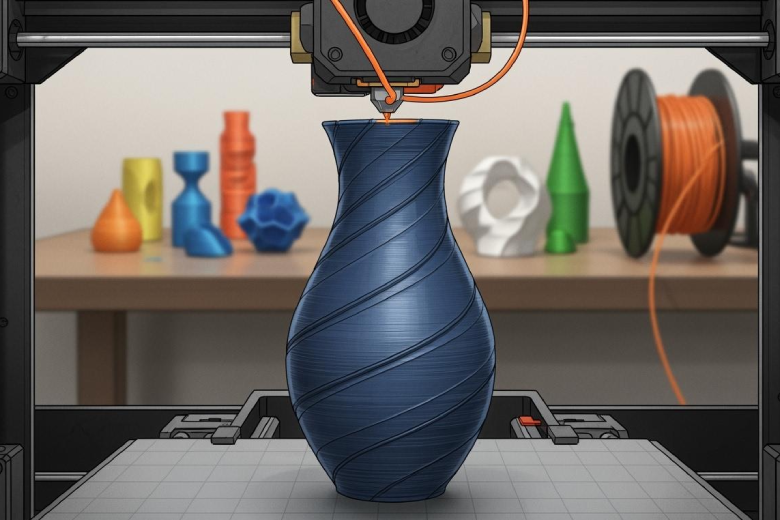
Was ist der Vase-Modus im 3D-Druck?
Vase-Modus im 3D-Druck ermöglicht schnelle, einwandige Objekte mit glatter Oberfläche und reduziertem Materialverbrauch durch spiralförmigen Druck.
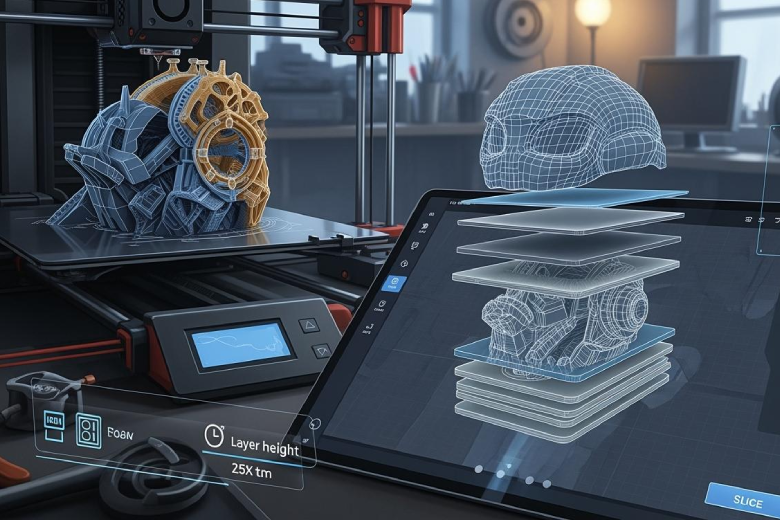
Was bedeutet Slicing im 3D-Druck?
Slicing im 3D-Druck bedeutet, ein 3D-Modell in dünne Schichten zu zerlegen, damit der Drucker das Objekt präzise Schicht für Schicht aufbauen kann.

Comment diviser un modèle 3D dans votre slicer
Learn how to split large 3D models directly in Bambu Studio, PrusaSlicer, Orca Slicer, and Cura for easier printing.