



Temperaturturm im 3D-Druck: Drucken und richtig auswerten
So druckst und bewertest du einen Temperaturturm: Temperaturbereich wählen, Slicer prüfen, Stringing, Brücken, Überhänge und Layerhaftung vergleichen.
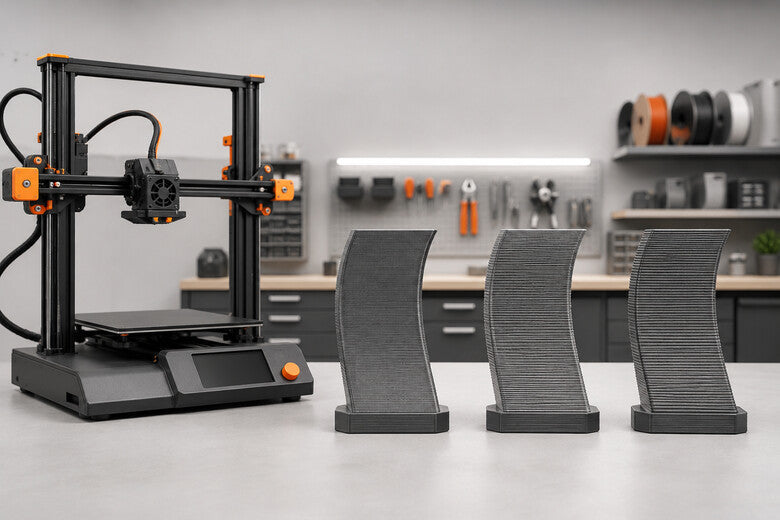
Schichthöhe beim 3D-Druck: 0,1 vs. 0,2 vs. 0,3 mm
0,1, 0,2 oder 0,3 mm? Erfahre, wie die Schichthöhe Oberfläche, Details, Druckzeit und Stabilität beeinflusst und welcher Wert zu deinem Modell passt.

3D-Druck-Toleranzen: So passen Steckteile, Löcher und Schrauben
Teile passen nicht zusammen? Dieser Leitfaden erklärt Spiel, Toleranz, Bohrungen, Steckverbindungen und praktische Testkörper für zuverlässige FDM-Bauteile.
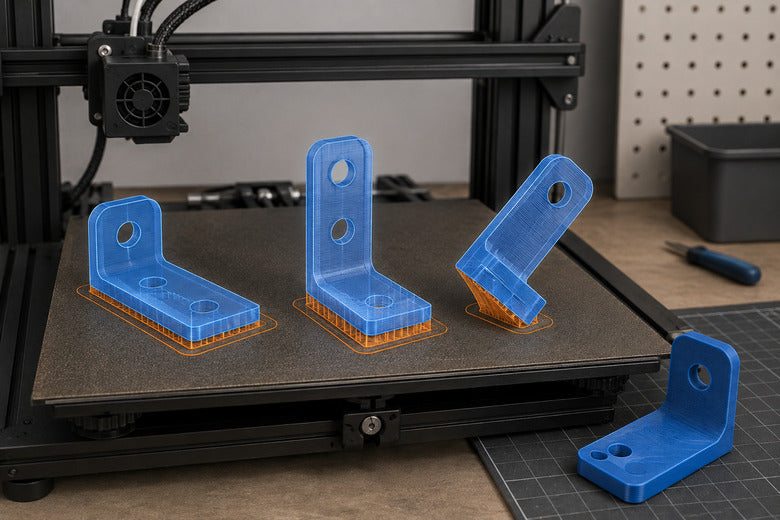
3D-Druck richtig ausrichten: Mehr Stabilität, weniger Support
Die richtige Druckausrichtung verbessert Stabilität, Oberflächen und Haftung und reduziert Support. Dieser Leitfaden zeigt eine klare Entscheidungsmethode.
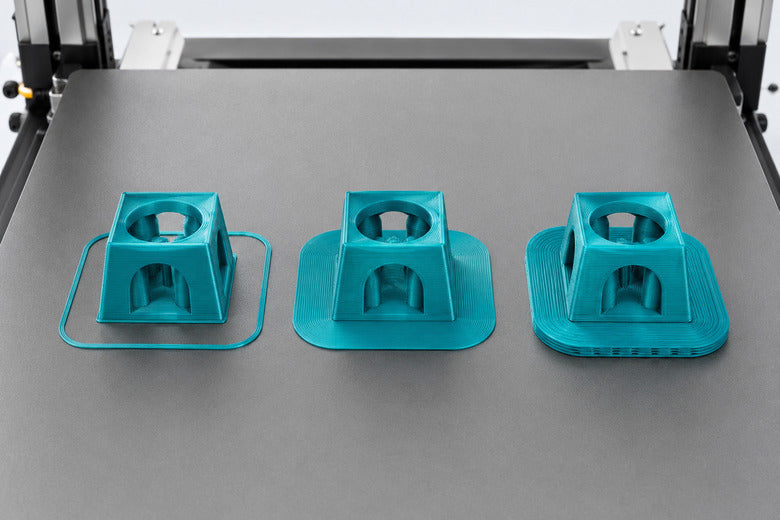
Skirt, Brim oder Raft: Welche Druckbetthaftung ist richtig?
Skirt, Brim oder Raft? Erfahre, welche Druckbetthaftung zu deinem Modell passt, welche Einstellungen wichtig sind und wie du unnötige Nacharbeit vermeidest.
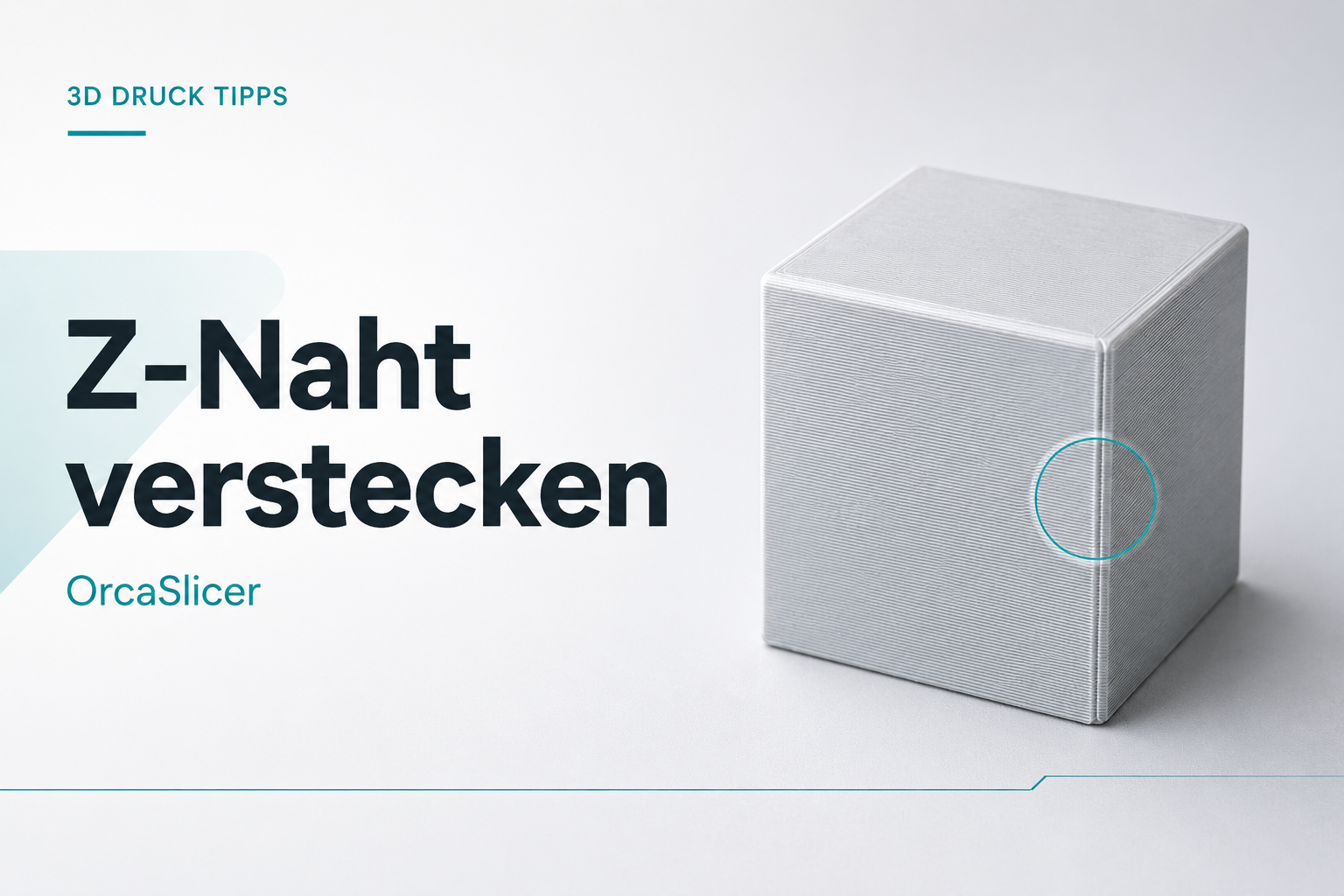
3D-Druck Z-Naht verstecken: OrcaSlicer richtig einstellen
Sichtbare Z-Naht beim 3D-Druck? So wählst du in OrcaSlicer die richtige Nahtposition und optimierst Flow, Pressure Advance, Retraktion, Seam Gap und Scarf Joint.
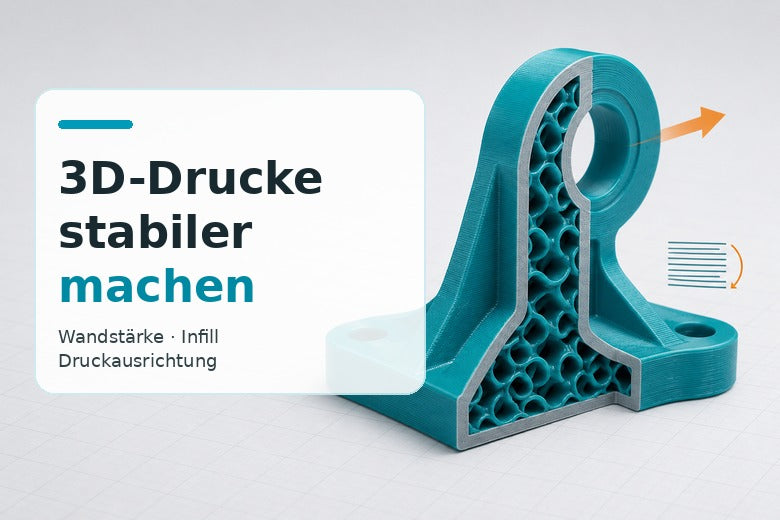
3D-Drucke stabiler machen: Wandstärke, Infill und Druckausrichtung richtig wählen
So machst du 3D-Drucke stabiler: Druckausrichtung, Wandstärke, Infill, Temperatur und Kühlung richtig aufeinander abstimmen.
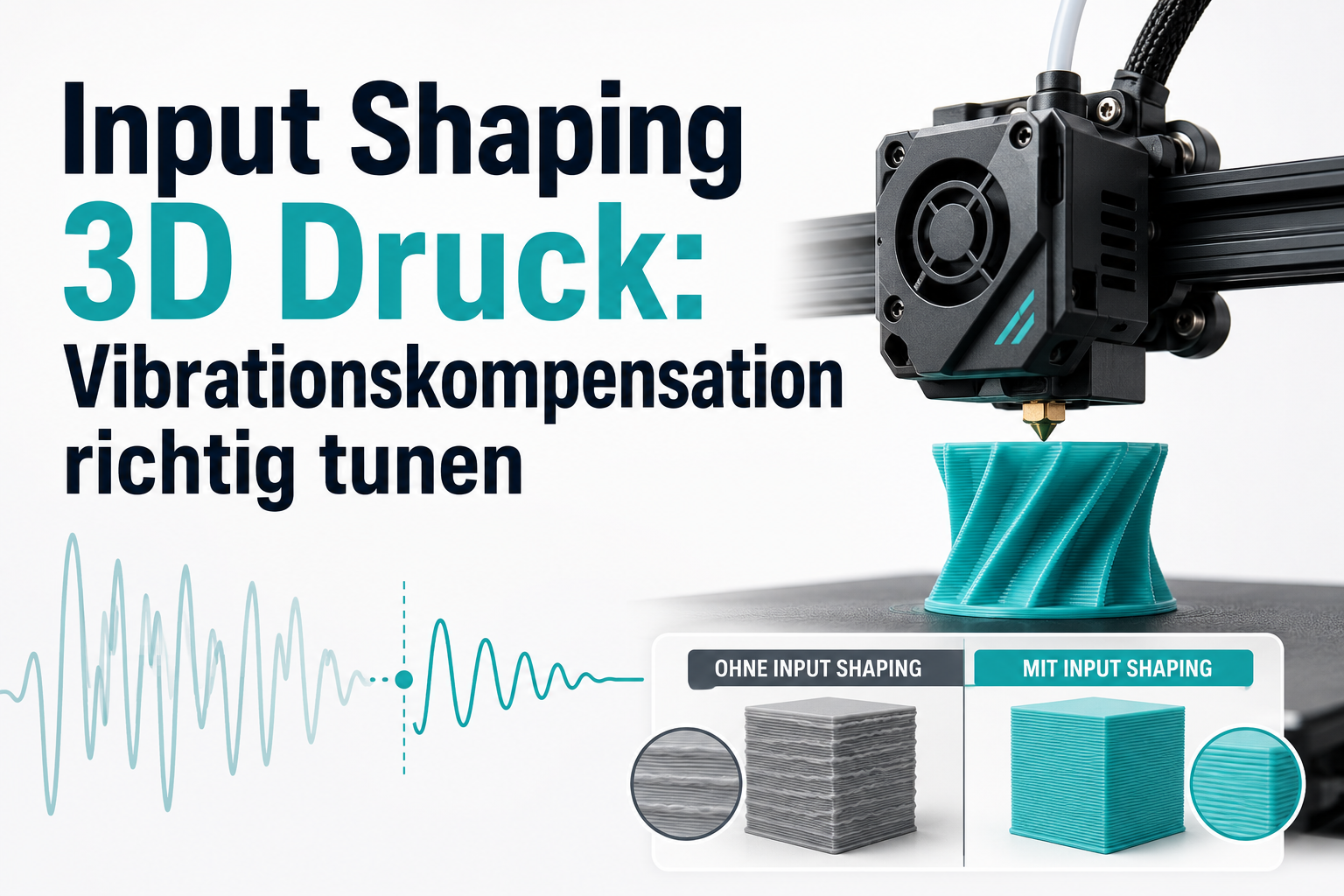
Input Shaping 3D Druck: Vibrationskompensation richtig tunen
Input Shaping erklärt: Wirkung, Trade-offs und Kalibrierung in Klipper/Marlin. Entscheidungshilfe für weniger Ringing bei mehr Speed.
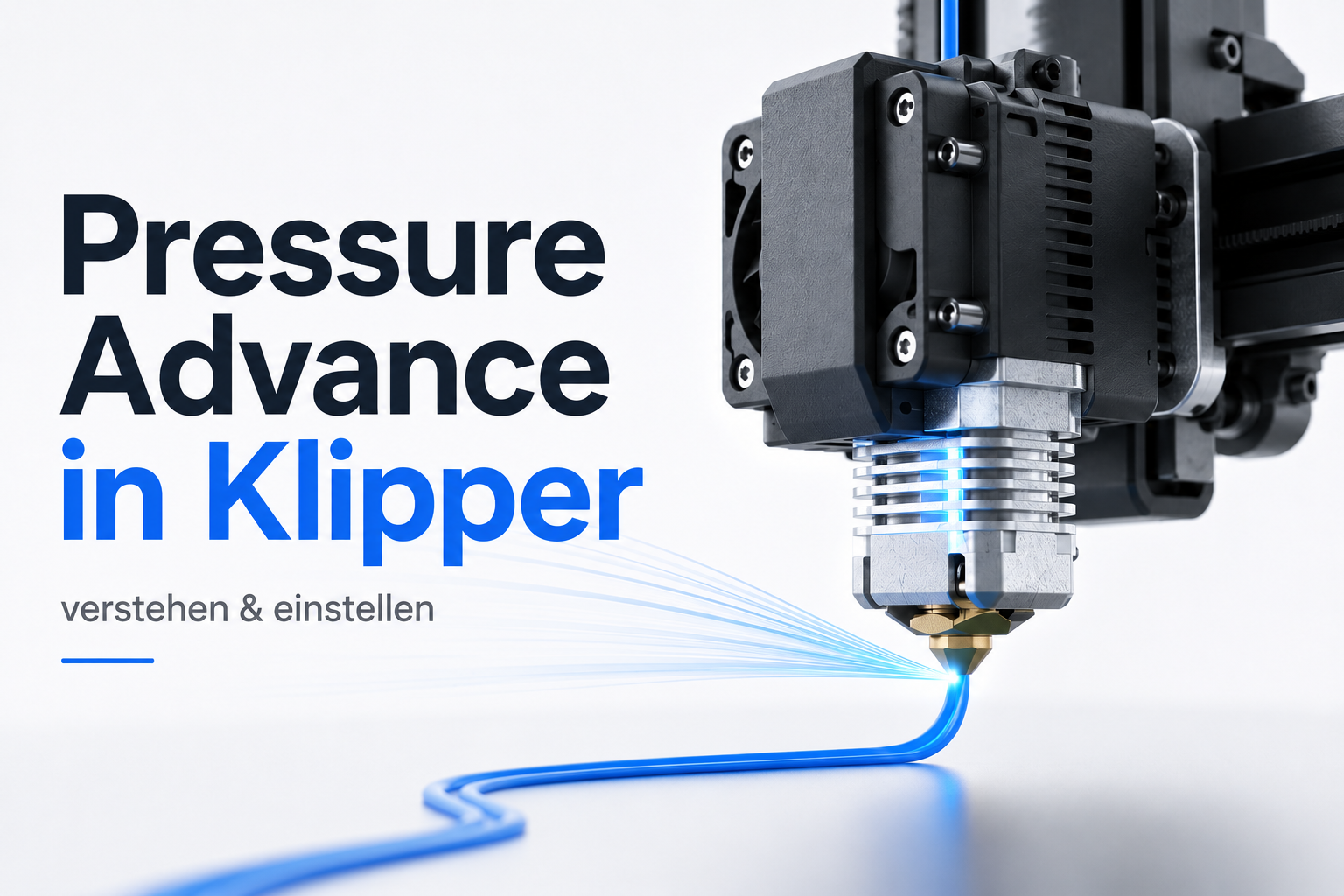
3D-Druck: Pressure Advance Klipper verstehen und richtig einstellen
Was Pressure Advance in Klipper ist, wie es sich von Linear Advance unterscheidet und wie du es sauber kalibrierst – inkl. Fehlerbildern.