



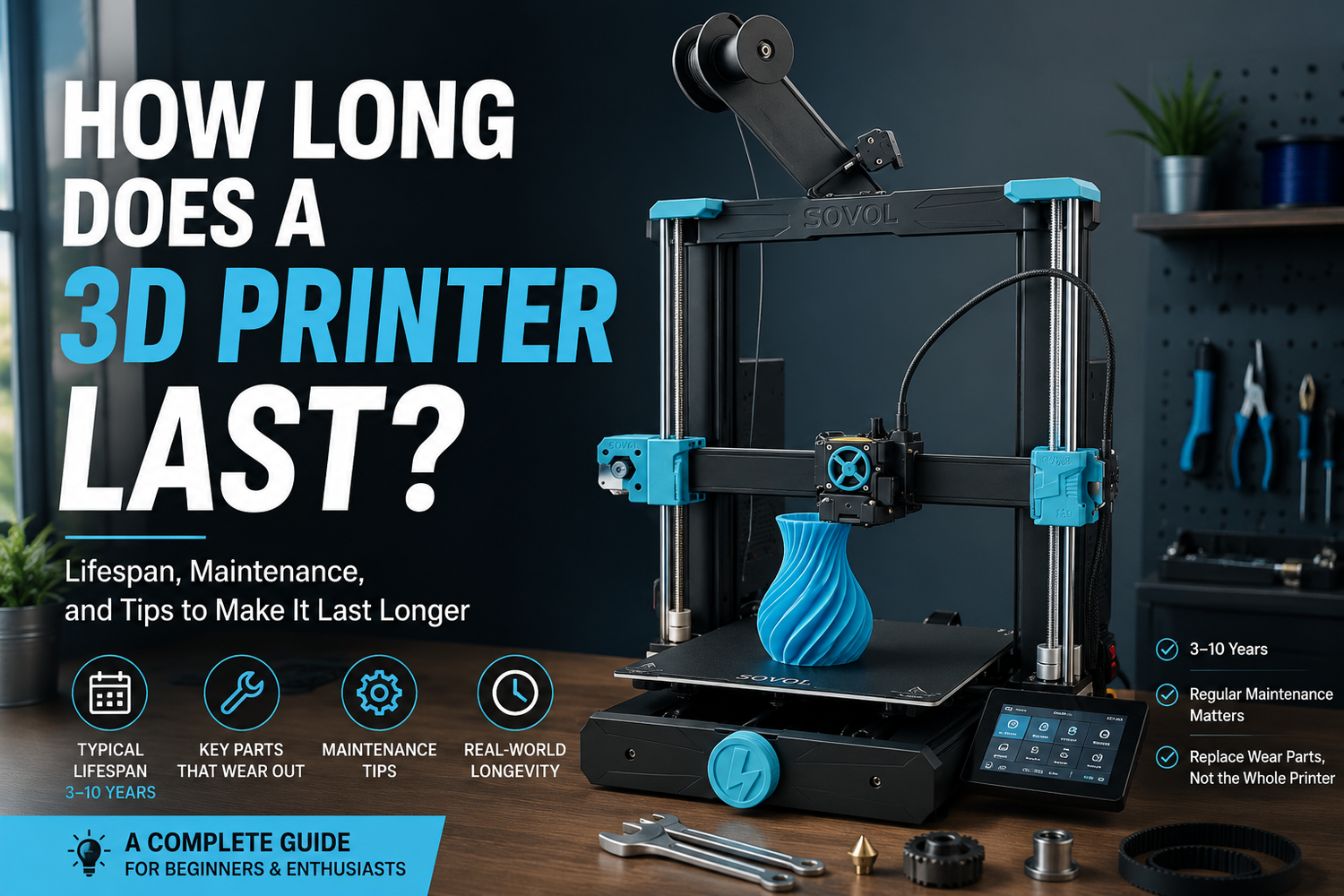
If you’re asking “how long does a 3D printer last?”, you’re usually asking something more practical:
- How many years before it becomes unreliable?
- How many print hours before parts start failing?
- And what do you need to maintain or replace to keep it running?
Here’s the honest answer: most 3D printers don’t have a single “end-of-life” moment. They wear out like a bike or a CNC router. The frame can be fine for years while a handful of high-wear parts quietly decide whether your printer feels stable or temperamental.
Key takeaways
- A consumer 3D printer commonly lasts 3–10 years, but print hours are a better yardstick than calendar time. (Raise3D offers a useful overview in its guide to how long 3D printers last.)
- If you print a lot, think in terms of thousands of hours. UltiMaker even models expected lifetime based on hours per year; their example totals 7,500 operating hours (5 years at 1,500 hours/year) in UltiMaker’s expected lifetime model.
- What “kills” most printers isn’t the frame. It’s wear parts: nozzles/hotend components, belts, fans, bearings/rails, and sometimes power supply or electronics.
- In Germany/EU, you typically have a 2-year legal guarantee (statutory warranty) against defects from the seller. That’s separate from any voluntary manufacturer warranty. The European Consumer Centre’s explainer on legal warranty vs commercial guarantee is a good starting point.
How long does a 3D printer last in years and print hours?
A better way to estimate lifespan: years plus print hours
“Years” alone is a misleading metric because duty cycle varies wildly.
A printer that runs 5–10 hours a week can feel “basically new” after two years. A printer that runs 8–12 hours a day in a small print farm may chew through wear parts fast.
A practical rule of thumb:
- Light use (weekend hobby): you may get many years before anything major needs attention.
- Regular use (a few hours most days): expect routine maintenance and periodic wear-part replacement.
- Heavy use (daily long prints): plan like you would for a machine tool: spares on hand, maintenance schedule, and occasional bigger repairs.
If you want one number to anchor on, a lot of manufacturers and communities frame lifespan in the 5,000–10,000 print-hour range for well-maintained consumer machines. That range is only meaningful if you pair it with your own usage pattern: 500 hours/year is a very different life than 2,000 hours/year.
What fails first (and what it looks like)
Most “my printer is dying” symptoms are really “one subsystem is worn.” Here’s where to look first.
Nozzles and hotend components
This is the most predictable wear.
- Standard brass nozzles wear faster.
- Abrasive filaments (carbon fiber, glass-filled, glow-in-the-dark) accelerate wear.
Early warning signs:
- under-extrusion that comes and goes
- surface quality suddenly getting worse on the same profiles
- clogs becoming frequent even with dry filament
Belts, idlers, and pulleys
Belts stretch, idlers wear, and tension drifts. On fast CoreXY-style motion systems, this shows up quickly.
Early warning signs:
- layer shifts
- ringing/ghosting getting worse
- inconsistent dimensions (holes undersized, parts not fitting)
Linear rails, bearings, lead screws
These parts can last a long time, but they hate dust, misalignment, and neglected lubrication.
Early warning signs:
- rough motion by hand (with motors off)
- new squeaks or grinding noises
- repeating surface artifacts aligned with an axis
Fans
Fans are small, cheap, and often the first truly “electrical” failure.
Early warning signs:
- inconsistent cooling and messy overhangs
- heat creep (jams that get worse on long prints)
- a fan that starts loud, rattly, or intermittent
Power supply and electronics
Less common than mechanical wear, but it’s not rare.
Early warning signs:
- random resets
- heaters or motors cutting out
- behavior that changes after the printer warms up
Pro tip: If a printer starts acting “possessed,” don’t chase slicer settings for hours. First check connectors, fans, and whether anything is overheating.
The four factors that most affect 3D printer lifespan
If you’re looking for a single metric to watch, spare parts availability and support quality are often the deciding factor once the basic hardware is “good enough.”
If you want your printer to last, focus on these four variables. They matter more than a spec-sheet promise.
1) Duty cycle (how hard you run it)
High speed and high acceleration are real stressors. If you’re chasing maximum throughput, accept that you’re trading some long-term wear for time.
2) Filament choice (abrasive vs standard)
Abrasives don’t just wear nozzles. They can also increase wear on extruder gears and filament paths.
If you’re planning to print abrasive materials often, treat hardened nozzles and spare extruder wear parts as normal ownership costs.
3) Environment (dust, heat, humidity)
A dusty room and humid filament storage will make the printer feel “unreliable” sooner.
Humidity shows up as:
- popping sounds while printing
- rough surfaces
- weaker parts
Dust shows up as:
- louder motion
- faster rail/bearing wear
- clogged fans and heat sinks
4) Maintenance habits (small, boring, consistent)
The boring maintenance is what buys you years.
- Keep the motion system clean.
- Re-tension belts when artifacts appear.
- Replace the nozzle before it becomes a week of clogs.
A simple 3D printer maintenance schedule you can actually follow
You don’t need a spreadsheet. You need a rhythm.
Every 20–50 print hours
- Wipe the build surface and keep first-layer behavior consistent.
- Clear dust from the printer’s electronics bay and fan intakes.
Every 200–300 print hours
- Inspect belt tension and belt wear.
- Check that fasteners on the toolhead and motion system haven’t loosened.
Every 500–1,000 print hours
- Consider a nozzle replacement if print quality has drifted (earlier if you print abrasives).
- Inspect fans for noise and reduced airflow.
- Inspect the filament path and extruder gear for dust buildup.
If you want a realistic view of ongoing costs, it helps to think in “consumables plus wear parts,” not just filament. Sovol has a practical breakdown of ownership expenses, including maintenance items, in its guide to 3D printer costs for beginners.
The EU angle: 3D printer warranty in the EU, legal guarantee, and why it matters for lifespan
If you searched for “3D printer warranty EU,” this is the part that answers it: your statutory rights and the seller’s obligations matter more than marketing warranty language when something is genuinely defective.
A 3D printer is a machine, not a toaster. Your long-term experience depends on whether you can get parts, support, and repairs without turning it into a personal research project.
Legal guarantee vs commercial warranty (Germany/EU)
Two terms get mixed up:
- Legal guarantee / statutory warranty: your legal rights against the seller if the printer is faulty.
- Commercial warranty / guarantee: a voluntary promise offered by a manufacturer or seller.
The EU baseline is a 2-year legal guarantee for faulty goods. The EU’s official “Your Europe” portal summarizes this in its overview of the 2-year legal guarantee for consumer goods.
This isn’t legal advice, but the practical takeaway is simple: if reliability matters to you, don’t just ask “How long is the warranty?” Ask who actually handles defects, and how repair is managed.
Support and spare parts are part of “lifespan,” even if they’re not in the spec sheet
Two printers can have similar hardware, but very different long-term ownership:
- One has easy-to-buy standard parts and clear support.
- The other has proprietary parts, unclear documentation, and long replacement lead times.
If you want a long-lived printer, repairability is a buying criterion. It’s one reason open designs and ecosystems can be appealing. If you want a deeper discussion of repairability trade-offs, Sovol’s perspective on open-source vs closed-source printers is a useful read.
A buyer’s checklist: what to look for if you want a printer that lasts
You can’t guarantee lifespan. But you can avoid predictable traps.
- Parts ecosystem: Are nozzles, hotends, belts, fans, and sensors easy to buy?
- Documentation: Is there a real help center and troubleshooting process?
- Thermal design: Is the electronics compartment ventilated? Are fans accessible to replace?
- Motion system quality: Does it use standard components and sensible belt routing?
- Firmware and updates: Is firmware maintained and easy to update?
- Community reality: Are there common failure modes documented, with known fixes?
If you’re buying in the EU, also check support pathways. For example, Sovol’s Sovol EU Help Center gives a clear place to start for warranty, support, and parts requests (even if you’re just comparing how different brands handle after-sales).
FAQ
How long does a 3D printer last in years?
A realistic consumer range is often 3–10 years, but it depends more on how many hours you print and how well you maintain wear parts than the calendar alone. Raise3D has a solid general overview of the topic if you want a second perspective.
How many print hours is “a lot” for a 3D printer?
Thousands of hours is normal for an actively used printer. As a reference point for how manufacturers think about this, UltiMaker models expected lifetime at about 7,500 operating hours (5 years at 1,500 hours/year).
What parts should I expect to replace over time?
Plan to replace consumables and wear items: nozzles, build surfaces, belts, fans, and sometimes hotend components or extruder wear parts. The frame usually isn’t the limiting factor.
Does a 2-year EU legal guarantee mean the printer will last two years?
Not exactly. The legal guarantee is about protection against faulty goods and defects, not a promise that every wear part stays perfect for two years. The European Consumer Centre explains this distinction clearly.
Next steps
If your goal is “buy once, maintain, and keep printing,” the best move is to plan for wear parts upfront: keep a couple of nozzles and a spare fan, log print hours, and treat early quality drift as a maintenance signal.
If you’re comparing EU support and after-sales pathways across brands, start with the manufacturer’s help center and policies. Sovol’s terms of service is one example of the kind of policy page you should be able to find quickly.
