



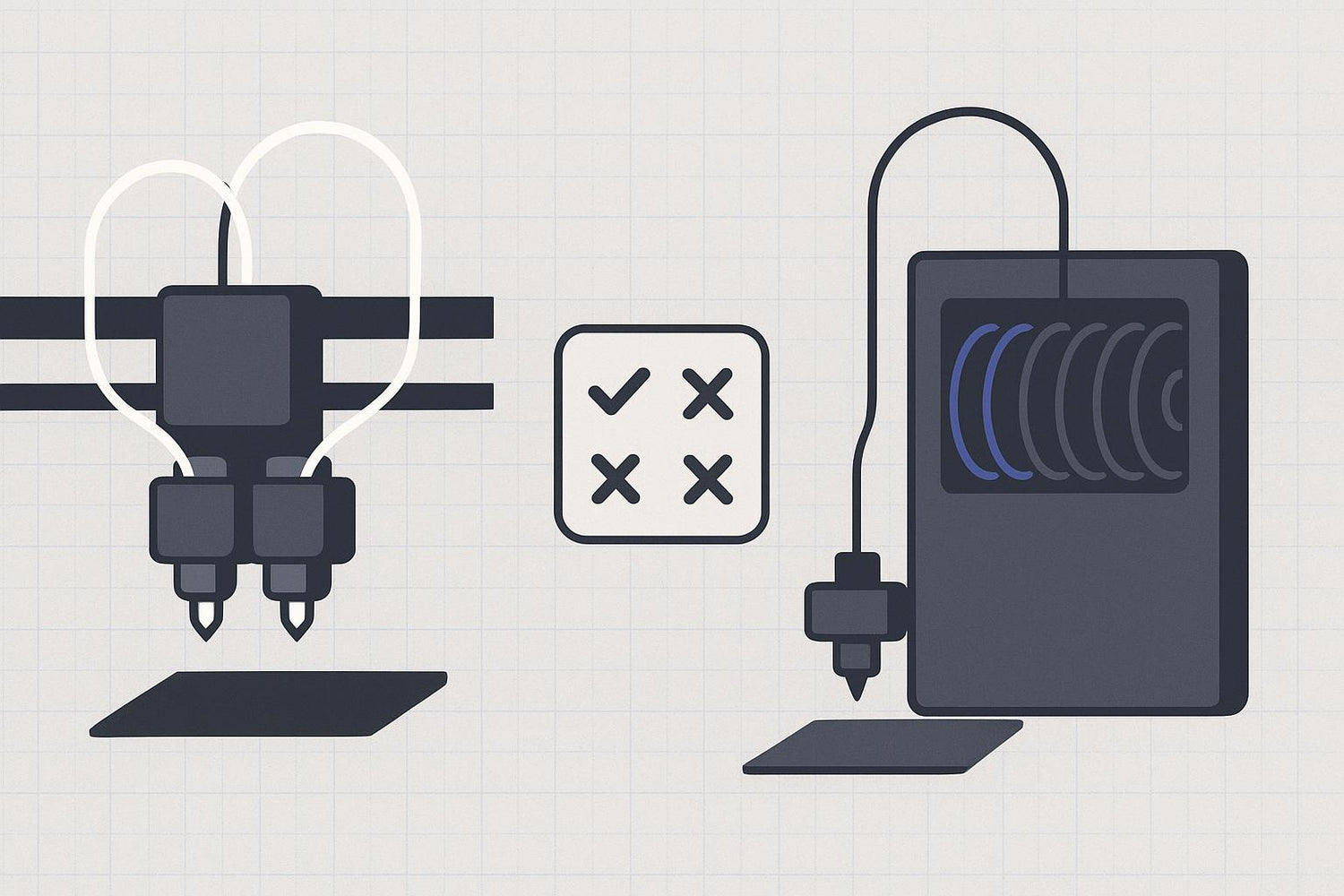
If you’re shopping for multi-material printing, it’s easy to end up with the wrong mental model:
- Some people use “dual extruder” to mean “two filaments, therefore no waste.”
- Others treat an AMS-style box as the future of all multi-color printing.
Neither is true.
As of 2026, dual extruders aren’t replacing AMS-style filament changers. They’re two different answers to two different problems:
- Filament changers (AMS-style) are about convenience and scaling to lots of colors on a single nozzle.
- Dual extruders (and their cousins: IDEX and toolchangers) are about cleaner multi-material printing and less purge overhead—often with more hardware and tuning.
Below is a practical framework to decide what to choose, plus a reality check for Sovol SV08 / SV08 Max buyers.
Quick comparison: what you’re really buying
|
Criterion |
AMS-style filament changer |
Dual extruder (two nozzles) |
“Dual extruder” (2-in-1-out, one nozzle) |
|---|---|---|---|
|
What it’s best at |
Many colors with minimal babysitting |
Two materials (or supports) with cleaner separation |
Two filaments on a budget |
|
Typical waste pattern |
Purge waste grows with each change |
Lower purge for two-material workflows; still needs wiping/prime |
Purge/transition waste still exists (shared melt zone) |
|
Common failure mode |
Feed/retract issues (drag, tangles, broken filament) |
Ooze, nozzle alignment/offset issues |
Contamination in shared nozzle, tuning transitions |
|
Who it’s for |
You want colors and automation more than perfect efficiency |
You care about material separation (supports, TPU + rigid, etc.) |
You want “some” multi-color/multi-material without buying a new machine |
One important note: people say “dual extruder” when they mean different hardware. If you only remember one thing from this article, make it this:
Key Takeaway: A dual-nozzle printer, a 2-in-1-out hotend, and an IDEX machine behave differently enough that the right choice can flip depending on your use case.
Define the terms (without the marketing)
AMS-style filament changer
An AMS-style system stores multiple spools and automatically feeds one filament at a time to a single nozzle.
Bambu Lab’s own explanation of the AMS breaks it down into spool holders, a hub, and a buffer that coordinate feeding and retracting during swaps (see Bambu Lab’s “AMS explained in detail” (2022) and the Bambu Lab Wiki AMS function introduction (2023)).
The upside is obvious: load multiple spools and let the machine handle swaps.
The trade-off is just as structural: a single nozzle has to flush old material out before printing the new one. That flush is the source of purge waste.
Dual-nozzle dual extruder
This is what most buyers think they’re getting when they say “dual extruder”: two independent nozzles.
You can keep two materials “ready” and switch tools without unloading/reloading a long filament path each time. That’s why dual-nozzle systems can be attractive for support materials and functional multi-material parts.
2-in-1-out (two filaments, one nozzle)
This setup has two filament paths feeding a shared hotend/nozzle.
It can be cheaper and simpler than two nozzles, but it doesn’t magically remove purge. If you’re switching materials or colors, you still have to push the old material out of the shared melt zone.
IDEX and toolchangers (the “premium” path)
- IDEX: two independent toolheads; one can park away from the part, which helps reduce cross-contamination from ooze.
- Toolchanger: swaps the entire toolhead/hotend path; this is often the cleanest way to run multiple materials with minimal contamination.
These are worth knowing about because they explain the market direction: upgrades aren’t converging into one winner. They’re branching into tiers.
Dual extruder vs AMS: the decision framework
If you searched for “Bambu AMS vs dual extruder” or “filament changer vs dual extruder,” you’re probably trying to answer one thing: what should you buy for the prints you actually make.
This is also where purge waste multicolor printing becomes the make-or-break factor on single-nozzle systems.
1) How many colors/materials do you need in one print?
If you want more than two colors regularly, filament changers still have the cleanest path to “many colors on a desktop.” That’s why AMS-style systems keep winning with hobby multi-color models.
If you mostly want two materials, dual-nozzle and IDEX setups are often a better fit than constant filament swapping.
Ask yourself:
- Is your “multi-material” goal mostly aesthetic (colors)?
- Or is it functional (support material, flexible inserts, dissimilar polymers)?
2) How sensitive are you to purge waste and print time?
Purge waste is not a moral failing of a slicer profile. It’s a consequence of physics: a single nozzle can’t instantly become a different color/material.
Bambu’s own guidance on reducing waste shows how dramatically purge can vary depending on layout and change frequency—one example illustrates 22 g vs 72 g of waste for different arrangements (see Bambu Studio’s “Reduce waste during filament change” guide (2022)).
If you print models with lots of tiny color islands, you’ll pay in:
- purge material (waste)
- longer print time (each swap costs time)
- more “things that can go wrong” during the job
A dual-nozzle system doesn’t eliminate waste in every scenario—but it often keeps two-material printing from turning into a constant unload/reload cycle.
3) What kind of failure are you willing to deal with?
All multi-material systems fail. They just fail in different places.
AMS-style failures tend to be feed-path problems:
- resistance/drag in the filament path
- spool tangles or poor winding
- broken filament pieces stuck in tubing/hubs
- sensors disagreeing about where the filament is
Bambu’s official troubleshooting guide for AMS loading/unloading failures makes this explicit (see Bambu Lab Wiki’s “AMS loading/unloading failure troubleshooting” page (2023)).
Dual-nozzle failures tend to be toolhead problems:
- an idle nozzle oozes and scars the surface
- offsets drift; alignment isn’t perfect
- wiping/parking routines aren’t tuned
So your preference matters:
- If you hate toolhead calibration but can tolerate spool management, AMS is your style.
- If you’d rather manage calibration than deal with long Bowden paths and retract cycles, dual-nozzle/IDEX may feel saner.
⚠️ Warning: If you’re buying multi-color printing mainly for “set it and forget it,” don’t underestimate spool quality and path friction. That’s where many AMS-style headaches live.
4) Are you doing soluble supports or “dissimilar materials”?
This is where “dual extruder will replace AMS” usually comes from: supports and truly functional multi-material prints.
If you want:
- cleaner supports
- material interfaces that don’t get contaminated by color swaps
- the option to run one nozzle hotter than the other
…dual-nozzle, IDEX, or a toolchanger architecture tends to match the problem better than a single-nozzle filament changer.
That doesn’t mean an AMS can’t run support materials—it can. But it’s usually a compromise:
- more purging
- more sensitivity to materials that don’t like being pushed/pulled repeatedly
5) Do you want an upgrade path or a native solution?
This is where Sovol SV08 / SV08 Max enter the conversation.
What this means for SV08 / SV08 Max buyers
The stock SV08 is positioned as a single-toolhead CoreXY printer, and the Sovol SV08 product page describes a dual-gear direct-drive extruder—not dual nozzles (Sovol SV08).
The SV08 Max page likewise presents a single hotend system (up to 300°C) rather than a multi-toolhead printer (Sovol SV08 Max).
So for SV08/SV08 Max, the choice is usually:
- Stay single-material and do occasional manual color swaps.
- Add a filament-switching solution if you want multi-color printing.
- Choose a different architecture (dual-nozzle, IDEX, toolchanger) if your priority is serious multi-material capability.
If your primary motivation is multi-color printing (not supports, not dissimilar materials), it’s often cheaper and less frustrating to choose a printer ecosystem built around a mature filament changer workflow.
If your primary motivation is functional multi-material printing, don’t buy a single-nozzle platform assuming you’ll “upgrade into” a dual-extruder experience later. Upgrades exist, but they change the reliability and maintenance profile of the machine.
For a grounded overview of the architecture landscape, Sovol’s own explainer is a solid starting point (we’ll reference it again in the closing): Sovol’s “Multi material 3D printing in 2026.”
So… will dual extruders replace AMS?
Not in the way people mean it.
Here’s the more accurate prediction:
- Filament changers will stay the default for multi-color because they scale to many spools with one toolhead.
- Dual-nozzle and IDEX will keep their place for two-material printing, especially supports and dissimilar-material parts.
- Toolchangers are the real “upmarket” alternative when you want cleaner changes with less contamination and less purge.
In other words: the market is splitting by use case, not converging.
Recommendations by scenario
Choose an AMS-style filament changer if you…
- want multi-color prints with minimal babysitting
- care more about convenience than minimizing purge
- mostly print rigid filaments that feed reliably
Choose dual-nozzle / dual extruder if you…
- mostly need two materials
- care about cleaner supports or cleaner material separation
- don’t mind extra calibration and ooze management
Consider IDEX/toolchanging if you…
- are building a workflow around multi-material printing (not just trying it once)
- want the cleanest separation and fewer compromises
- are willing to pay for complexity where it matters
If you’re on SV08 / SV08 Max
Use this as a gut-check:
- If you want big CoreXY value with single-material printing, SV08/SV08 Max make sense as-is.
- If you want multi-color as a core hobby, choose your ecosystem around that requirement first.
- If you want serious multi-material, look hard at dual-nozzle/IDEX/toolchanger designs rather than assuming a simple add-on will replicate that experience.
FAQ
Does AMS always waste a lot of filament?
It depends on how many swaps your model forces and how you tune your flushing. Bambu’s own documentation shows waste can vary dramatically with arrangement and settings. But with a single nozzle, some purge is unavoidable.
Is “2-in-1-out” the same as a dual-nozzle printer?
No. Two filaments feeding one nozzle still share a melt zone. That means you’re managing transitions and contamination inside the same hotend.
Are AMS problems mostly “user error”?
Not really. Many failures are normal mechanical realities: spool drag, friction, broken filament pieces, and sensor mismatches. That’s why Bambu has extensive official troubleshooting for loading/unloading failures.
What’s the single best way to reduce purge waste?
Reduce the number of swaps. After that, tune flushing volumes and use slicer strategies that hide purge where appropriate. For a practical overview of multicolor workflows, see Sovol’s multicolor slicing techniques guide.
Next steps
If you’re comparing large-format CoreXY options and want to keep the choice simple, start with the basics:
- Read the official specs for the SV08 and SV08 Max to confirm build volume and temperature limits match your materials.
- If multi-material is your priority, use Sovol’s overview—“Multi material 3D printing in 2026”—as a checklist of what you’re signing up for (waste, tuning, and failure modes), not just what looks cool in a demo.
