
A Black Friday offer is most useful when it helps you buy a printer that fits your projects. Extra build space, automatic tool changing and a lower entry price solve different problems, so the most expensive machine is not automatically the right upgrade.
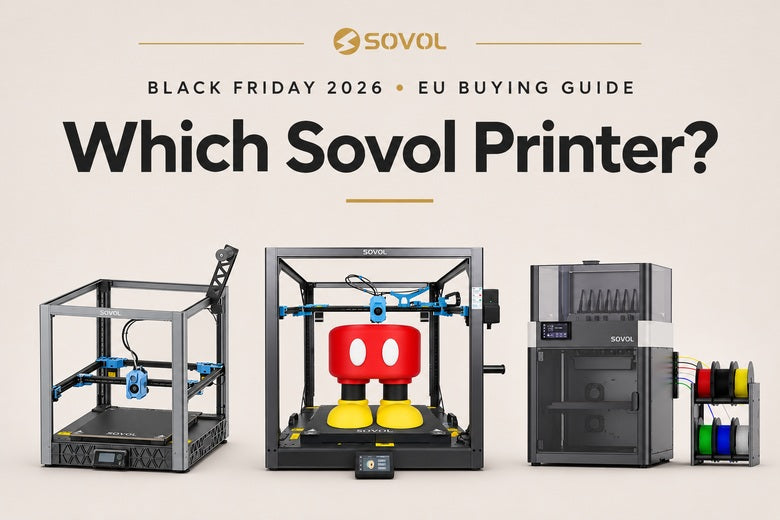
This Sovol EU guide compares three options: SV08 for versatile single-material projects, SV08 Max when large parts are the priority, and M1D for dedicated-tool multicolor and multi-material workflows. Start with what you want to make, then compare the configuration and delivery terms.
EU price snapshot checked on 12 November 2026. Prices below refer to the listed base configurations, not every bundle. Offers, stock and shipping estimates can change; confirm the selected option and destination before checkout.
Choose your project first
- “I want to print organizers, brackets, prototypes and decorative models.” Put the SV08 on your shortlist.
- “I keep splitting large parts because they will not fit.” Compare those actual parts with the SV08 Max.
- “My projects need several colors, dedicated support material or matching pairs.” Look at the M1D's tool-changing and IDEX modes.
These are starting points, not exclusive categories. A large printer can make small parts, and a multicolor printer can print one color. The question is which capability you will use often enough to justify its cost, space and workflow.
EU prices and configurations at a glance
| Model | Listed base price | Main reason to consider it | Check before ordering |
|---|---|---|---|
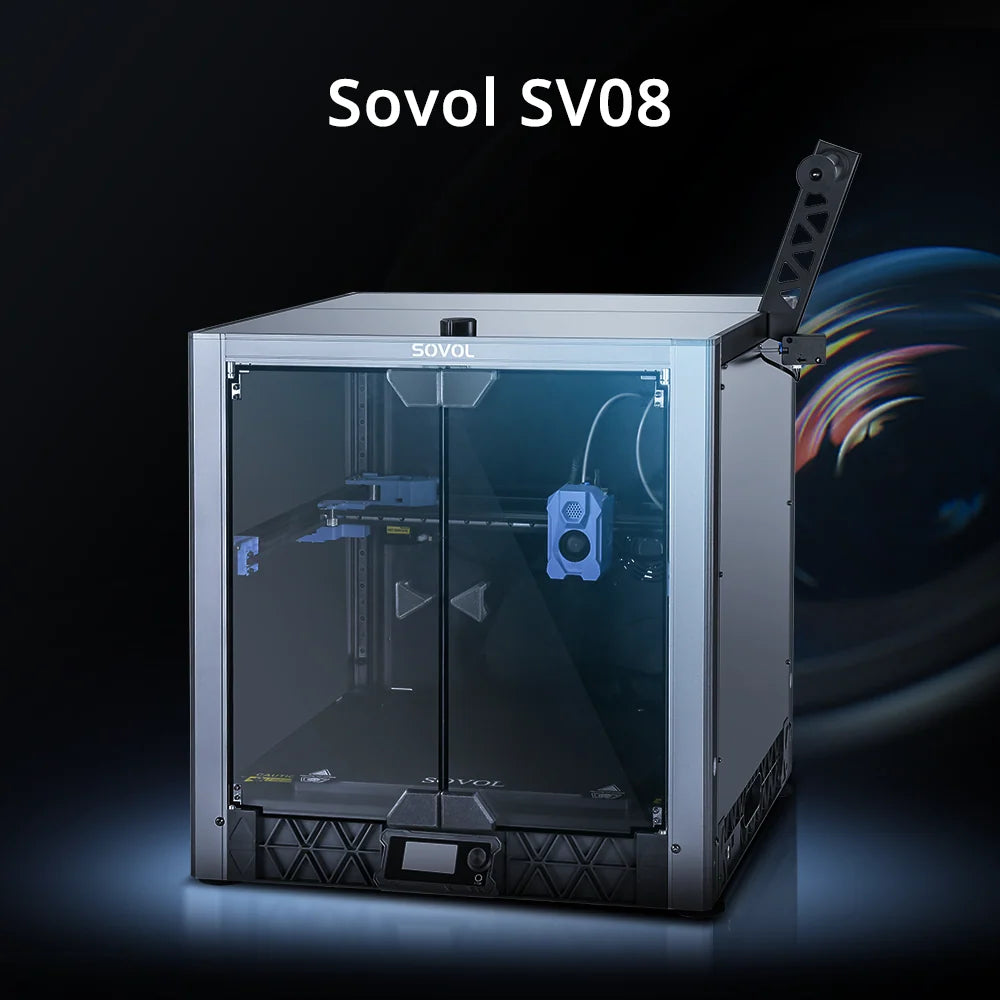
| SV08 | €469 | 350 × 350 × 345 mm build volume; CoreXY; open-source customization | Base machine versus enclosure and screen bundles |
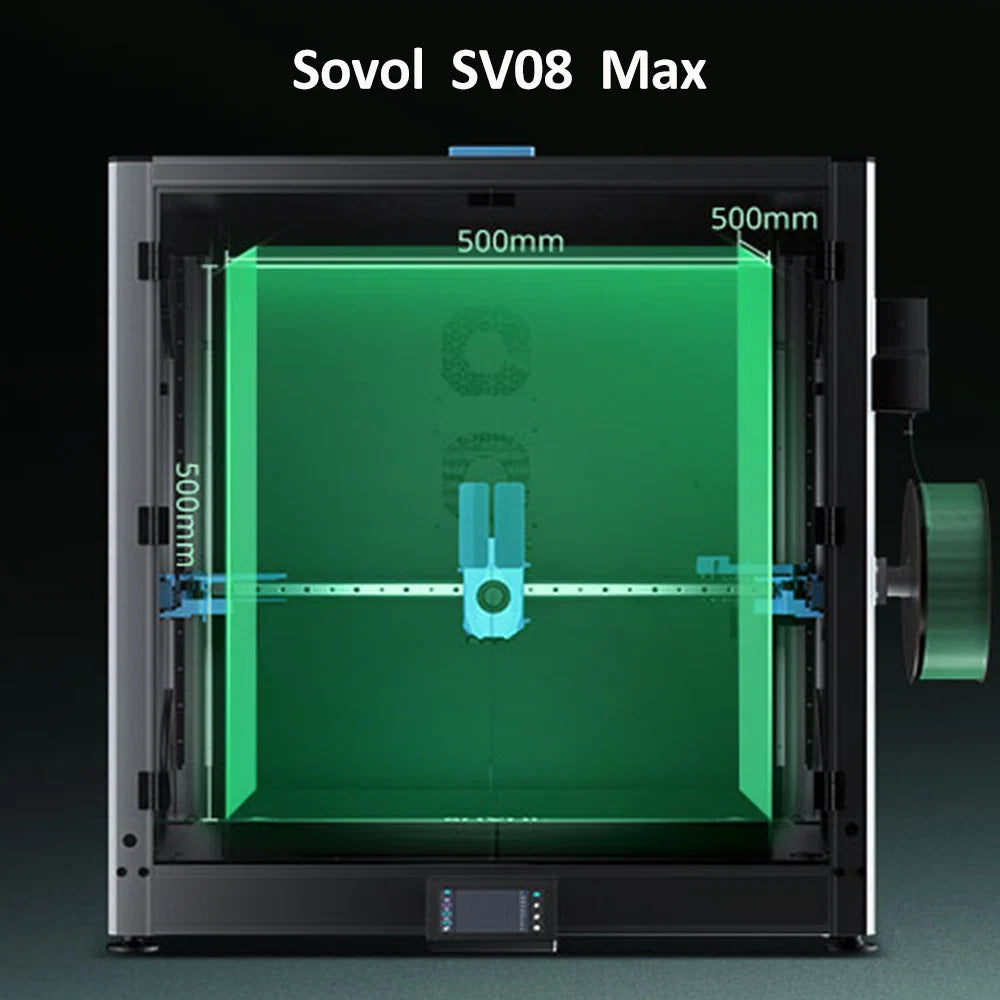
| SV08 Max | €933 | Published 500 × 500 × 500 mm build volume; CoreXY; eddy-current scanning | Bench space, accessory clearance and the exact enclosure configuration |
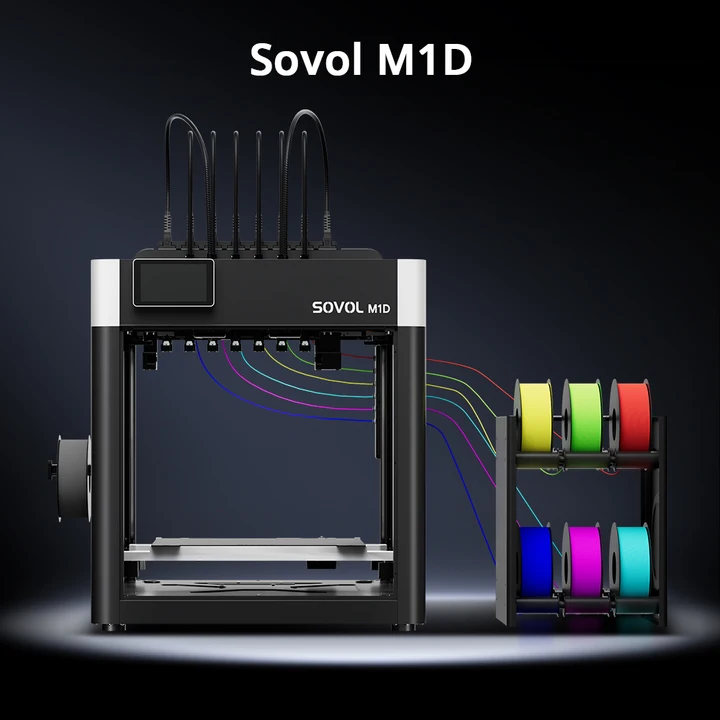
| M1D Essential | €1,295 | DualX 1+6 tool-changing system; up to seven colors or materials | Pre-order timing and mode-dependent build volume |
| M1D Advanced | €1,604 | M1D workflow with an enclosed, actively heated chamber up to 60°C | Whether your materials need this environment; pre-order terms |
Use the Sovol EU Black Friday page to compare the live offers. A current listed price is not a guarantee of a future flash price, and a pre-order is different from an in-stock purchase. This guide does not promise a lowest-ever price or a delivery date beyond the product page's estimate.
SV08: a practical shortlist for varied projects

If your queue contains a mixture of home projects, prototypes and ordinary single-material prints, the SV08 offers room without immediately moving to the largest machine in this comparison.
Its listed build volume is 350 × 350 × 345 mm. To decide whether that is enough, open a few of your intended files in a slicer. Include their supports, brims and intended orientation rather than comparing only the finished object's outside dimensions.
The SV08 combines CoreXY motion with open-source modification options. It is worth considering if you want a machine you can learn and adapt over time. The EU page describes it as largely preassembled, but setup still includes checking the machine, preparing the profile and establishing a good first layer.
When it is the sensible choice
Imagine a week of drawer inserts, a phone stand and a prototype housing. If they all fit with sensible margins and are printed one material at a time, buying more build volume or a tool-changing system may not remove your main constraint.
Choose the SV08 for the work you already expect to do, while leaving budget for materials and basic upkeep. Check which display, enclosure and other accessories belong to your chosen bundle.
SV08 Max: when the part size changes the decision

The SV08 Max is the option to investigate when you have a recurring need for large individual parts. Its published build volume is 500 × 500 × 500 mm, with CoreXY motion, linear rails and eddy-current scanning.
Possible projects include large display pieces, substantial enclosures or full-size prototype sections. The useful comparison is not “small versus big” in the abstract. It is whether your actual part can fit in the orientation it needs.
Compare printing whole with splitting the model
Splitting can make a large project possible on a smaller bed, but it adds joints and finishing. Printing whole can avoid some of that work, yet it may require a much longer uninterrupted job and more demanding first-layer preparation.
For a painted prop, a concealed joint may be acceptable. For another design, assembly may be inconvenient. Neither a one-piece print nor a glued assembly is automatically strong enough for a loaded application; design and testing still matter.
Measure the proposed workspace, not just the nominal bed. Allow room for the machine, spool and feeding route, maintenance access and the configuration's required clearances. An enclosure bundle also needs its own specifications checked rather than assuming every dimension remains identical.
The EU product page notes that a printer and enclosure combination ships in separate packages. Keep that in mind if the enclosure is necessary for your planned workflow.
Explore SV08 Max configurations →
M1D: choose a different workflow, not simply a bigger printer

The M1D addresses a different need. Its DualX system combines one fixed toolhead with six interchangeable toolheads, allowing up to seven colors or materials. Dedicated hotends keep materials in separate melt paths and can heat independently.
That can be useful for detailed colored models and dedicated support-material work. It reduces the shared-nozzle flushing involved in switching materials, but “near-zero purge waste” does not mean every task uses no auxiliary filament. Priming, wiping, support and job-specific settings still count.
Independent nozzle temperatures also do not make every material combination compatible. Materials share a bed and printing environment, and their contact surfaces must behave appropriately for the intended result.
Check the usable space in your intended mode
The EU specification lists 300 × 300 × 350 mm for single-toolhead or right-side six-toolhead switching, and 240 × 300 × 350 mm for seven-toolhead printing. Copy mode provides 178 × 300 × 350 mm per copy; Mirror mode provides 138 × 300 × 350 mm per side.
Use these mode-specific limits when checking files. Copy mode targets identical duplicates and Mirror mode targets mirrored pairs; neither guarantees twice the output for every project.
Essential or Advanced?
Essential is the open configuration. Advanced adds an enclosure and active chamber heating up to 60°C. Choose according to the actual material requirements, not the assumption that maximum chamber heat is better for every filament.
M1D is currently a pre-order. As checked on 12 November 2026, the EU page estimates shipping from the Germany warehouse in late December 2026 to early January 2027, in order received. This is not a promise of arrival before Christmas. Read the current terms before paying.
Compare M1D Essential and Advanced →
Three things a Black Friday price cannot tell you
1. Whether the advertised speed fits your model
A maximum movement or printing-speed figure is not a full-job estimate. Small details, cooling, material flow, travel and tool changes all affect completion time. Compare sliced jobs with suitable profiles instead of choosing by one speed number.
2. Whether the package includes everything you need
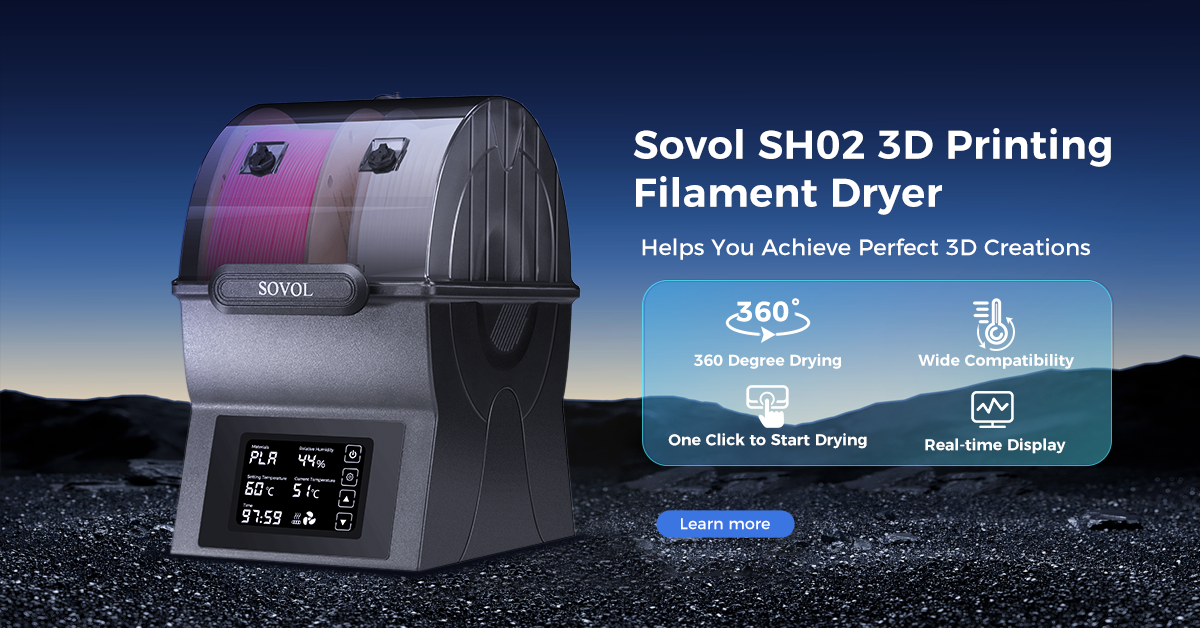
Compare like with like: base printer, enclosure, upgraded screen, extra tools or drying equipment. Check the selected variant, dispatch location and final destination-specific total. Do not assume an accessory shown in an illustration is included.
3. Whether you can use the printer when you need it
In-stock dispatch, pre-order shipping and arrival are different events. If you have a deadline, allow time for transit, setup, test prints and possible adjustments. Check both printer and accessory delivery information.
A five-minute buying check
- Pick three projects you actually want to print.
- Check their individual part sizes and intended materials.
- Decide whether your recurring limitation is size, material switching or something else.
- Compare the exact configurations and their current EU prices.
- Measure the workspace and leave budget for filament, maintenance and any necessary accessories.
- Read the selected option's stock or pre-order status and estimated shipping information.
Frequently asked questions
Which of these should I consider as a first printer?
The SV08 is worth shortlisting for varied, single-material work that fits its build volume. Choose based on your projects and willingness to learn setup and maintenance; no feature removes the need for good print preparation.
Should I buy the SV08 Max just because it has the largest bed?
Only if the extra space is useful often enough to justify the footprint and cost. Check your largest recurring individual part and whether splitting it is acceptable.
Is M1D the large-format alternative to the SV08 Max?
No. Its main distinction is the dedicated-tool workflow and Copy/Mirror capability. Its usable volume depends on the mode and is smaller than the Max's published volume.
Choose the capability you will use
The SV08 is a candidate for varied everyday printing. The SV08 Max deserves attention when large individual parts are a regular requirement. M1D is the specialized option when color, multiple materials or paired output shape your workflow.
Make the project decision first, then use the offer to buy the appropriate configuration.
Find your Sovol EU Black Friday option
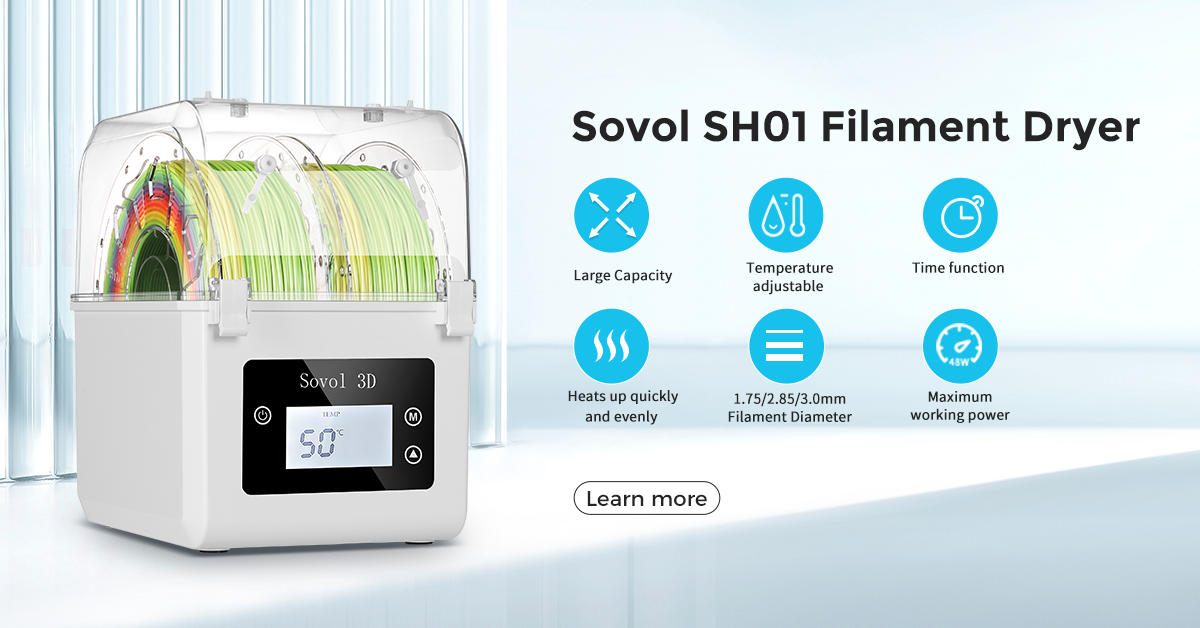
Compare live printer configurations, filament and drying accessories in one place. Check current prices, availability and shipping terms before ordering.
Explore Sovol EU Black Friday →