


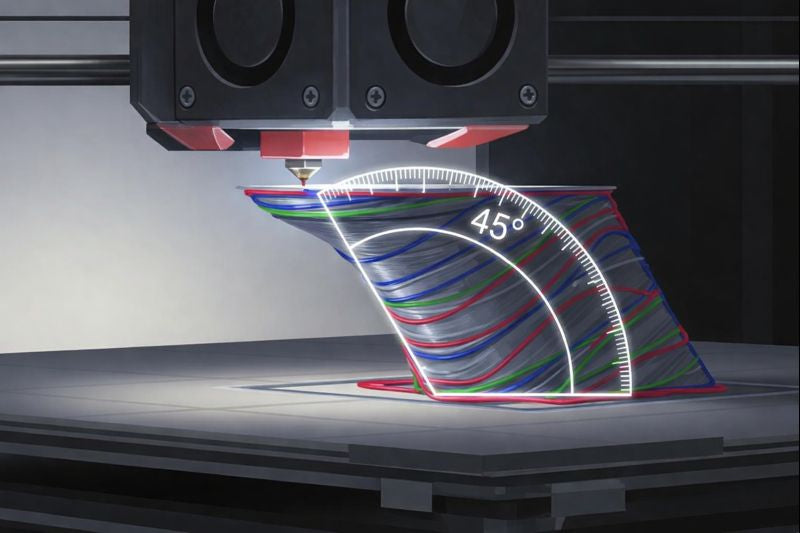
The 45° rule in 3D printing ensures stable overhangs, reduces support material, and improves print quality for stronger, more efficient additive parts.
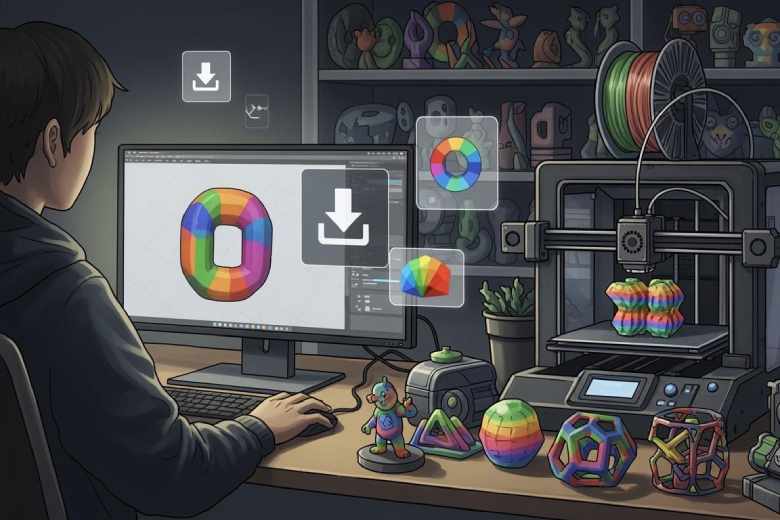
How to Download and Use Multi-Color 3D Print Models
Download multi-color 3D printing models, choose the correct file formats, and use compatible slicer software to achieve vibrant, accurate, and error-free multi-color 3D printing results.
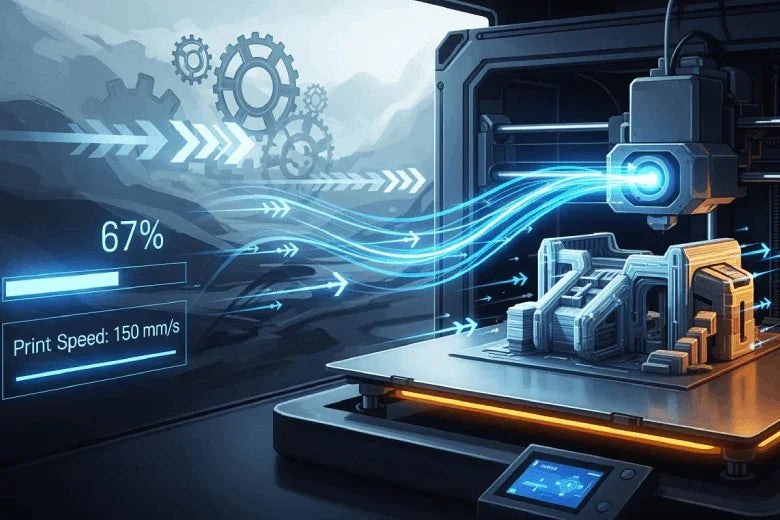
How to increase printing speed in 3D printing
Increase printing speed in 3D printing by optimizing settings, upgrading hardware, and choosing fast materials while maintaining print quality.
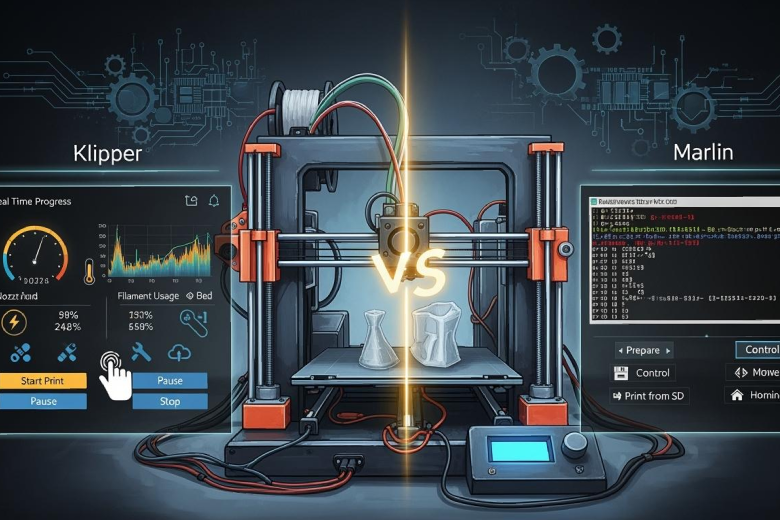
Key Differences in Klipper and Marlin Firmware for 3D Printing
Klipper VS Marlin 3D print: Compare print speed, quality, setup, and features to choose the best 3D printer firmware for your needs.
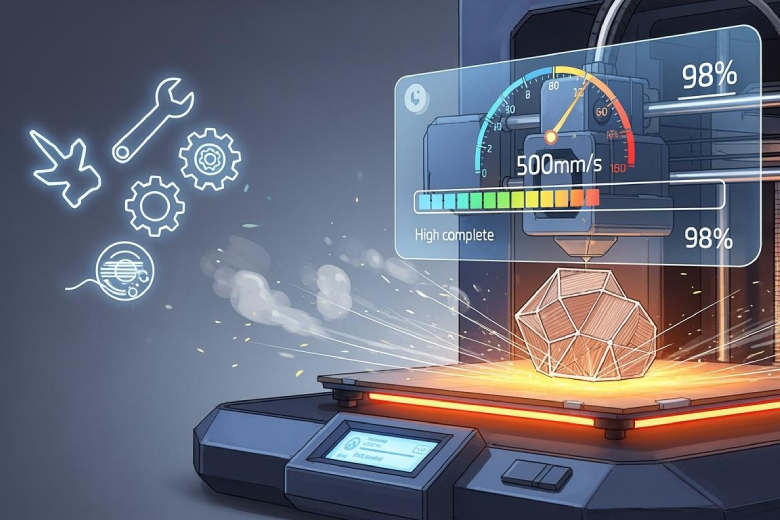
Tips to Boost Your 3D Printer Heated Bed Speed
Boost your 3D printer heated bed speed with upgrades, insulation, and power supply tips for faster heating and improved print quality.
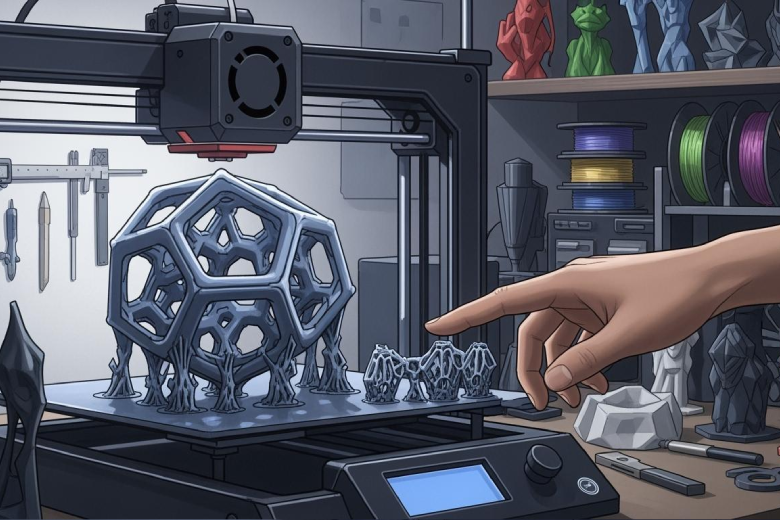
How to Master Support Structures in 3D Printing
Master support structures in 3D printing for cleaner results, fewer failures, and easier removal. Optimize settings and choose the right support type.
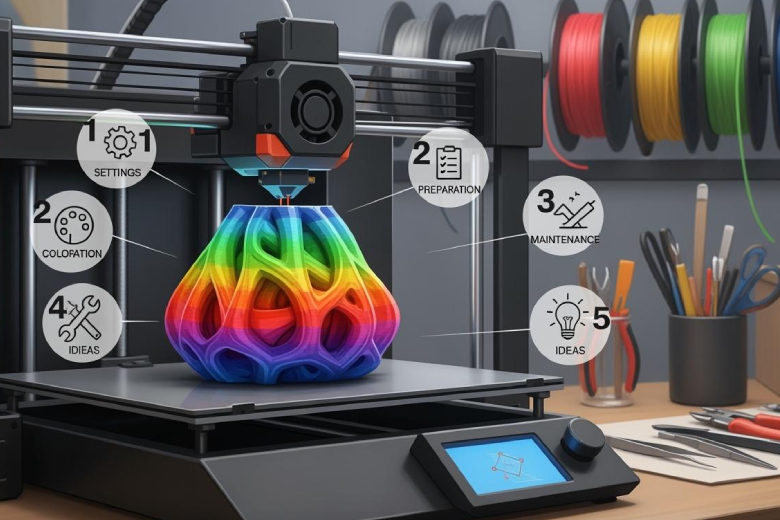
5 Essential Tips for Smooth Multicolor 3D Printing
Achieve stable, vibrant multicolor 3D printing with expert tips on filament preparation, printer settings, and precise color transitions for smooth, high-quality results.
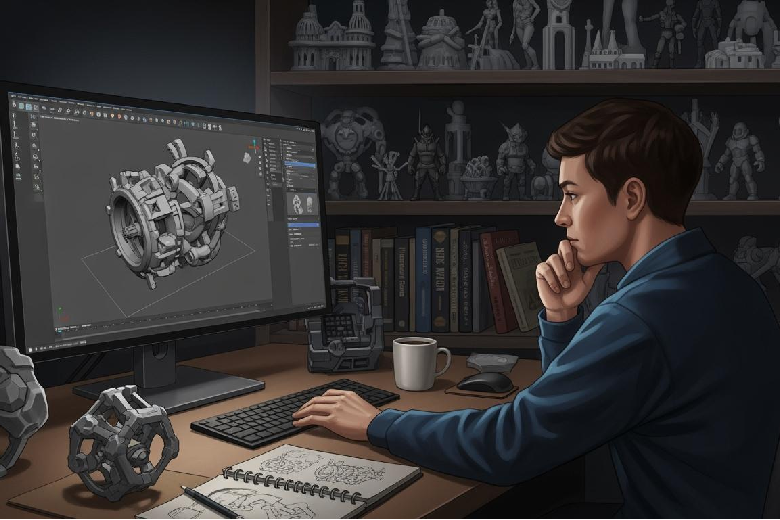
3D Printing Software – Mehr als nur Technik
3d printing software wandelt 3D-Modelle in Druckanweisungen um, optimiert den Druckprozess und ermöglicht präzise, individuelle Ergebnisse im 3D-Druck.
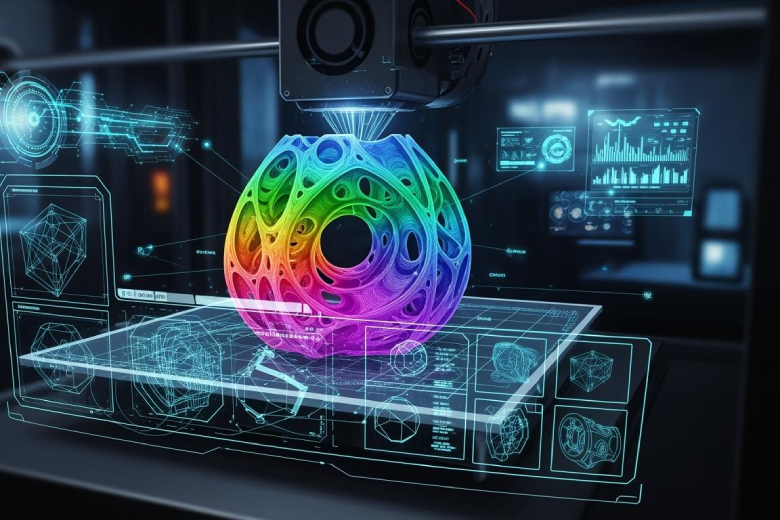
3D Printing Multicolor Slicing Techniques
Achieve vibrant multicolor 3D Printing with expert slicing techniques, hardware choices, and troubleshooting tips for sharp, clean color transitions.