


3D printing vs CNC for small-batch ABS parts: a decision guide
A practical framework to choose FDM vs CNC for 10–200 functional ABS parts: tolerances, strength, finish, cost drivers, and repeatability.
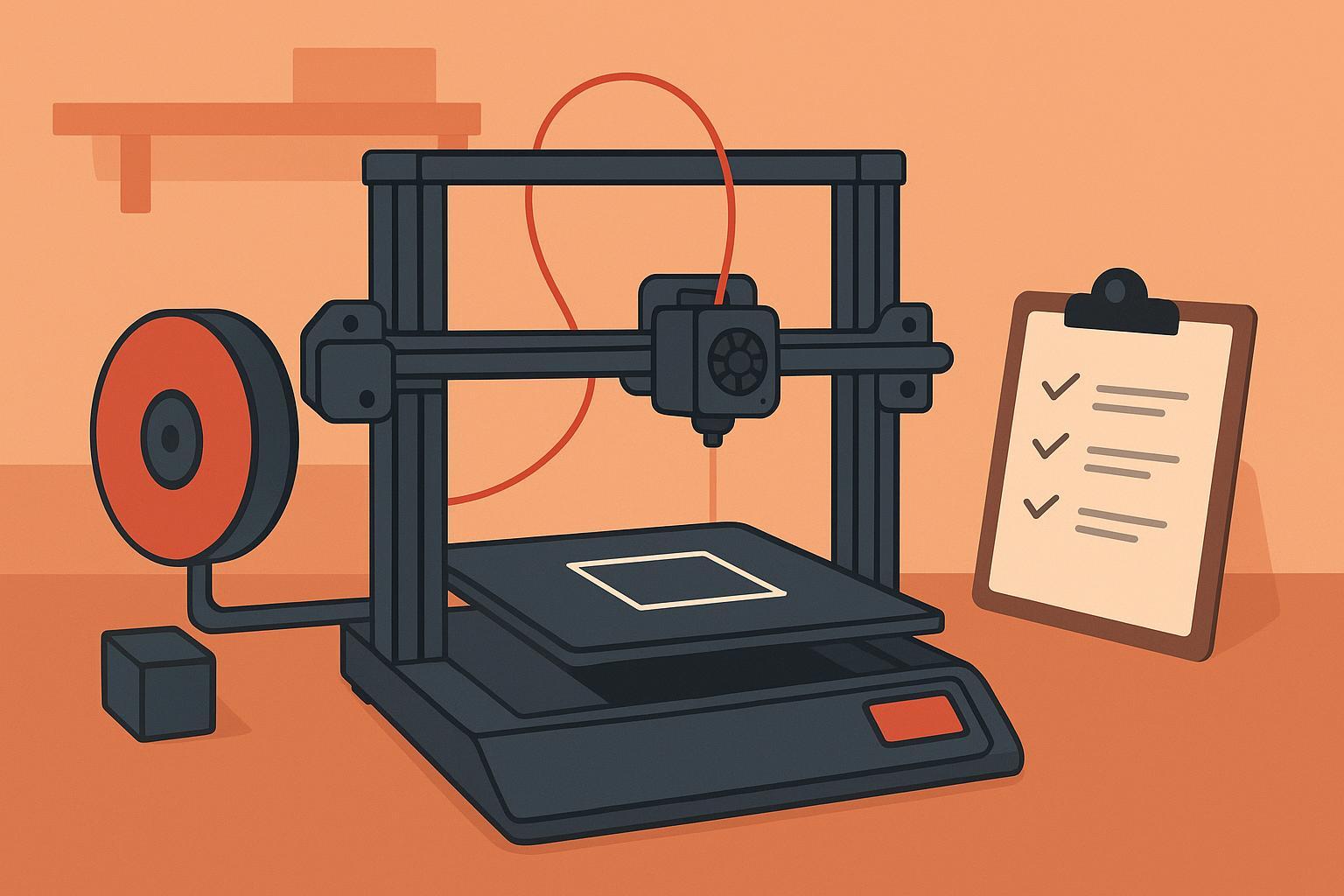
3D printer reliability: plug-and-play or tuning?
A beginner-friendly guide to what “out-of-the-box” reliability really means—and the short setup routine that makes prints consistent.
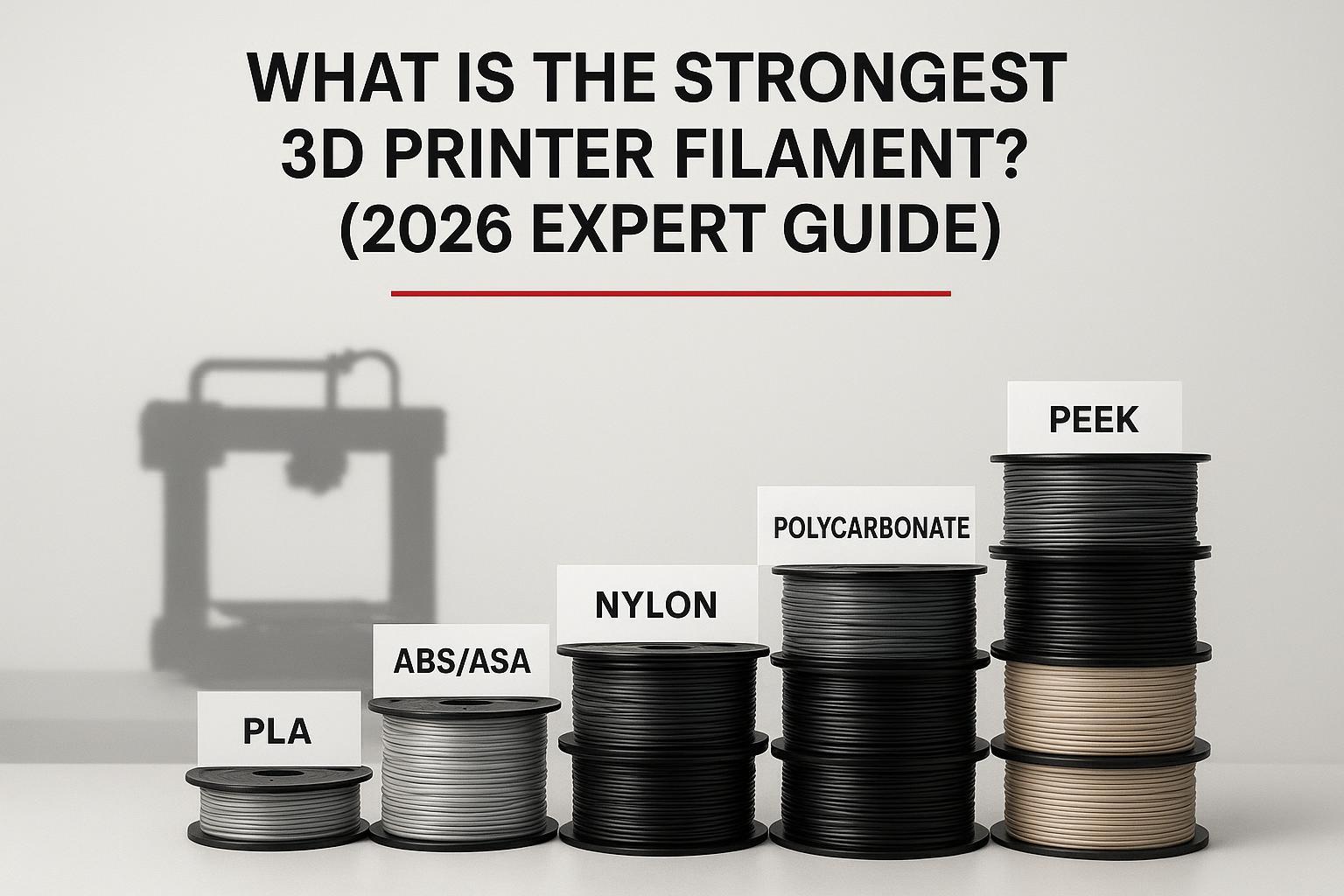
What is the strongest 3D printer filament? (2026 expert guide)
Learn what “strongest” really means, which filaments win in practice, and what most beginners can realistically print.
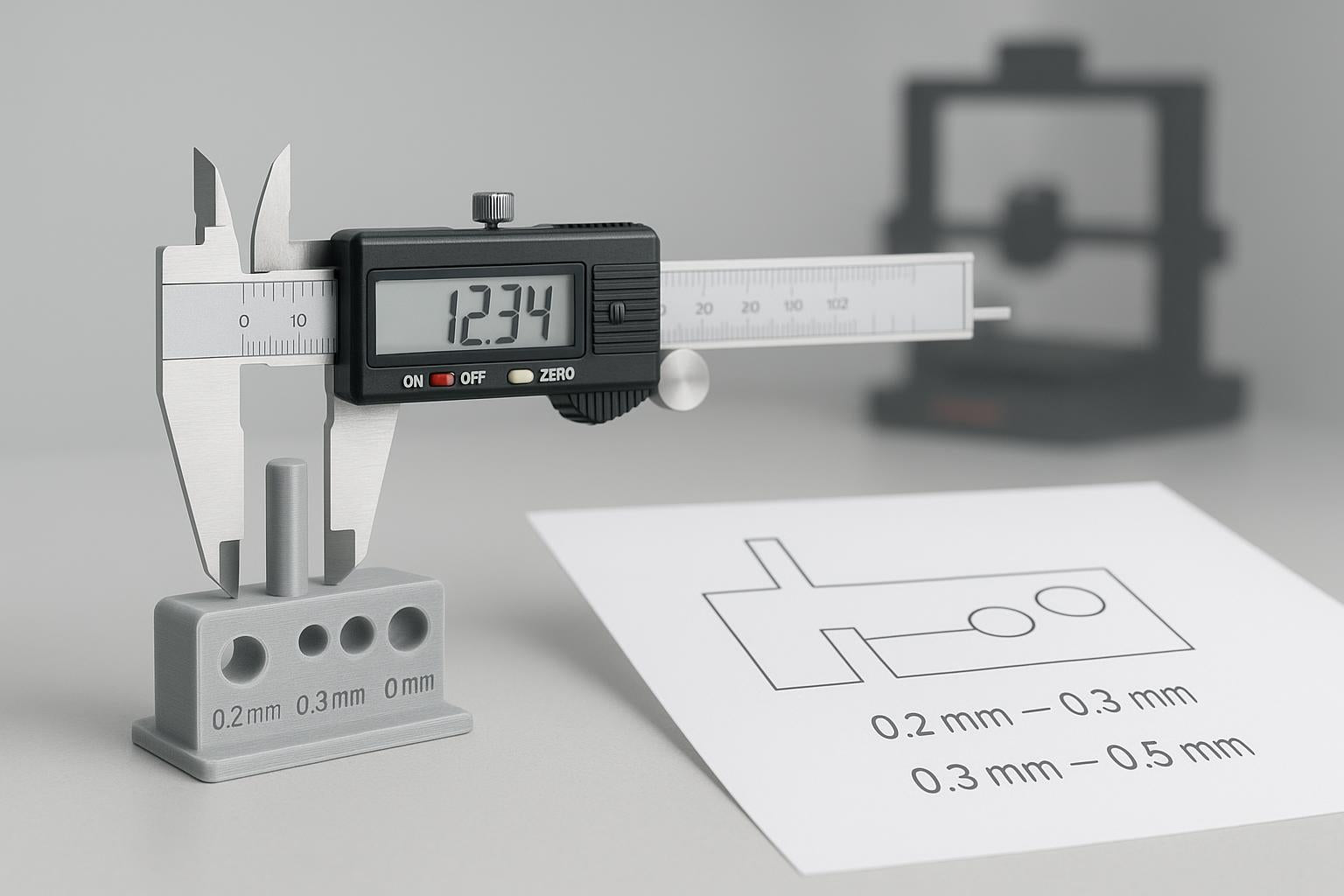
3D Printing Tolerances: Make Parts Fit Every Time
Beginner-friendly tolerance and clearance workflow for PLA/PETG so prints fit predictably—plus FreeCAD tips and fixes.
3D Printing Beginner Pitfalls Checklist (Avoid Failures)
A practical yes/no checklist to prevent common 3D printing failures—first layer issues, warping, stringing, wet filament, and more.

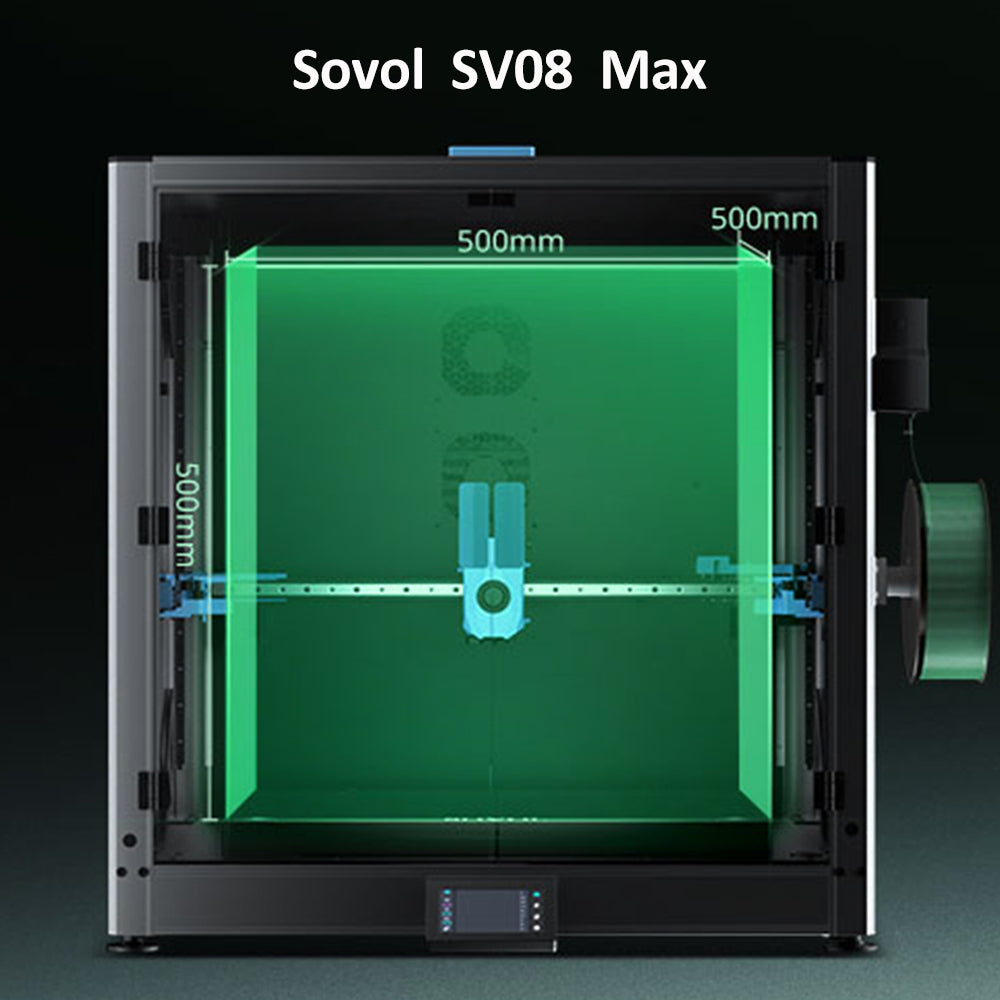
Großformat-3D-Drucker für Prototypen: Vorteile, Grenzen und Kaufkriterien
Wann sich ein Großformat-3D-Drucker für Prototyping lohnt: Vorteile, Risiken, Kaufkriterien und SV08 Max als 500-mm-Beispiel.
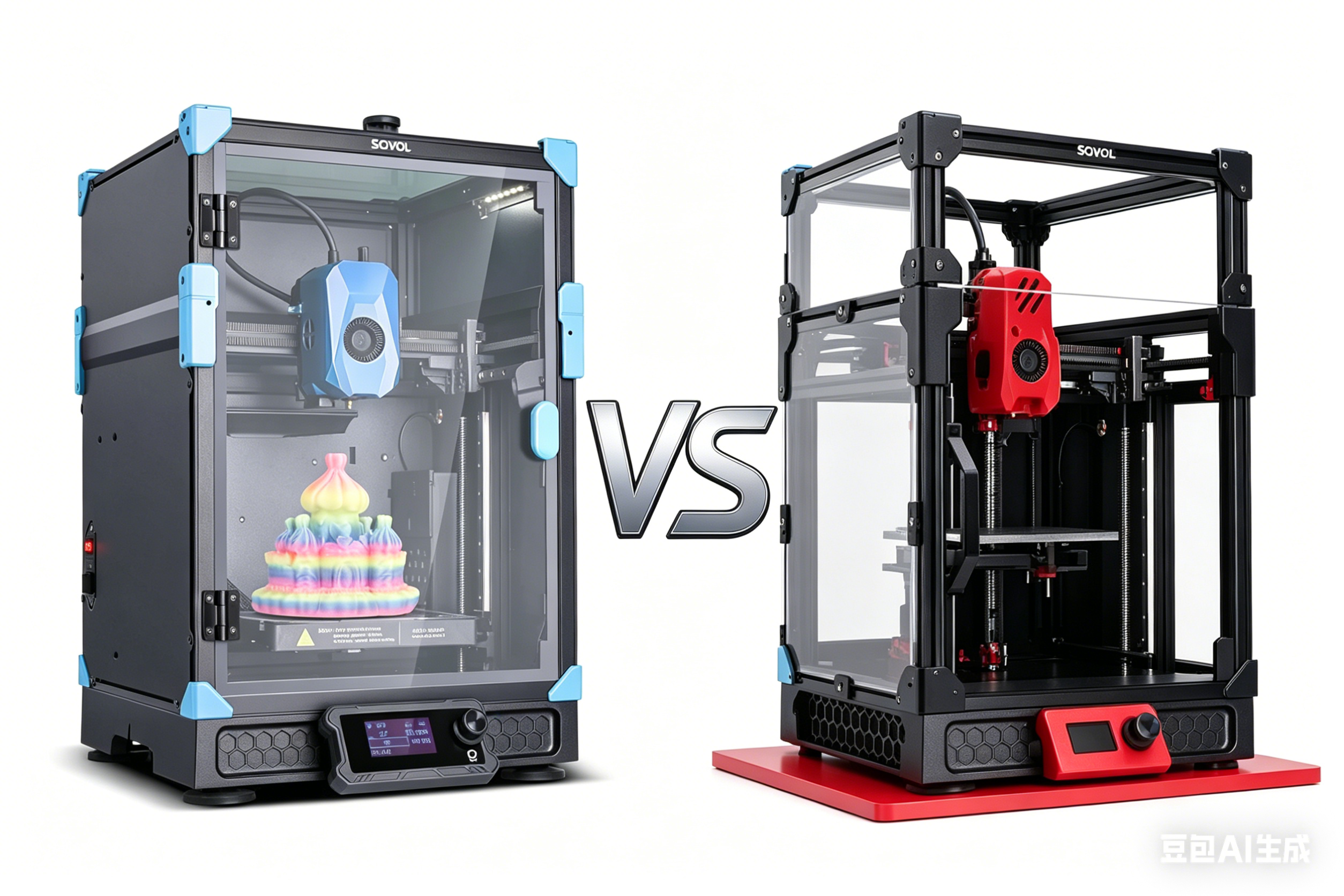
Sovol Zero vs Voron 0.2: which compact CoreXY fits you?
Neutral, criteria-based comparison for experienced hobbyists choosing a second compact CoreXY: speed reality, build vs buy, materials, support.
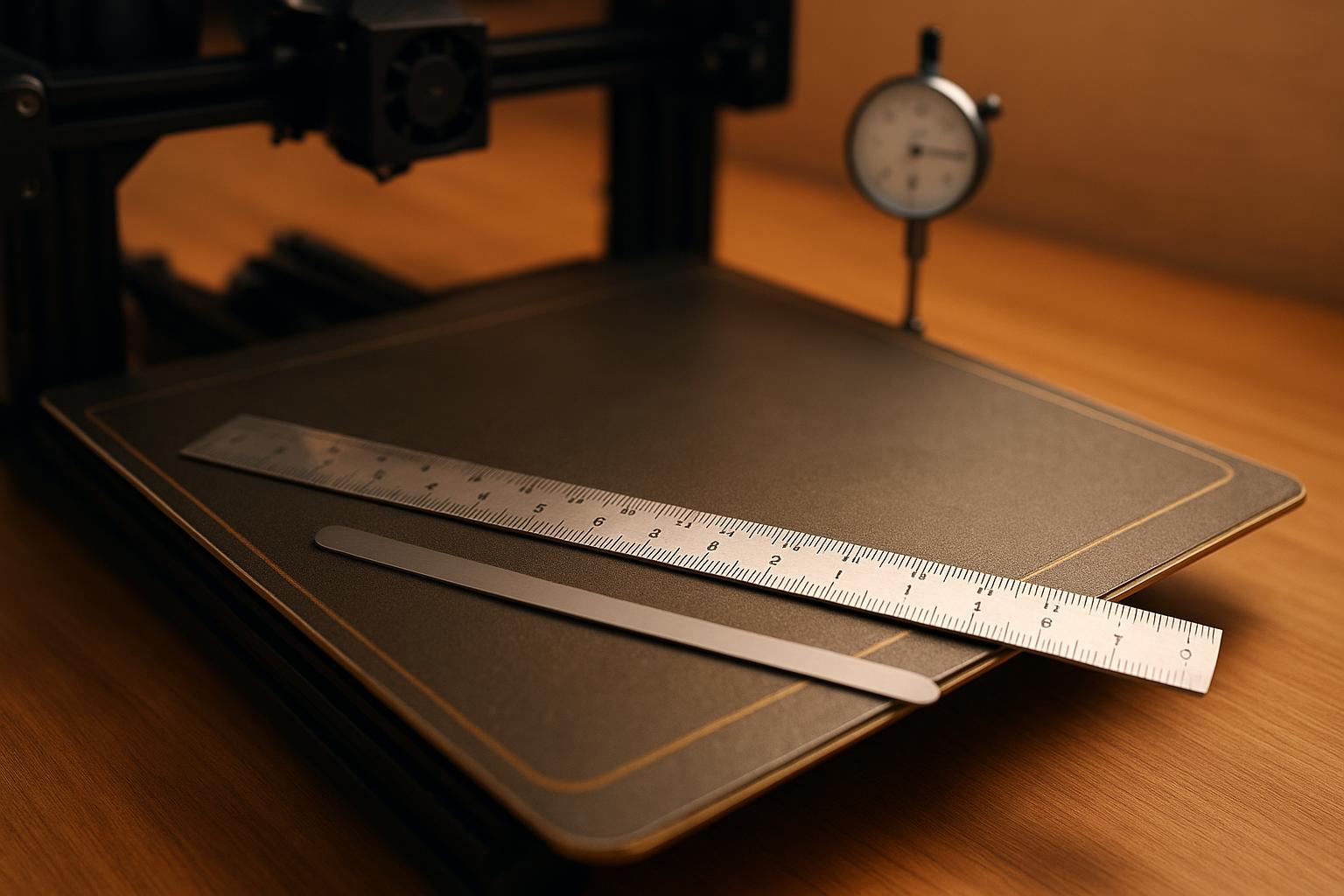
How to fix a slightly warped 3D printer bed
Diagnose true bed warp vs Z-offset or a warped PEI sheet. Safe fixes, mesh leveling steps, shimming, and when to replace parts.
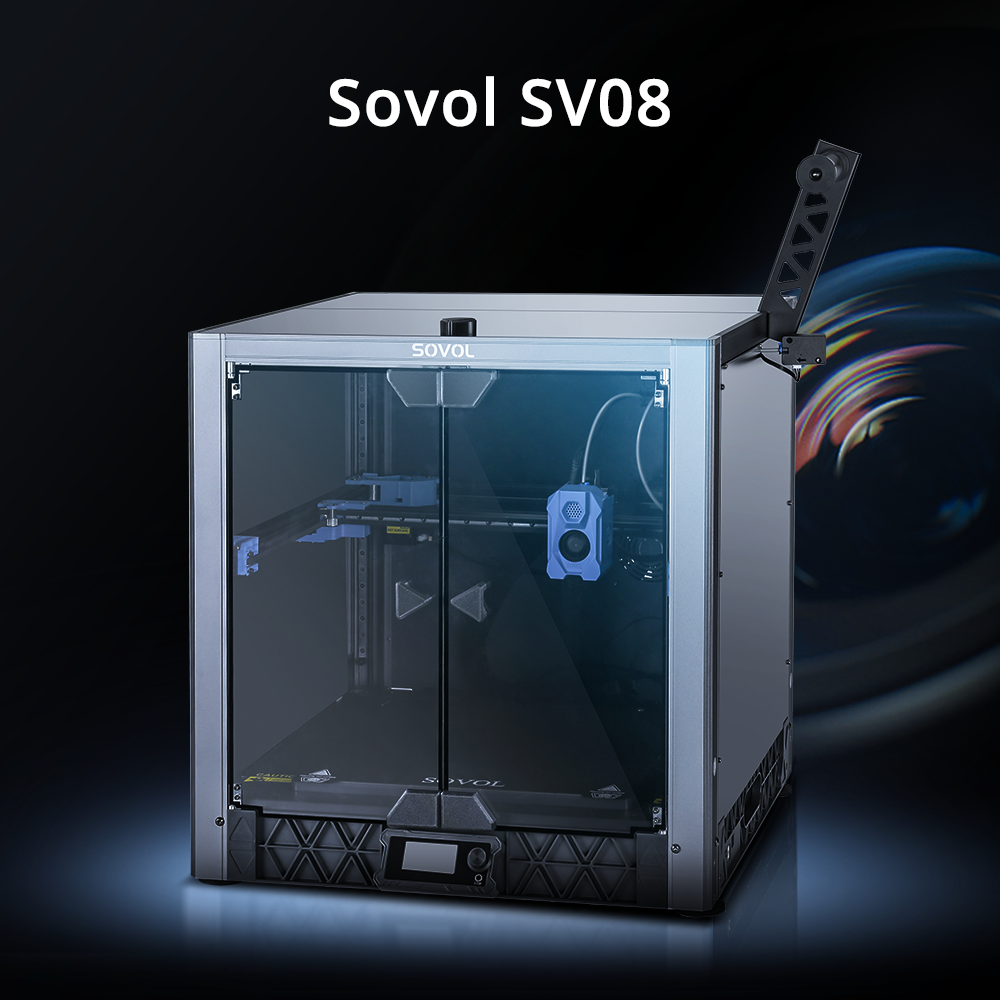
3D-Drucker mit bestem Preis-Leistungs-Verhältnis 2026: SV08 Kaufguide
3D-Drucker 2026 richtig vergleichen: Bauraum, CoreXY, Klipper, Materialien und Folgekosten – mit Einordnung des Sovol SV08 unter 500 €.