


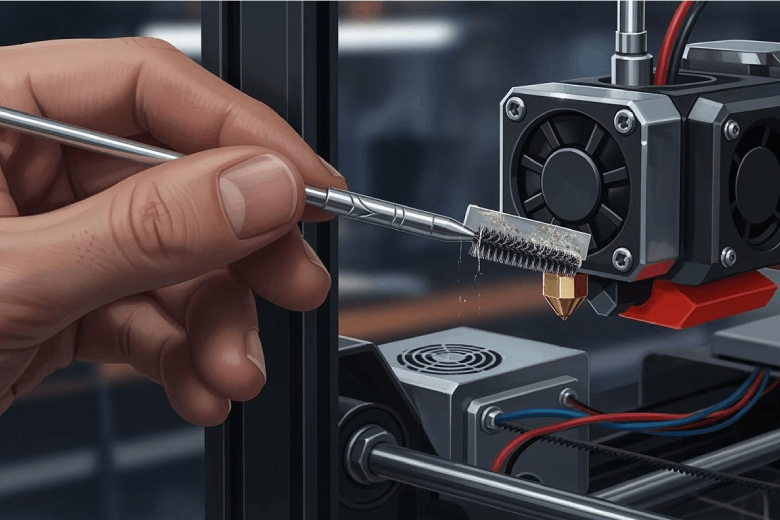
How to Clean the Nozzle of a 3D Printer for Fantastic Results
Clean the nozzle of your 3D printer with simple methods to prevent clogs, improve print quality, and ensure smooth filament flow every time.
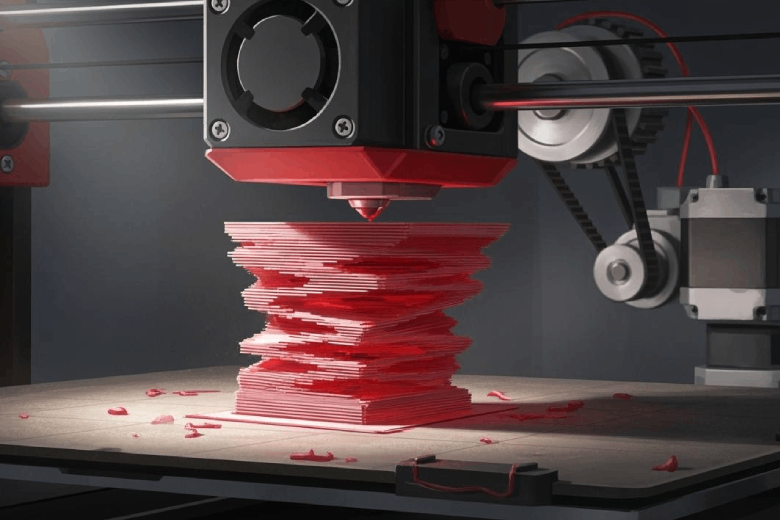
Why Your 3D Prints Are Layers Shifting?
Layer shifting in 3D prints is caused by mechanical, electrical, or environmental issues. Regular checks and maintenance prevent misaligned layers.
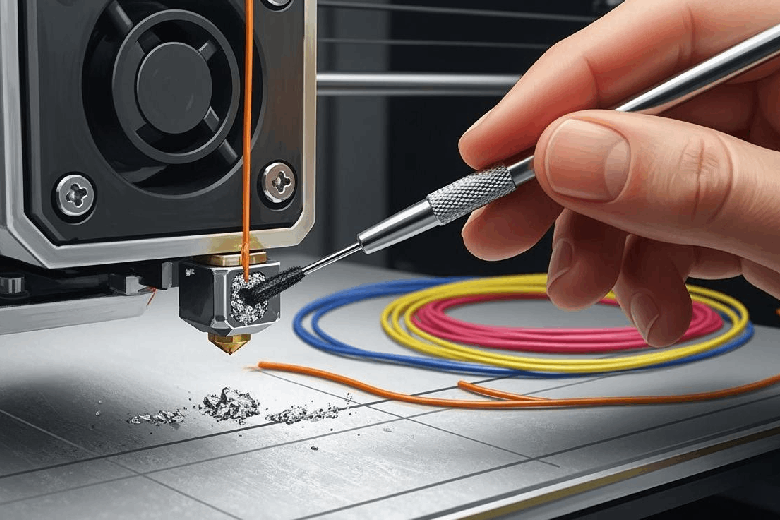
Tipps zur schnellen Reinigung einer verstopften 3D-Druckerdüse
3D-Druckerdüse entstopfen: Schnelle Reinigungstipps, effektive Methoden und vorbeugende Maßnahmen für störungsfreien 3D-Druck.
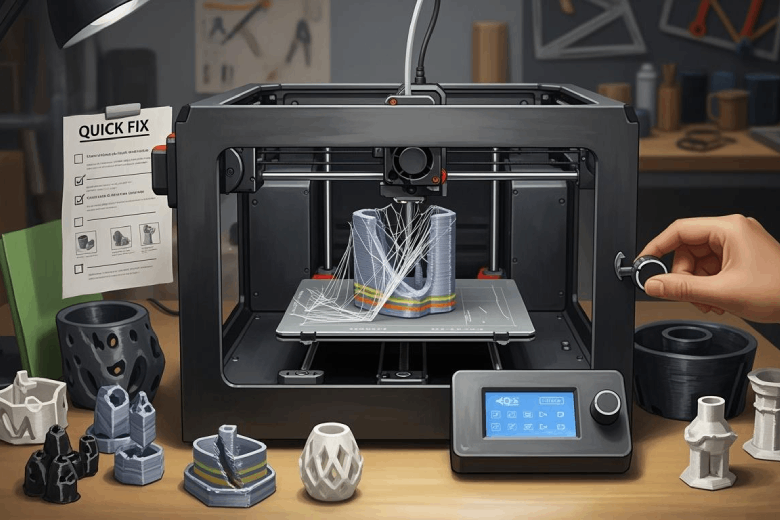
So behebst du typische 3D-Druck Probleme schnell
Typische 3D-Druck Probleme wie Warping, Stringing und Haftung schnell beheben: Praktische Sofort-Tipps für bessere Druckqualität und weniger Frust.
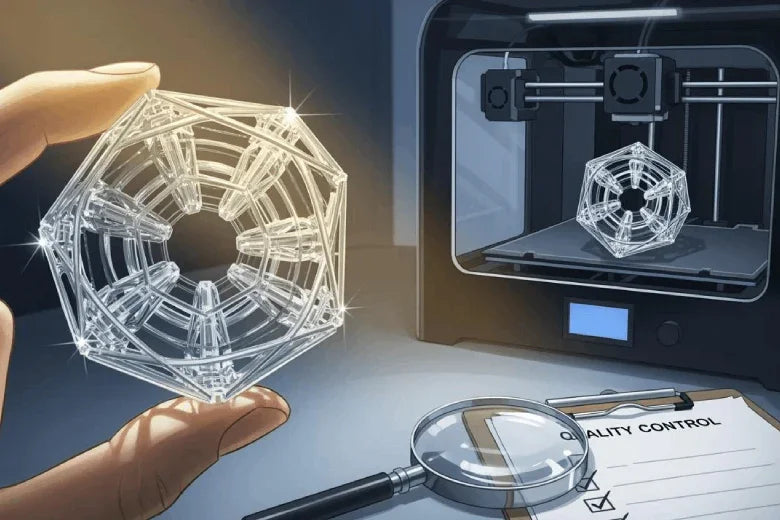
Klares Plastik im 3D-Druck: Fehler vermeiden und Qualität sichern
Klares Plastik im 3D-Druck: So vermeidest du Trübungen, Risse und Oberflächenfehler und erzielst transparente, hochwertige Druckergebnisse.
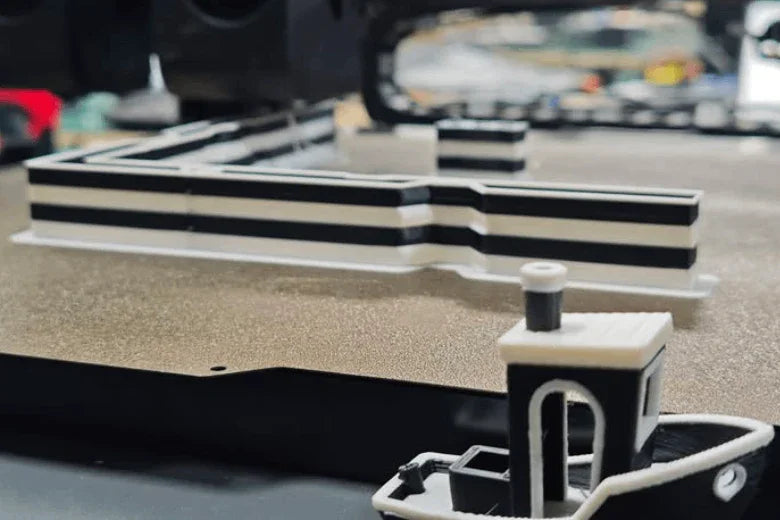
Blatt Papier als Helfer für eine glatte 3D-Druckoberfläche
Mit einem Blatt Papier richtest du die 3D-Drucker-Plattform exakt aus und erzielst eine glatte Oberfläche sowie optimale Haftung der ersten Schicht.
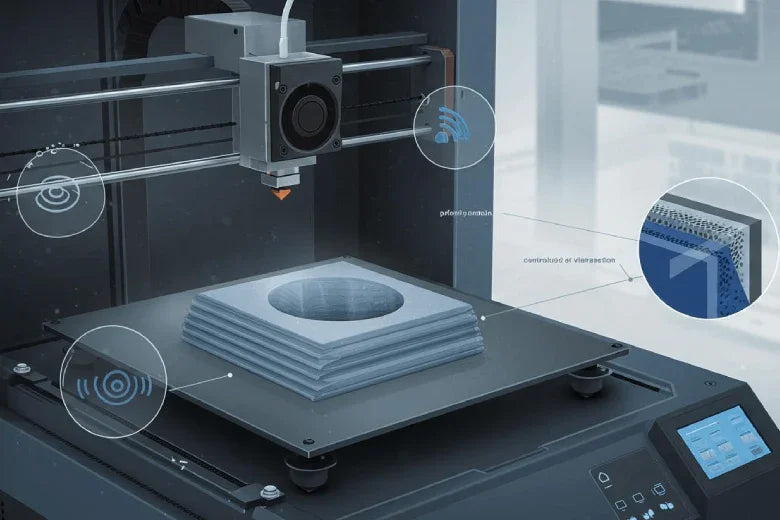
High-Speed-3D-Druck: Vibrationen und Linien kontrollieren
Hochgeschwindigkeitsdruckzeit: Tipps zur Kontrolle von Vibrationen und Schichtlinien für glatte, präzise 3D-Drucke und optimale Druckqualität.
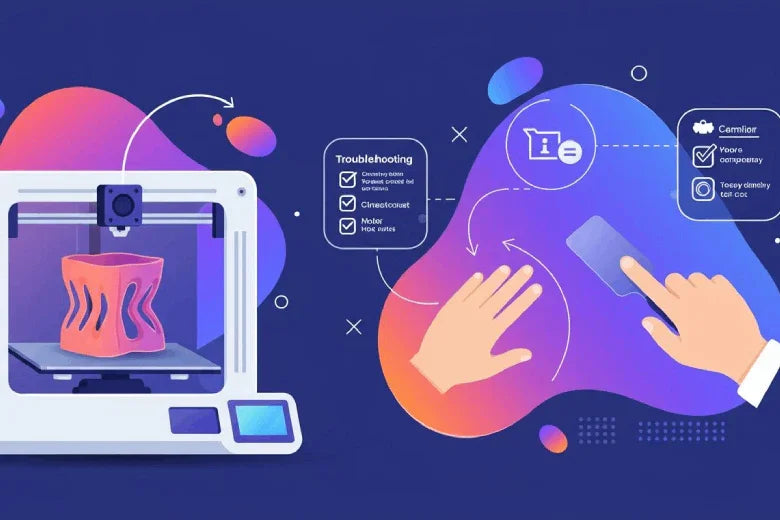
Wie man das Problem des Verziehens beim 3D-Drucken behandelt
Problem des Verziehens beim 3D-Druck lösen: Tipps zu Temperatur, Haftung, Slicer-Einstellungen und Filament für verzugsfreie Drucke.
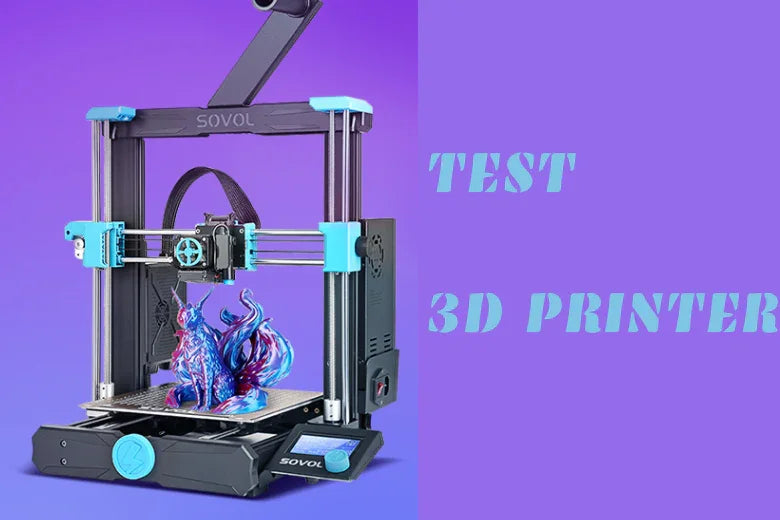
Wie Man 3D-Drucker Effektiv überprüft und Fehler Behebt-Ein Umfassender Leitfaden
Ein systematischer Leitfaden zur 3D-Drucker-Prüfung, Fehlersuche, Wartung und Lösung häufiger Probleme vor und während des Drucks.