



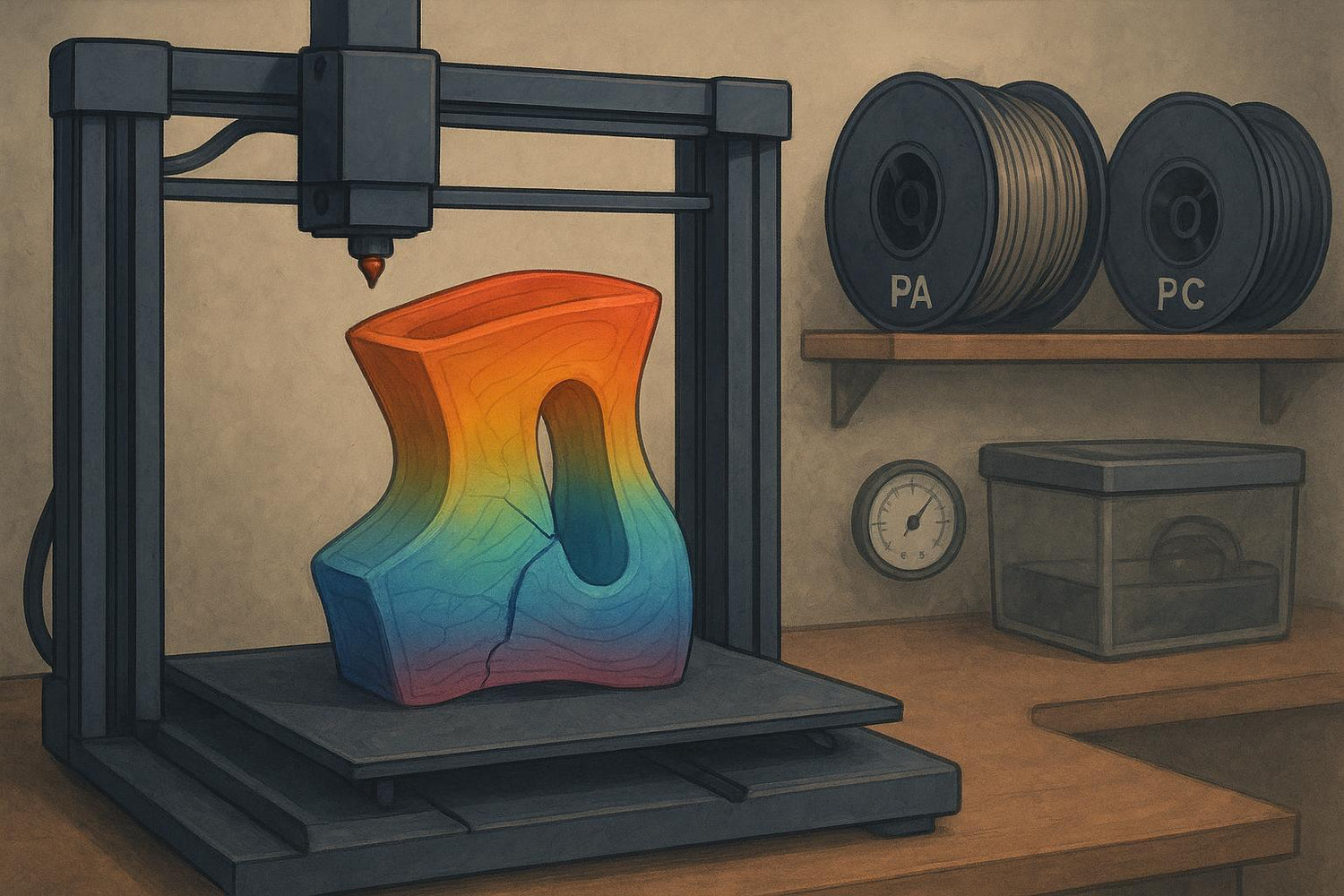
If your print looks fine for an hour… then you hear a faint tick and spot a crack running sideways across the part, you’re dealing with stress that your plastic couldn’t absorb.
For nylon (PA) and polycarbonate (PC), cracking is common because both materials are sensitive to temperature gradients (uneven cooling) and layer bonding conditions. Nylon also brings a second problem: it absorbs moisture fast.
If you landed here from a search for nylon 3D printing or polycarbonate 3D printing cracks, you’re in the right place—most fixes are about controlling moisture, heat, and cooling so layers can fuse properly.
Key takeaways
- Most “cracking” is either interlayer cracking (layer splitting) or stress cracking from uneven cooling.
- For nylon and PC, your fastest wins are usually: dry the filament, reduce cooling, print hotter (within the filament’s range), and remove drafts / use an enclosure.
- If the crack appears at a consistent height, suspect cool air hitting the part, under-extrusion, or the nozzle temperature effectively being too low for good fusion.
First, identify what kind of crack you have
This matters because the fix is different.
Crack type A: interlayer cracking (layer splitting)
This looks like a seam between layers—often a horizontal split that follows the layer lines. Many troubleshooting guides categorize this as “layer separation” or “splitting.”
In practice, layer splitting is the most common form of 3D print cracking on nylon and polycarbonate.
Most likely causes
- Nozzle temp too low for the material
- Too much part cooling
- Drafts / cold room air
- Under-extrusion (partial clog, bad flow calibration)
Crack type B: stress cracking from shrink and uneven cooling
This is stress concentrating in one region (corners, thick-to-thin transitions, long flat walls). It can start as warping and end as a crack.
Most likely causes
- Big temperature gradients (hot core + cold skin)
- Poor bed adhesion that lets the base move while the upper layers shrink
- Geometry that “locks in” stress
Crack type C: brittle failure from wet filament
Wet filament often prints with pitting, fuzziness, bubbles, or inconsistent extrusion, and the part can feel strangely weak.
If you suspect moisture, you can cross-check the classic symptoms (popping, bubbling, rough surfaces) described in MatterHackers’ guide to filament and water.
Most likely causes
- Filament absorbed water during storage
- Drying was too short or too cool
- Filament re-absorbed moisture during a long print
Pro tip: If you hear popping/hissing at the nozzle or see tiny bubbles in the extruded line, treat “dry the spool” as step zero.
Step-by-step troubleshooting for 3D print cracking
Follow these steps in order. Each step has a “done when…” checkpoint so you can tell if it helped.
Step 1: Remove drafts and stabilize the print environment
Action
- Close windows, block AC vents, and eliminate any direct airflow on the printer.
- If you have an enclosure, use it. If you don’t, even a temporary draft shield can help.
Done when…
- The crack no longer appears at the same height, or layer splitting reduces noticeably.
If you want a simple explainer on why this matters, Sovol’s guide on whether you need a 3D printer enclosure lays out the practical pros/cons without assuming you’re printing only one material.
Step 2: Turn down (or off) the part cooling fan
Action
- For nylon and PC, too much fan is a common cause of interlayer cracks.
- Reduce fan gradually. Keep just enough cooling for bridges/overhangs.
Done when…
- Layers look “welded” together and the crack stops tracking along layer lines.
This aligns with the general explanation of interlayer cracking in resources like Bambu Lab’s interlayer cracking note.
Step 3: Increase nozzle temperature (but stay inside the filament’s spec)
Action
- Raise nozzle temp in small increments.
- Your goal is better polymer diffusion between layers, not a glossy surface.
Done when…
- The part becomes harder to split along layer lines with hand force.
Step 4: Slow down and give layers time to bond
Action
- Reduce print speed (and consider reducing acceleration/jerk).
- If you’re using very high volumetric flow, back it off.
Done when…
- Extrusion lines look consistent, and cracks stop initiating mid-print.
Step 5: Check for under-extrusion (the sneaky cause)
Action
- Inspect the nozzle for partial clogs.
- Verify that your extrusion multiplier / flow calibration isn’t low.
- Check that the extruder isn’t slipping under load.
Done when…
- You no longer see gaps between lines, and walls look “solid,” not starved.
A general overview like Wevolver’s layer separation article includes under-extrusion as a common contributor.
Step 6: Improve bed adhesion and reduce warp-driven stress
Even if the crack is halfway up the part, the root cause can start at the base.
Action
- Clean the build surface.
- Use an appropriate adhesion aid for the surface and material.
- Add a brim for tall or warp-prone parts.
Done when…
- Corners stop lifting, and the base stays flat through the whole print.
For a broader warping playbook, Sovol’s post on preventing warping on large 3D prints is a good internal reference.
Nylon-specific fixes (PA)
Nylon problems often come down to moisture and first-layer setup.
Dry the filament aggressively and keep it dry while printing
- Nylon absorbs water quickly. Drying “a little” often isn’t enough.
- Store it sealed with desiccant, and consider printing from a dry box.
BCN3D’s support notes for PA (nylon) printing tips emphasize how distance from the bed and warping/delamination issues show up fast when setup isn’t dialed.
⚠️ Warning: If your nylon has been sitting out for days, assume it’s wet until you’ve dried it and verified extrusion is stable.
Reduce stress in the part geometry (when you can)
If you control the design, these changes can make cracking much less likely:
- Add fillets at inside corners.
- Avoid sudden thick-to-thin transitions.
- Consider splitting large parts and joining them later.
Polycarbonate-specific fixes (PC)
PC is usually less forgiving about temperature stability.
Treat enclosure and cooling control as first-class requirements
If your room is cool or drafty, PC will punish you for it.
- Stabilize the environment.
- Use minimal fan.
- Keep bed temperature stable.
Consider PC blends if pure PC is fighting you
Some PC blends are designed to be less warp-prone. That can be a practical path if your setup can’t maintain a stable warm environment.
Nylon vs PC: what usually causes cracking (quick comparison)
|
Material |
Most common cracking trigger |
Fastest first fix |
What to watch closely |
|---|---|---|---|
|
Nylon (PA) |
Wet filament + cooling/drafts |
Dry the spool; reduce fan |
Moisture symptoms (popping, bubbles), first-layer stability |
|
Polycarbonate (PC) |
Thermal gradients + residual stress |
Enclosure/draft control; reduce fan |
Stable temps, strong bed adhesion, under-extrusion |
Prevention checklist for future prints
If you’re tired of fighting the same failure, treat this like your preflight list:
- Dry PA/PC before the job and store sealed afterward (see Prusa’s drying guidance linked above).
- Print from a dry box when the print is long (nylon especially re-absorbs moisture). This is the simplest way to keep dry filament dry.
- Block drafts (enclosure if possible).
- Use minimal part cooling.
- Print hot enough for fusion (within the filament manufacturer’s range).
- Calibrate flow and rule out partial clogs.
- Design to reduce stress: fillets, consistent wall thickness, avoid long sharp corners.
FAQ
Is cracking the same as layer separation?
Not always. “Cracking” is what you see; layer separation is one common mechanism behind it. If the crack follows layer lines, treat it like delamination (see Simplify3D’s layer separation and splitting guide).
Why do cracks show up at the same height every time?
That pattern often points to environmental cooling (a draft hits the part when it reaches a certain height), or a process limit (flow/temperature can’t keep up at that height). Start by blocking drafts and verifying flow.
Can wet filament really cause cracking?
Yes—wet filament can create voids and unstable extrusion that weaken the part. Nylon is especially sensitive.
Should I anneal nylon or PC to prevent cracking?
Annealing can reduce internal stress for some materials, but it can also introduce warping if done incorrectly. If your cracking is happening during printing, fix the print environment and layer bonding first.
Next steps
If you’re printing nylon or PC regularly, it’s worth setting up a stable environment you can repeat. If you’re weighing that decision, Sovol’s guide on enclosed vs open 3D printers is a practical starting point.
