





Ein günstiger 3D-Drucker ist nicht automatisch preiswert. Wenn erste Schichten unzuverlässig sind, Ersatzteile fehlen oder das Gerät nach dem Kauf sofort Upgrades benötigt, wird aus einem niedrigen Einstiegspreis schnell ein teures Projekt.
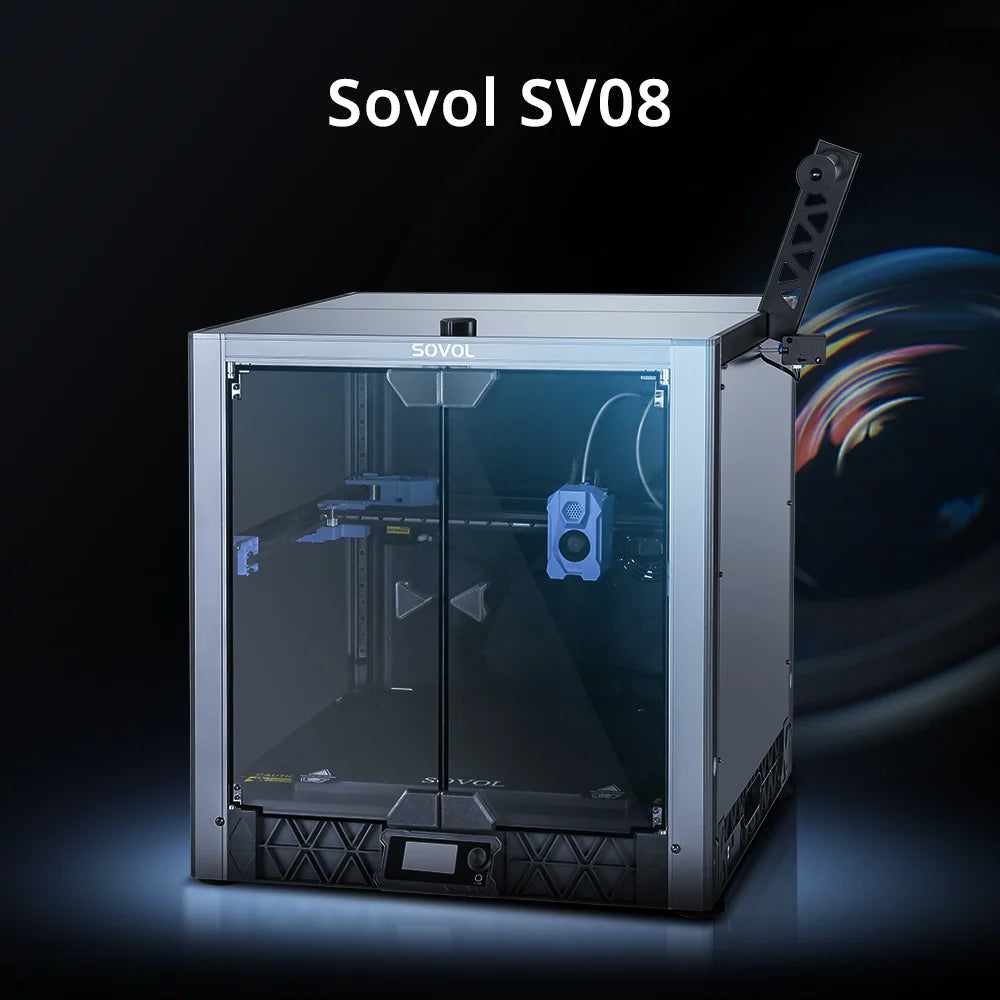
Dieser Kaufguide zeigt dir, woran du einen 3D-Drucker mit gutem Preis-Leistungs-Verhältnis erkennst – und wie sich ein offener CoreXY-Drucker wie der Sovol SV08 in der Klasse unter 500 € einordnet.
Kurzentscheidung: Was bedeutet „bestes Preis-Leistungs-Verhältnis“?
Der beste Value-3D-Drucker ist das günstigste Modell, das deine echten Projekte zuverlässig erledigt. Entscheidend sind nicht möglichst viele Datenblatt-Funktionen, sondern:
- passender Bauraum
- zuverlässige erste Schicht
- ausreichender Materialdurchsatz
- verfügbare Ersatz- und Verschleißteile
- brauchbare Slicer-Profile und Dokumentation
- realistische Wartungs- und Betriebskosten
Die 8 wichtigsten Kaufkriterien
1. Kaufe den Bauraum, den du wirklich nutzt
Ein großer Bauraum erlaubt größere einteilige Modelle und mehrere Teile pro Druckjob. Er benötigt aber mehr Stellfläche, größere Druckplatten brauchen länger zum Aufheizen und Fehldrucke können mehr Material kosten.
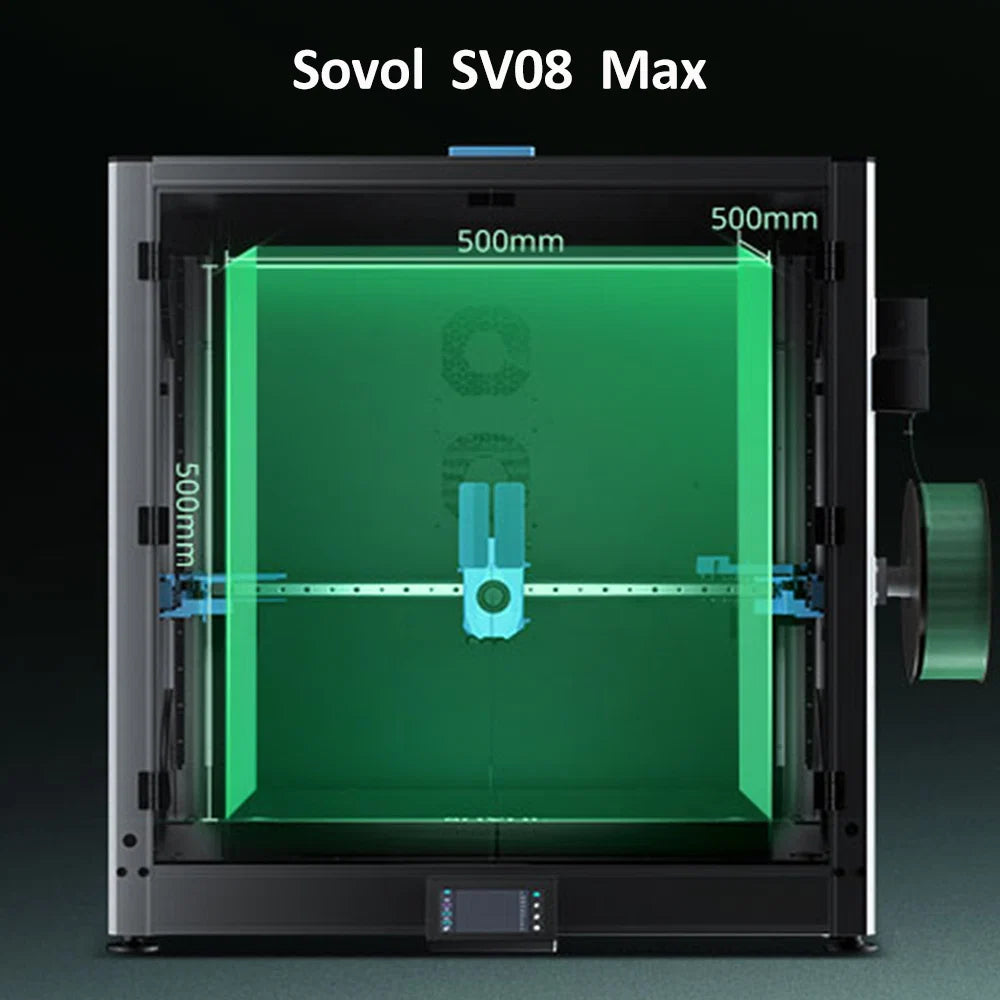
Für normale Haushaltsobjekte reichen oft etwa 220–250 mm. Helme, große Prototypen und Batch-Druck profitieren von 300 mm oder mehr. Der SV08 bietet 350 × 350 × 345 mm und richtet sich damit an Nutzer, die den zusätzlichen Platz tatsächlich verwenden.
2. Bewegungsmechanik: CoreXY oder Bedslinger?
Bei einem Bedslinger bewegt sich das Druckbett schnell in einer horizontalen Achse. Das ist einfach und günstig, kann bei hohen, schweren Teilen aber stärkere Schwingungen erzeugen. Ein CoreXY-System bewegt den Druckkopf in X und Y, während das Bett nicht schnell vor- und zurückfahren muss.
CoreXY ist kein automatisches Qualitätsversprechen. Rahmensteifigkeit, Linearschienen, Riemen, Firmware und Kalibrierung entscheiden, ob das Potenzial genutzt wird.
3. Erste Schicht und automatische Kalibrierung
Viele Druckprobleme beginnen am Druckbett. Eine gute automatische Vermessung spart Zeit, ersetzt aber keinen sauberen Druckuntergrund und keinen korrekt eingestellten Z-Offset.
Prüfe beim Kauf:
- Wie wird das Bett vermessen?
- Ist der Z-Offset leicht korrigierbar?
- Gibt es eine flexible, gut verfügbare Druckplatte?
- Sind Ersatzsensoren oder Heizbettteile erhältlich?
4. Hotend, Extruder und Materialpläne
Wenn du nur PLA und PETG druckst, brauchst du keine exotische Hochtemperaturausstattung. Für TPU ist ein gut geführter Direct-Drive-Extruder hilfreich. Für abrasive Carbon- oder Glasfaser-Filamente benötigst du zusätzlich eine verschleißfeste Düse.
Der SV08 nutzt einen Direct-Drive-Extruder und ein Hotend bis 300 °C. Für ABS, ASA und andere warping-anfällige Materialien ist zusätzlich eine Einhausung sinnvoll.
5. Geschwindigkeit: Volumenstrom schlägt Maximalwert
„Bis zu 700 mm/s“ beschreibt eine technische Spitze, nicht die Geschwindigkeit jedes Drucks. Große Modelle bestehen aus kurzen und langen Bahnen, Beschleunigungsphasen und Materialwechseln. Das Hotend muss dabei genug Kunststoff pro Sekunde schmelzen.
Bewerte daher Maximaltempo gemeinsam mit Beschleunigung, Hotend-Leistung, Input Shaping und verfügbaren Materialprofilen. Ein stabiler 250-mm/s-Druck ist wertvoller als ein instabiler Test bei 700 mm/s.
6. Offene oder geschlossene Software
Offene Systeme geben dir mehr Kontrolle über Firmware, Reparaturen und Modifikationen. Dafür verlangen sie eher Lernbereitschaft. Ein stark geschlossenes Ökosystem kann bequemer sein, bindet dich aber stärker an Hersteller-Software und spezifische Komponenten.
Der SV08 basiert auf Klipper und ist für Nutzer interessant, die Input Shaping, Pressure Advance und eigene Konfigurationen verstehen oder später anpassen möchten.
7. Ersatzteile und Reparierbarkeit
Düsen, Druckplatten, Lüfter, Heizungen und Sensoren sind Verschleiß- oder Wartungsteile. Prüfe ihre Verfügbarkeit vor dem Kauf, nicht erst nach einem Defekt.
Ein guter Value-Drucker spart nicht nur am ersten Tag Geld. Er lässt sich auch nach zwei Jahren mit vertretbarem Aufwand warten.
8. Gesamtbetriebskosten statt Kaufpreis
Zum tatsächlichen Preis gehören:
- Filament und fehlgeschlagene Drucke
- Verschleißteile und Ersatzplatten
- mögliche Einhausung oder Kamera
- Werkzeuge und Filamenttrocknung
- Zeit für Aufbau, Kalibrierung und Wartung
Plane Upgrades nur dann ein, wenn sie für deine Materialien oder Projekte nötig sind. Ein vollständiger „vorsorglicher“ Umbau zerstört den Preisvorteil schnell.
Sovol SV08: Einordnung unter 500 €
| Merkmal | Sovol SV08 | Was es praktisch bedeutet |
|---|---|---|
| Bauraum | 350 × 350 × 345 mm | Geeignet für große Modelle und Batch-Druck |
| Bewegung | CoreXY, Linearschienen | Gute Basis für schnelle, stabile Bewegungen |
| Maximaltempo | bis 700 mm/s | Material und Modell bestimmen die reale Geschwindigkeit |
| Firmware | Klipper, offen | Viele Tuning- und Anpassungsmöglichkeiten |
| Aufbau | weitgehend vormontiert | Weniger Aufwand als bei einem vollständigen DIY-CoreXY |
| Hotend | bis 300 °C | Breites Materialspektrum mit passender Umgebung |
Der aktuelle EU-Shoppreis beginnt bei 469 € (Stand Juli 2026; Preise und Aktionen können sich ändern). Damit konkurriert der SV08 weniger mit kleinen Einsteigergeräten als mit größeren CoreXY-Druckern und selbst aufgebauten Voron-Konzepten.
Für wen ist der SV08 eine gute Wahl?
- Du möchtest einen größeren Bauraum als bei typischen Desktop-Modellen.
- Du druckst Helme, Prototypen oder mehrere Teile gleichzeitig.
- Du willst Klipper nutzen und Einstellungen selbst verstehen.
- Du suchst CoreXY-Mechanik ohne einen kompletten DIY-Aufbau.
- Du akzeptierst gelegentliche Kalibrierung und Wartung als Teil des Hobbys.
Wann ist ein anderes Modell sinnvoller?
- Wenig Stellfläche: Ein kompakter Drucker ist praktischer.
- Nur kleine PLA-Modelle: Der große Bauraum bringt wenig Mehrwert.
- Vollständig geschlossener Workflow: Ein ab Werk geschlossenes System kann bequemer sein.
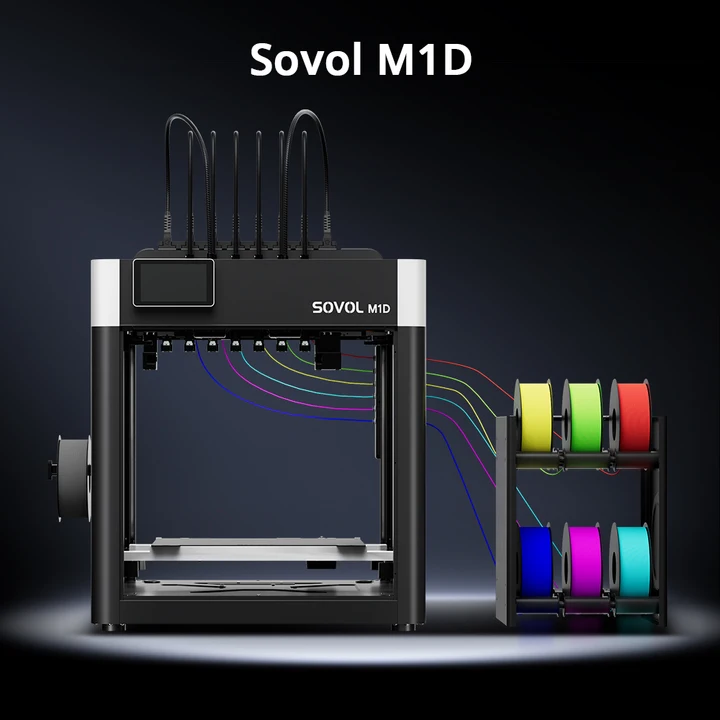
- Mehrfarbdruck als Priorität: Ein Modell mit integriertem Materialwechselsystem passt besser.
- Keine Lust auf Tuning: Ein stärker kuratiertes Ökosystem reduziert Entscheidungen.
Red Flags beim Kauf eines Budget-3D-Druckers
| Warnsignal | Warum es problematisch ist |
|---|---|
| Nur Maximalgeschwindigkeit wird beworben | Sagt wenig über Qualität und Durchsatz aus |
| Keine verfügbaren Ersatzteile | Kleine Defekte können das Gerät stilllegen |
| Unklare Firmware- und Profilpflege | Fehlerbehebung wird schwieriger |
| Großer Bauraum auf instabilem Rahmen | Hohe Teile zeigen Vibrationen deutlicher |
| Wichtige Funktionen nur über Cloud | Abhängigkeit von Dienst und Internet |
| Billigpreis nur mit sofort nötigen Upgrades | Gesamtkosten steigen schnell |
Checkliste vor dem Kauf
- Miss den verfügbaren Stellplatz inklusive Spule und Wartungsraum.
- Liste die drei größten Modelle auf, die du wirklich drucken willst.
- Lege fest, welche Filamente du in den nächsten zwölf Monaten nutzt.
- Prüfe Ersatzteile, Dokumentation und Slicer-Profile.
- Vergleiche vollständige Konfigurationen statt Basispreise.
- Plane Filament, Werkzeuge und realistische Verschleißkosten ein.
Fazit
Ein guter Value-3D-Drucker löst deine Projekte mit möglichst wenig unnötigem Aufwand. Bauraum, erste Schicht, Materialsystem, Software und Reparierbarkeit sind wichtiger als ein einzelner Rekordwert.
Der Sovol SV08 ist besonders interessant, wenn du großen Bauraum, CoreXY und eine offene Klipper-Plattform unter 500 € suchst. Für kleine Standarddrucke oder einen vollständig geschlossenen Plug-and-play-Workflow kann ein anderes Modell wirtschaftlicher sein.
Großer CoreXY-Bauraum ab 469 €
Der Sovol SV08 kombiniert 350 × 350 × 345 mm, Klipper und Linearschienen in einem weitgehend vormontierten System.
