



You have chosen a 3D printer, then spot a spool from another brand in exactly the color you want. Can you use it, or does the printer need its own brand of filament?
Many desktop FDM printers can use filament from different manufacturers. But that does not mean every spool works with every printer. The material, filament diameter, hardware requirements, spool fit and feeding system all matter.
This guide is about filament-based FDM/FFF printing. Resin printers use a different process and do not accept filament spools.
Brand compatibility and material compatibility are different
A brand name tells you who supplies the filament. PLA, PETG, TPU or ASA tells you something about the material family. Neither label alone proves compatibility.
For example, a spool of ordinary PLA from another supplier may suit a printer that accepts third-party 1.75 mm PLA. A carbon-fiber-filled nylon from the printer's own brand may still be unsuitable for that machine's installed nozzle or temperature limits.
Check the exact printer and accessory documentation first, then match the spool to those requirements. If the manufacturer explicitly restricts materials or consumables, ask for clarification rather than assuming the restriction can be ignored.
1. Match the filament diameter
Filament diameter is the thickness of the plastic strand. Common nominal sizes include 1.75 mm and 2.85 mm. They are not interchangeable in a printer configured for one size.
Read both the printer specification and the spool label. Do not confuse filament diameter with nozzle diameter: a printer using 1.75 mm filament can have a 0.4 mm nozzle because the hotend melts the thicker strand before extruding it through a smaller opening.
Changing the filament-diameter field in a slicer does not convert the physical feeding hardware. If the spool is the wrong diameter, choose the correct filament rather than trying to force it through.

2. Match the material to your hardware
A printer's maximum nozzle temperature is only part of the answer. Bed temperature, build surface, hotend construction, cooling and the printing environment can also matter.
Before buying a new material, check:
- The exact formulation: ordinary PLA, silk PLA and fiber-filled PLA can need different settings or hardware.
- Required temperatures: the filament's recommended range must fit within the machine's supported operating limits.
- The nozzle: abrasive filled materials may require a wear-resistant nozzle and a specified minimum nozzle size.
- The build surface: some material and plate combinations require a recommended adhesive or separation layer.
- The environment: an enclosure, dry feeding or appropriate ventilation may be required for the chosen material and application.
Do not use a high temperature setting simply because the printer allows it. Follow the specific filament guidance and the printer's material instructions together.
TPU needs a separate check
Flexible filament can buckle or resist movement in a feed path that works well with rigid PLA. Its hardness and formulation matter, as do the extruder and feeding arrangement.
A printer being able to print TPU does not automatically mean its automatic material feeder can handle that same TPU. Check the accessory's own supported-material list. Some systems support particular flexible formulations; others require a supported external feeding route.
3. Check whether the spool fits
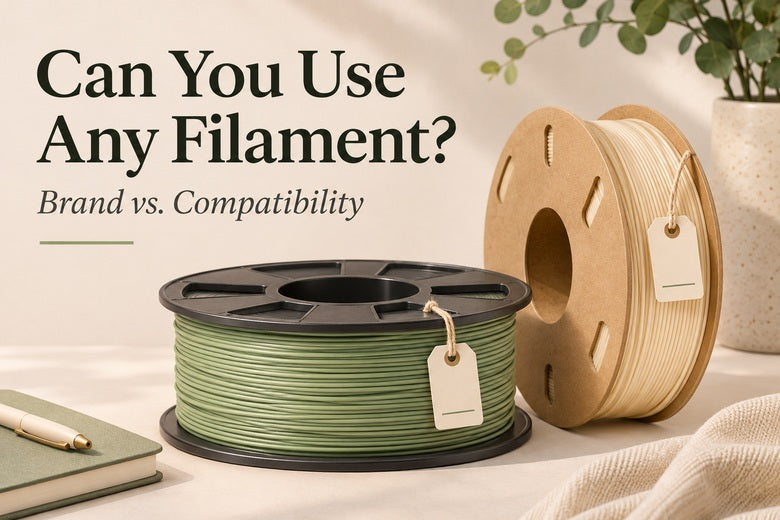
The plastic strand may be suitable even when its container is not. Spools vary in outside diameter, width, center-hole size, rim shape and construction.
An external holder may support a spool by its center, while an automatic feeder may rotate it on its rims. A spool that turns freely on one arrangement can rub, slip or sit incorrectly on another.
Before ordering several rolls, check the holder or feeder requirements against the actual spool dimensions. A “1 kg spool” label describes the filament quantity, not a universal spool shape.

Are cardboard spools incompatible?
Not as a universal rule. The answer depends on the spool and the mechanism. Rim condition, dust, deformation and the way the spool is driven can matter.
Use only an appropriate adapter or alternative feeding method for the equipment. An adapter can increase the spool's outside dimensions, so it still needs to fit. Do not assume a printed ring makes every cardboard spool suitable for every feeder.
A refill also needs the correct reusable spool. Keep it restrained and follow the refill instructions during installation; removing its ties too early can let the winding come apart.
4. Separate automatic identification from permission to print
Some filament ecosystems use RFID or NFC tags to store or retrieve spool information. This can make identification and setup more convenient, depending on the equipment.
A missing automatic identification feature does not, by itself, tell you whether the material is supported. An open system may let you select the material manually. A restricted system may impose additional requirements. Check the exact model and current instructions.
When manual setup is supported, confirm the material type, color and assigned slot in the relevant interface. Then choose a suitable slicer profile. A color label on screen does not change the physical spool, and a recognized tag does not validate every setting for your particular job.
5. Use a suitable profile, then test
A brand-specific preset can save setup time, but it is not the only possible route on printers that support third-party materials. A suitable generic preset may be a starting point when the software and printer documentation allow it.
That starting point still needs checking against the filament's instructions. Two spools labeled PLA may differ in flow behavior, cooling needs, surface finish and usable speed. Even a different color or finish can justify another test.
A practical first-spool routine is:
- Confirm diameter, material and supported hardware.
- Inspect the spool and keep the free end secured until loading.
- Use the approved feeding route and verify that the spool rotates freely.
- Select the correct printer, nozzle and material profile.
- Check temperature and speed settings against the filament guidance.
- Print a small, familiar test object and observe the first layer.
- Save a clearly named profile if adjustments are needed.
Start with a moderate, proven process rather than the machine's fastest advertised mode. If you need to tune flow or temperature, change one setting at a time. A small successful test is more useful than discovering a mismatch halfway through a large model.

A quick compatibility checklist
| Question | What to verify |
|---|---|
| Is it the right diameter? | The spool label matches the printer's specified filament size. |
| Can the machine process it? | Material requirements fit the nozzle, bed, hotend and environment. |
| Does the spool fit? | Dimensions and construction suit the holder or feeder. |
| Can the feeding accessory handle it? | The exact material is supported by that accessory, not just the printer. |
| Can it be configured correctly? | The system supports the consumable and an appropriate profile is available or can be configured. |
| Has it passed a small test? | Loading, first layer and extrusion behave reliably before a long print. |
What if a new brand prints badly?
A failure does not immediately prove a brand is incompatible. Look for the point where the process changed.
- Loading fails: check diameter, the prepared filament tip and the prescribed loading procedure. Do not force the feeder.
- The spool stops turning: check fit, rim condition, winding and friction along the path.
- The material bubbles or prints roughly: moisture is one possible cause, alongside temperature and extrusion issues.
- Only the fast sections become thin: the profile may demand more flow than that filament and hotend combination can sustain.
- The first layer does not stick: check the surface, material profile and first-layer setup before blaming the supplier.
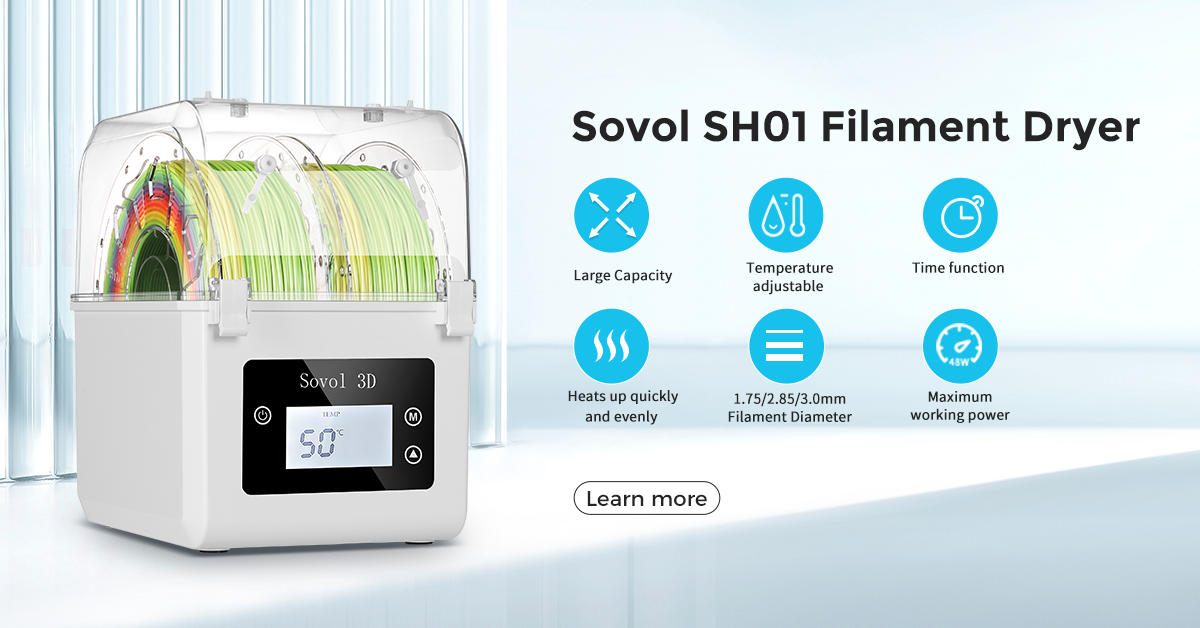
For moisture concerns, follow the filament manufacturer's drying instructions. Storage and drying are different tasks, and a sealed bag does not prove a spool is dry. Our filament drying guide explains the distinction and the importance of material-specific conditions.
Should you buy the printer brand's filament?
It can be a convenient first choice when it comes with validated presets, known spool fit and clearly documented support. That convenience can be valuable while learning.
Third-party filament can offer other colors, finishes, formulations or prices on equipment that supports it. Evaluate the specific product rather than treating all original-brand or third-party spools as equivalent.
For a new supplier, buy one suitable spool before a large bundle. Keep its label and record the profile that worked. Consistent material, clear specifications and reliable feeding are more useful than the logo alone.
Frequently asked questions
Can I use any brand of PLA?
Many FDM printers accept third-party PLA, but check the exact machine's policy, diameter, spool fit and profile requirements. Specialty PLA blends can have additional needs.
Can I put 2.85 mm filament in a 1.75 mm printer?
No. These are different physical sizes. A slicer setting cannot make the feeding hardware compatible.
Is filament diameter the same as nozzle diameter?
No. Filament diameter describes the incoming strand; nozzle diameter describes the extrusion opening. Match each to its own hardware specification.
Will third-party filament work in an automatic multicolor feeder?
Possibly, but check the accessory separately. Spool shape, material stiffness, surface properties and supported configuration can restrict it even when the printer itself can process the filament.
Does RFID or NFC make filament print better?
A tag can help with identification and setup. It does not replace suitable material, dry storage, sound feeding or an appropriate profile.
Can I mix different brands in one multicolor print?
Only after confirming that the materials work with the hardware and together in the same job. Consider shared bed and chamber conditions, adhesion, flow and color-transition settings. Start with a small test rather than assuming two PLA labels guarantee an identical process.
Conclusion
You often have more filament choice than the printer's logo suggests, but “any brand” and “any filament” are different claims.
Match the diameter, material, hardware, spool, feeding system and profile. Then test a small print before committing to a long job. Those checks make trying another supplier a considered choice rather than a guess.
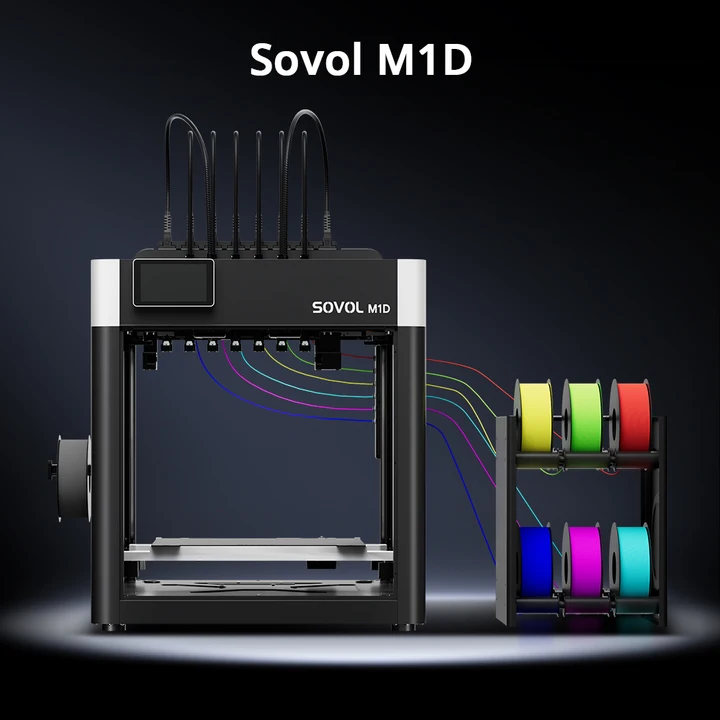
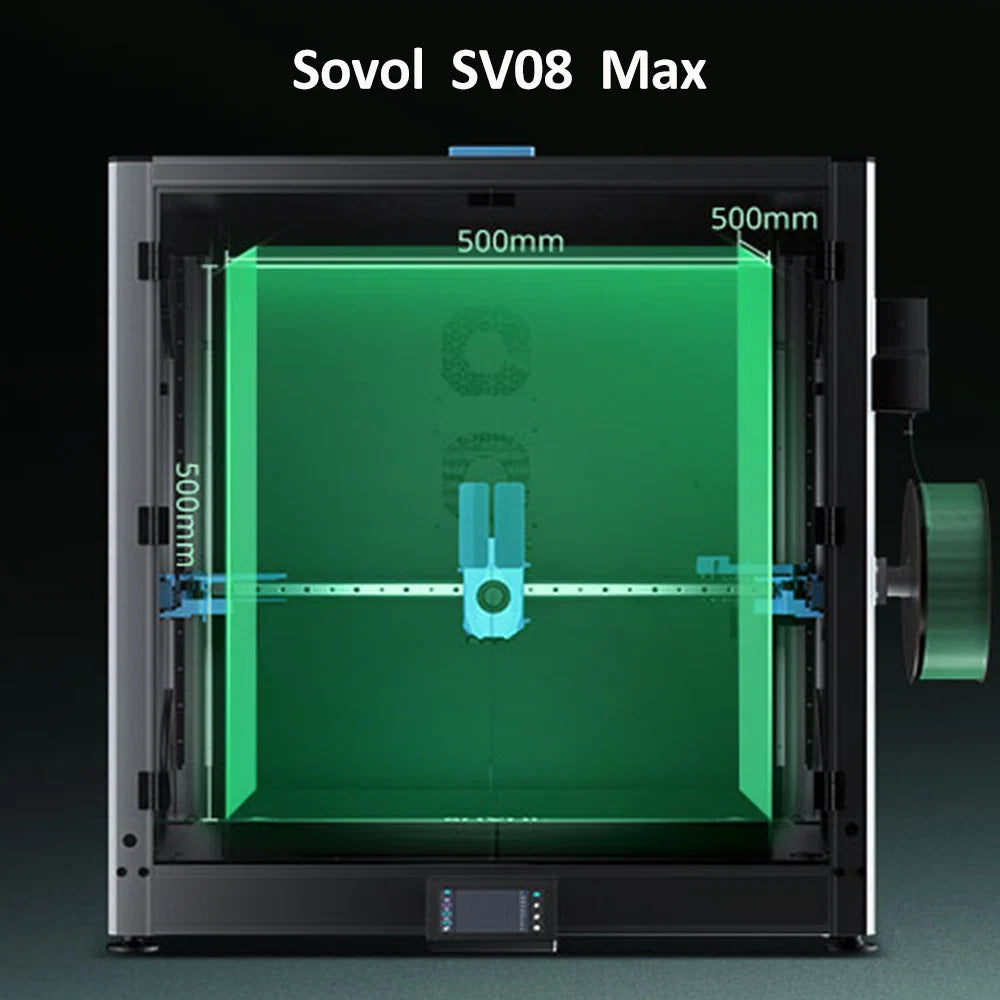
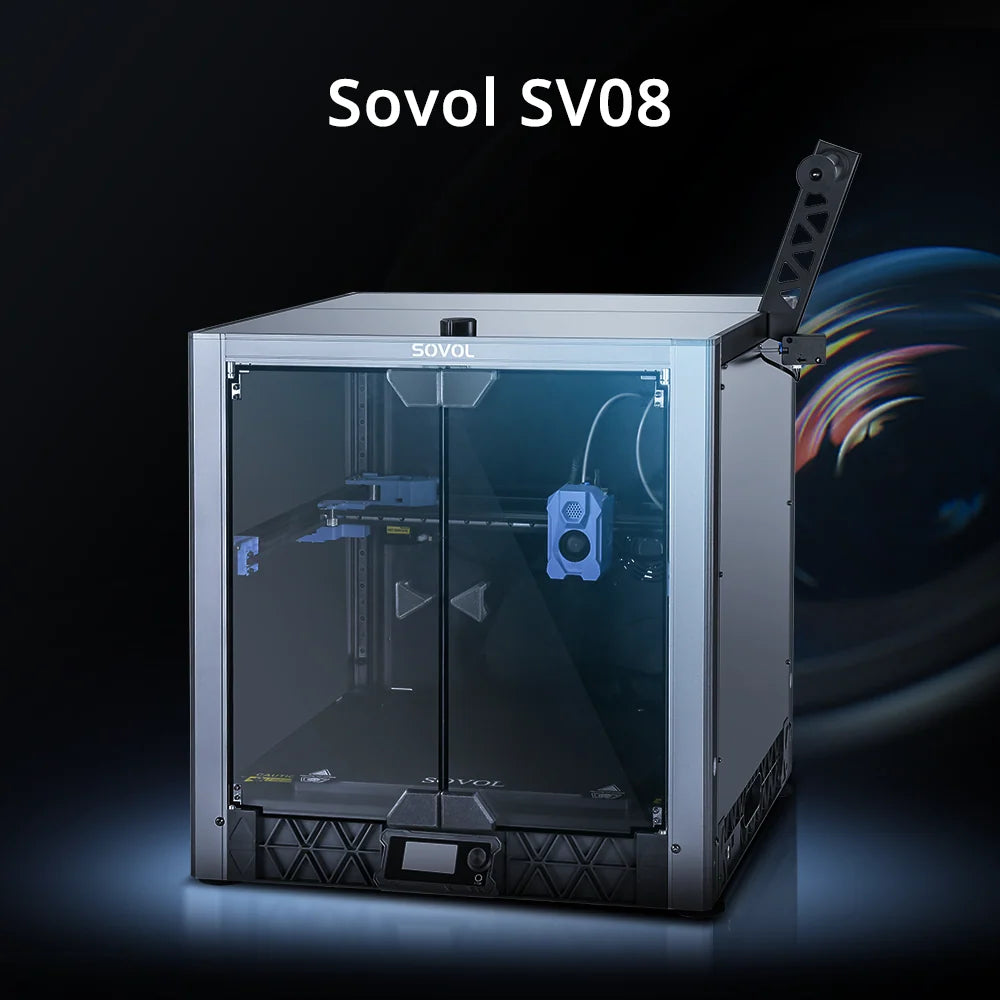
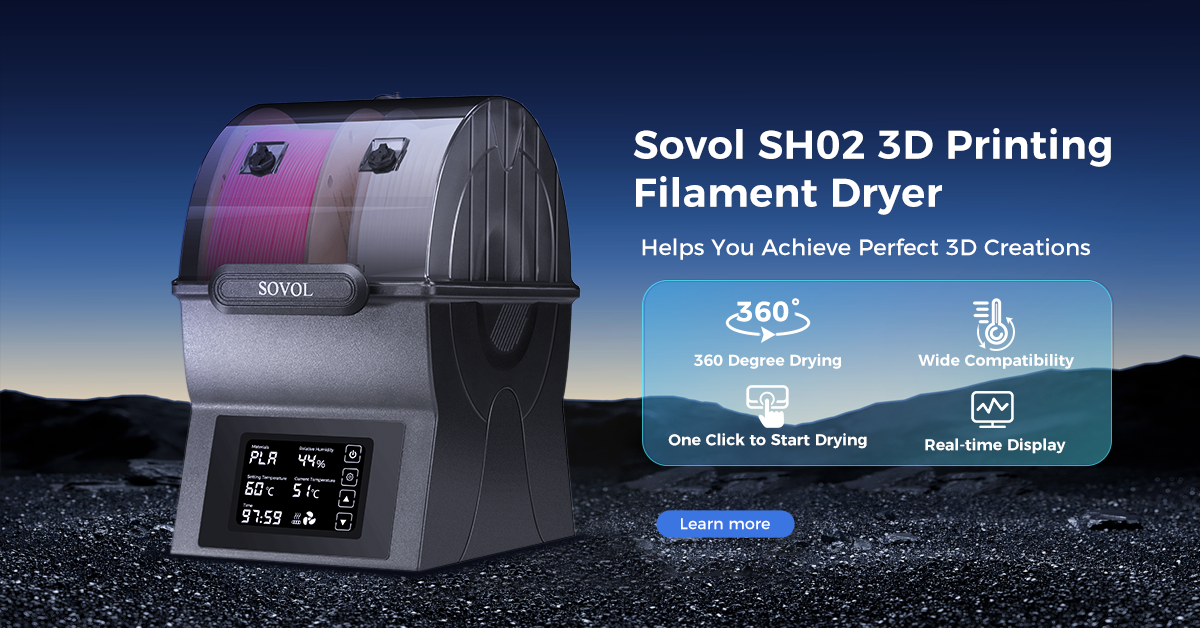
Images are illustrative examples, not certifications of compatibility with a specific printer or feeder.
