





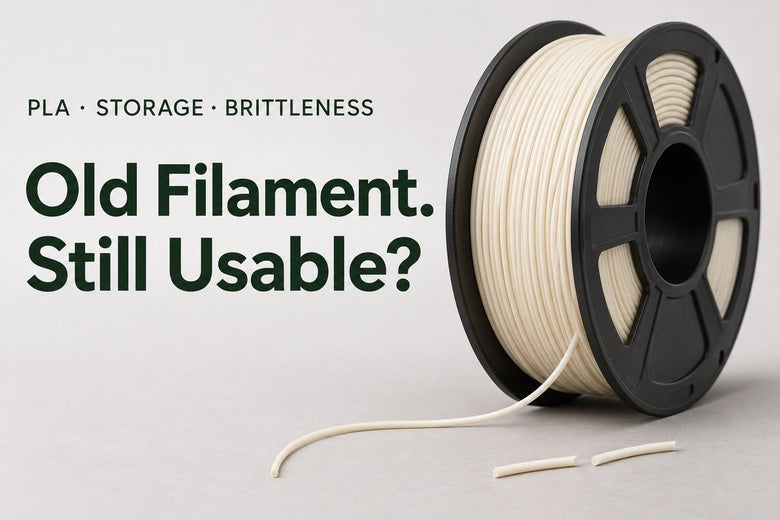
You find a partly used spool at the back of a cupboard. It has been there for a year or two, the packaging is open, and the loose end snaps as you straighten it. Is the whole roll finished—or could it still make a useful print?
Filament does not have one universal expiry period that applies to every material and brand. Follow any shelf-life or storage guidance supplied with the exact product. After that, look at its history, physical condition and printing behavior rather than judging by age alone.
Old filament can sometimes remain usable. A newer spool can also cause problems if it has been damaged or stored poorly. This guide helps you decide what to inspect, when drying is worth trying and when replacement is the more sensible choice.
Does 3D printer filament expire?
Some manufacturers publish recommended shelf lives under specified conditions. Those recommendations belong to their products; they should not be turned into a universal rule that every PLA roll lasts exactly the same number of months.
For your own spool, start with the label, product instructions and storage history. Was it kept sealed and away from sunlight, or left beside a warm window? Do you know which material it is? Has it already been heated repeatedly at unknown settings?
If you cannot identify the material, do not guess a drying temperature or load it using an arbitrary profile. Ask the supplier or set it aside.

Why does PLA become brittle?
Snapping describes what the filament does; it does not identify the cause. Material formulation, environmental exposure and the stresses of handling can all matter. Moisture can contribute to poor performance, but it is not the only explanation for a strand that breaks.
Also distinguish between brittle filament before extrusion and a weak finished print. They are different observations. A printed part can break because of its orientation, thin geometry or poor layer bonding even when the strand fed normally.
Moisture-related printing problems
Absorbed moisture can disrupt extrusion when the material is heated. Possible clues include popping, visible bubbles, rough or inconsistent extrusion and excessive stringing. These signs can justify checking the drying instructions, but they are not a complete diagnosis on their own.
For example, stringing can also have temperature or retraction causes. Look for several consistent clues rather than treating one symptom as proof.
Storage damage and material differences
Heat and sunlight can affect stored polymers. Drying removes moisture under suitable conditions; it does not reverse every change caused by environmental exposure.
Different formulations also handle differently. Fiber-filled materials, for example, can be more brittle on the spool than their unfilled counterparts. Do not use the flexibility of one filament as a universal pass/fail standard for another.
The feeding path
Inspect where breaks occur. Repeated failure at the same tight bend suggests checking the routing as well as the material. A snagged spool, resistance in a guide or a damaged tube can add stress.
Use the printer’s approved feeding arrangement. Do not force a fragile strand through a complicated path or bypass a system’s stated material restrictions.

A bend test is useful—but limited
Gently handling a short sample can reveal obvious cracking or splintering. It cannot measure water content, establish a precise shelf life or certify the strength of a future part.
PLA is relatively stiff, so sharply folding a strand until it breaks is not a meaningful universal test. Pay attention instead to whether it repeatedly snaps during the normal handling and feeding required by your printer.
If the exposed end is damaged, remove that short section and inspect a little farther into the spool. Keep the free end secured so the winding does not unravel. If the same problem continues, stop cutting away material and investigate.
What the symptoms can—and cannot—tell you
| Observation | What to check | What not to assume |
|---|---|---|
| Only the exposed end snaps | A short fresh section and normal feeding behavior | That the entire spool is ruined |
| Popping and bubbles during extrusion | Material identity and manufacturer drying instructions | That a hotter nozzle alone will solve it |
| Breaks repeatedly at one bend | Routing, spool movement and material compatibility | That age is the only cause |
| Still cracks after appropriate drying | Damage, formulation and supplier advice | That repeated, hotter drying will restore it |
| Feeds normally, but the print breaks | Layer bonding, geometry, orientation and settings | That the strand must be too old |
When should you try drying it?
Drying is worth considering when the material is identifiable, has no obvious severe damage and shows signs consistent with moisture—or its manufacturer requires drying before use.
Use the instructions for the specific filament, not a generic temperature copied from a different PLA blend. Check the spool’s heat tolerance too. A reel that deforms can make an otherwise usable material impossible to feed.
A dedicated dryer offers controlled heating and airflow. A sealed container with desiccant is useful for dry storage, but should not be assumed to remove moisture from a wet spool as effectively as a suitable active drying process.
Household ovens can overshoot their displayed temperature, particularly at low settings. Do not improvise a drying method unless you can meet the material maker’s requirements. More heat is not automatically more effective.
What a filament dryer can help with
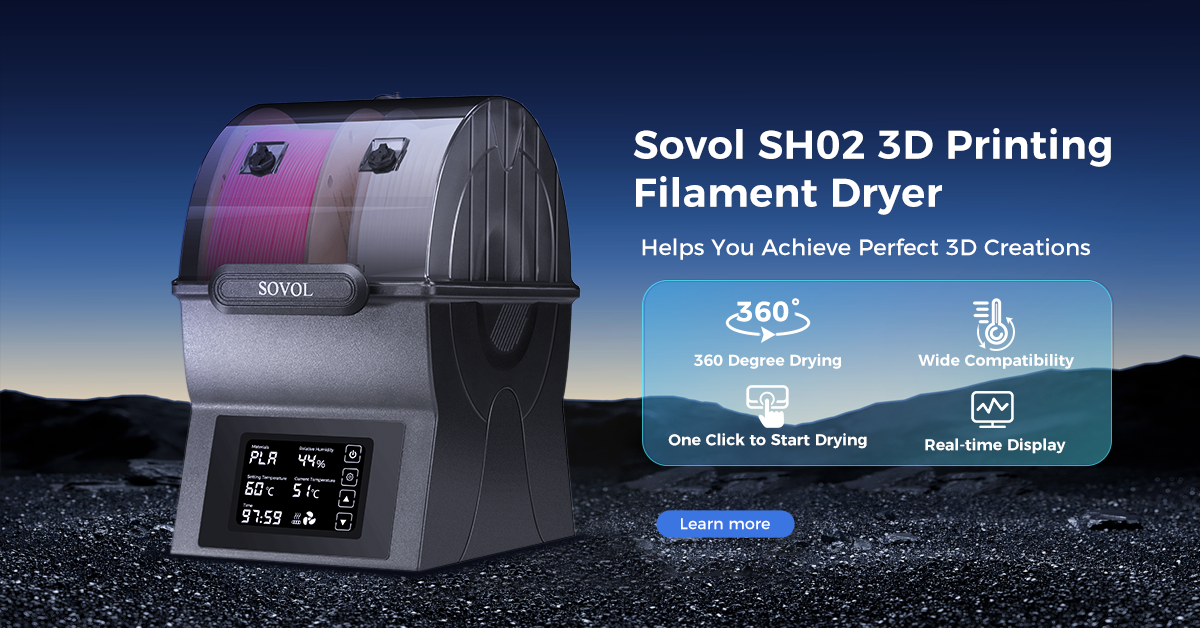
The Sovol SH03 Filament Dryer has two independently heated chambers and holds up to four 1 kg spools. Its maximum temperature is 85°C.
That maximum is a hardware capability, not a recommended setting for PLA. Choose a temperature and duration that fit the exact material and spool. Separate chamber controls can be useful when different materials need different conditions.
A dryer cannot certify an old spool, repair physical cracks or guarantee the strength of a print. After an appropriate drying cycle, evaluate the result instead of automatically repeating the cycle at a higher setting.
Try a short evaluation before a long project

Once the spool can be handled and fed reliably, use a small, familiar model. Avoid starting with a large overnight job or a part whose failure could cause damage.
- Record the material. Note the product, color, approximate age and known storage conditions.
- Inspect the spool. Look for deformation, contamination, cracked winding and obvious tangles.
- Check the path. The spool should turn freely and the filament should not be forced around sharp bends.
- Dry if appropriate. Follow the specific material and spool limits.
- Print a small test. Use a familiar model and a validated profile for that material.
- Compare fairly. If possible, repeat with a reliable spool of the same product and color, keeping the settings unchanged.
- Decide from the result. Consider reliable feeding, extrusion and suitability for the intended use.
A good-looking test is encouraging, but it is not a mechanical certification. If comparing different products, account for their different profiles rather than blaming every difference on age.
When is it better to replace the spool?
Replacement is sensible if the material repeatedly breaks during normal feeding, has significant contamination or deformation, or remains unreliable after the appropriate checks. A new spool that is unusable straight from its packaging is a reason to contact the supplier.
Consider the project as well. Saving a small amount of material is not worthwhile if it repeatedly interrupts a long job. For a critical replacement part, unknown material history is a poor starting point.
If you need another roll, browse Sovol filaments and choose the material for the actual application. Replacing the spool does not eliminate the need for the correct printer profile or sensible storage.
Keep a usable spool usable
Return it to suitable sealed storage after printing, protect it from direct sunlight and heat, and keep its label. Record the opening date as useful history—not as an invented automatic expiry date.
Use and maintain desiccant according to its instructions. Keep different materials identifiable, and avoid leaving a fragile strand loaded under unnecessary bending stress for long periods.
For a fuller storage routine, see our filament storage guide. Here, the key decision is whether the spool in front of you can feed and print reliably.
Frequently asked questions
Can I use filament that is two years old?
Possibly. Follow the product’s shelf-life guidance, then inspect its condition and evaluate it with an appropriate small test. Age alone does not establish that it is usable or unusable.
Does snapping PLA always mean it is wet?
No. Moisture is one possible factor, alongside formulation, damage and handling stress. A bend test alone cannot identify the cause.
Will drying make brittle filament flexible again?
It may help when moisture is contributing to the problem. It does not guarantee recovery from aging, environmental damage or physical cracking.
Should I keep drying it until it stops snapping?
No. Follow the recommended process and reassess. Repeating heat cycles or raising the temperature without guidance can create additional problems.
Does a low humidity reading prove the spool is dry?
No. A sensor measures the surrounding air at its location, not the water content throughout the wound filament. Use the recommended drying process and evaluate actual printing behavior.
Is old filament suitable for multicolor systems?
Only if it meets the system’s material requirements and feeds reliably. Extra loading, unloading and bends can make fragile filament particularly troublesome. Do not use a complex feeder as your first test for a questionable roll.
Judge the spool, not just the date
An old roll is not automatically waste, and a snapping strand is not automatically a moisture problem. Identify the material, inspect the condition, check the feeding path and dry only when appropriate.
A short evaluation gives you a practical next step. If the roll remains unreliable, replacing it can save more time and material than repeatedly trying to rescue it.
Prepare Your Next Print
Choose suitable material and drying equipment for your workflow. Always follow the filament and spool instructions.
