


How to make layer lines invisible in 3D printing
Make layer lines invisible in 3D printing with calibration, sanding, priming, and advanced techniques for smooth, professional-quality printed parts.

Geeigneter 3D-Drucker für Kinder
Geeigneter 3D-Drucker für Kinder: Sicher, leicht bedienbar und preiswert. Tipps zur Auswahl, Sicherheit und empfehlenswerte Modelle für Familien.

3D printers under $500 perfect for first timers
Find top 3D printers under $500 for beginners. Compare easy-to-use, reliable models with simple setup, low maintenance, and great print quality.
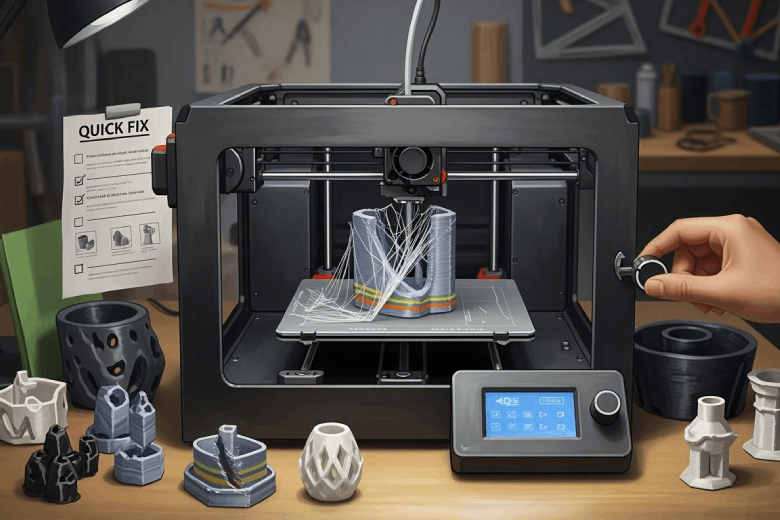
So behebst du typische 3D-Druck Probleme schnell
Typische 3D-Druck Probleme wie Warping, Stringing und Haftung schnell beheben: Praktische Sofort-Tipps für bessere Druckqualität und weniger Frust.

The Advantages of Using an FDM Printer
Advantages of using FDM printers include fast printing, low costs, versatile materials, reliable results, and user-friendly operation for all experience levels.

Slicing-Software macht 3D-Druck ganz einfach
Slicing-Software steuert den 3D-Druck, indem sie Modelle in Schichten und G-Code umwandelt. Optimale Einstellungen verbessern Qualität und Effizienz.

Wie lange dauert es, ein Standardmodell zu drucken?
Ein Standardmodell drucken dauert meist 4 bis 24 Stunden – abhängig von Größe, Material und Drucktechnologie. Tipps zur Zeitersparnis im Beitrag.

3D printing modeling considerations
3D printing modeling considerations include wall thickness, overhangs, material selection, and file prep to boost print success and part durability.

How to improve the surface smoothness of 3D printed products
Achieve smooth, professional surfaces in 3D printing with the right settings, materials, and post-processing techniques for flawless printed parts.