
Scroll through a feed of colorful figurines, personalized gifts and neatly labeled organizers, and a plain gray print can suddenly look old-fashioned. If a printer can automatically produce several colors, why would anyone still choose a machine that prints one filament at a time?
Multicolor 3D printers do not make single-color printers obsolete. They make certain designs more convenient to produce. A machine that reliably makes the parts you need still has a job—even if another machine can give an owl four different colors.
There is another reason the question is less straightforward than it sounds: a multicolor-capable printer can also print single-color objects. The real change is that color can become an option within a workflow, rather than a separate finishing task.
A more colorful print is not necessarily a better print
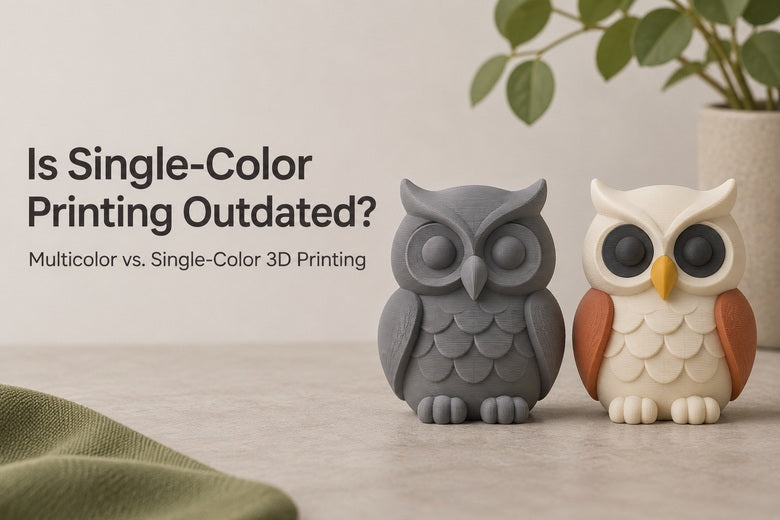
Put two copies of the same owl on a table: one entirely charcoal gray, the other with a cream face, colored wings and a contrasting beak. The second version communicates the character immediately. Its colors make the features easier to read.
But color alone does not improve the underlying geometry, dimensional accuracy or layer bonding. Both versions still need sensible settings, suitable material and clean extrusion. A colorful model can hide a printing defect at first glance; it does not repair it.
This distinction matters beyond decorative models. A replacement knob needs to fit its shaft. A bracket needs the right geometry, material and print orientation. A storage tray needs to fit the drawer. Color may improve each object, but it is rarely the first requirement.

What multicolor printing actually changes
The most useful shift is the ability to put different colors into one object without repeatedly stopping the machine, painting small areas or assembling separate inserts.
That becomes valuable when color is part of how the object is understood:
- A game piece: different regions identify a character or team at a glance.
- An organizer: contrasting labels or markers help people find the right compartment.
- A teaching model: colored sections distinguish structures that would be harder to explain in one shade.
- A personalized gift: a name or decorative feature is built into the object rather than added afterward.
Where identification matters, use words, shapes or positioning alongside color so the object remains understandable to people who cannot easily distinguish the chosen shades.
None of these ideas makes a plain print invalid. They expand what can come directly off the build plate. The benefit is strongest when integrated color removes a task you would otherwise need to do by hand.

Why single-color printing still earns its place
Many useful parts are judged by fit and function
A cable guide behind a desk, a drawer divider or a replacement handle does not become less useful because it is one color. A deliberate monochrome finish can also suit a room or product better than contrasting accents.
If those are your regular projects, build volume, material capability, noise, maintenance and dependable profiles may matter more than automatic color changes. A printer's value comes from completing your work, not from matching the most eye-catching example in a video.
A familiar printer is an existing resource
If you already have a machine dialed in for everyday parts, a new feature elsewhere does not erase that investment. You know its materials, profiles and maintenance routine. Keeping it for familiar jobs can be more useful than replacing it simply because it lacks automatic color switching.
This is especially relevant when adding a second machine. The older printer can handle plain parts while the newer one works on a longer color project. Whether that arrangement is worthwhile depends on your space, workload and ability to operate both safely.
Color is not the only path to a finished object
A single-color printer can still contribute to a multicolor result. Some designs use separately printed parts that assemble into different colored regions. Others suit painting. A supported pause-and-change workflow can produce color bands or raised lettering when the color boundaries occur at suitable layer heights.
Those methods are less convenient for intricate colors repeated within many layers, but they remain practical options. For the trade-offs, see printing multicolor parts together or assembling them separately.

Owning a multicolor printer does not mean every job needs color changes
This is the point that often gets lost in the debate. “Single-color” describes a print job as well as a category of machine.
You can choose a multicolor-capable printer for future flexibility and still produce a plain tray today. When the job uses one filament and no material changes, it does not automatically incur the repeated changeover overhead of a detailed multicolor figure. Startup procedures and any required priming still depend on the machine and profile.
The choice therefore is not between always printing in one color and always printing in several. It is whether the additional capability is useful enough to justify the particular machine, accessory or upgrade.
The trade-off is the whole workflow, not just the finished photo
Automatic color adds preparation: define the color regions, map them to the loaded filaments, and inspect the sliced preview. Several material paths or tools also give you more components to maintain and settings to understand. That does not prove a universal failure rate; it changes what you need to check.
The way a printer changes color matters too. A shared nozzle normally needs to clear the previous material from its melt path. A dedicated-tool system keeps materials in separate hotends, reducing that particular flushing requirement. Tool changes can still involve travel, wiping, priming or temperature management.
Consequently, neither “multicolor is always wasteful” nor “multiple heads mean no overhead” is a reliable rule. Use the actual sliced job. For a closer explanation, read why small multicolor prints can take so long.
Multicolor and multi-material are also different capabilities. Printing several colors of a compatible PLA is not the same challenge as combining different plastics. Even independent hotends do not guarantee that materials will bond, share bed and chamber conditions, or separate cleanly as supports.
Which capability matters for your kind of printing?
| Your regular projects | What matters most | Where automatic color fits |
|---|---|---|
| Replacement parts and practical fixtures | Fit, material, strength and repeatability | Useful for selected markings; often optional |
| Decorative figures and personalized gifts | Recognizable details and the desired finish | Can reduce repeated painting or assembly |
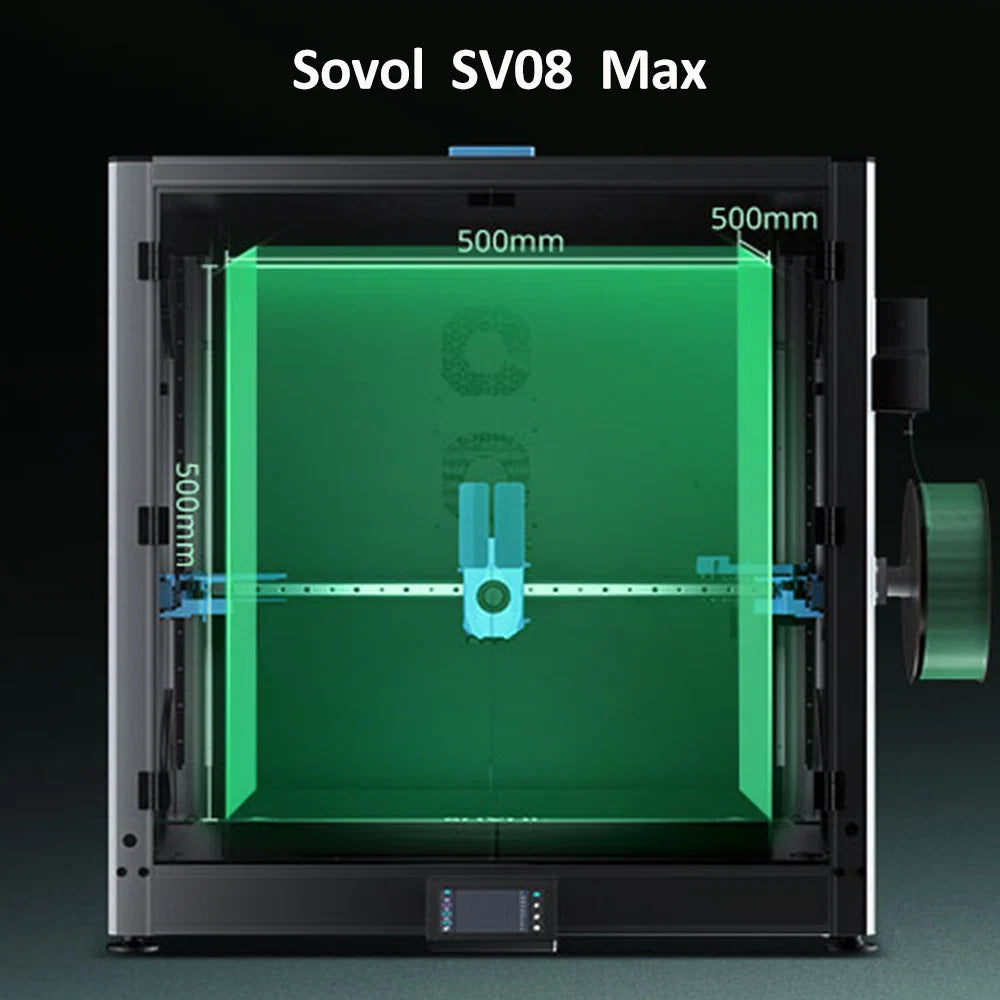
| Large monochrome models | Usable build volume, surface quality and reliable long jobs | Color count alone does not solve the main requirements |
| Organizers, game pieces and teaching aids | Clear identification and usability | Helpful when contrasting regions have a purpose |
| Occasional two-color signs | How the color boundaries are arranged | A supported height-based manual change may already be enough |
| Mixed creative and practical work | Flexibility without losing everyday reliability | A multicolor machine can handle both types of job |
Will single-color printers disappear?
That is a market prediction, not something a feature list can establish. More capable hardware may change what buyers expect, but it does not remove the reasons to value a simpler setup, a larger build area or a machine already working reliably.
A more useful expectation is that people will increasingly choose color per project. Some objects benefit from integrated accents; others look and work exactly as intended in a single filament. This is an editorial view of how the capability can be used, not a claim about sales or market share.
The next step for a satisfied single-color owner does not have to be replacement. It might be trying a multipart design, adding a supported upgrade, or buying a separate multicolor machine when enough projects justify it.
Where the Sovol M1D fits
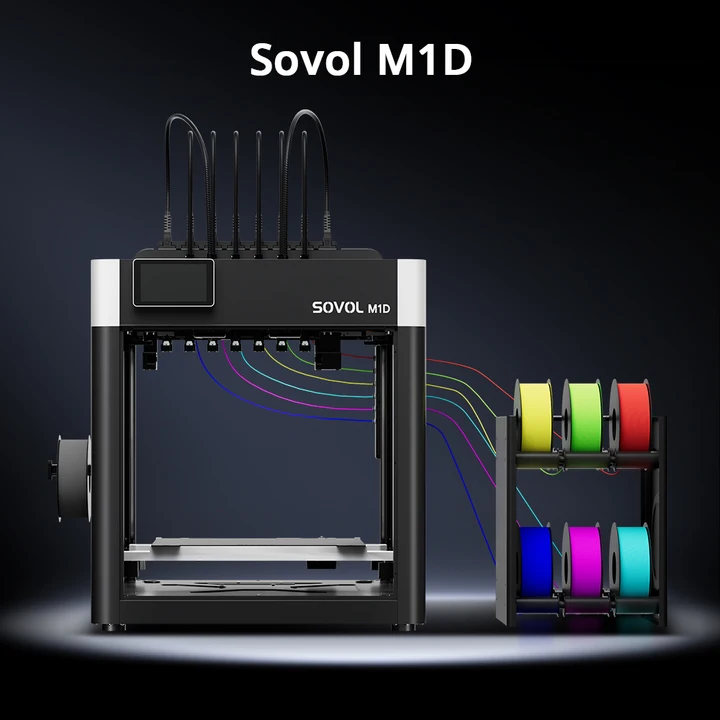
The Sovol M1D approaches this flexibility through its DualX™ 1+6 automatic tool-changing system. The current product listing specifies up to seven-color and multi-material printing, with independently heated toolheads.
For someone moving between everyday monochrome parts and integrated color designs, the attraction is having those options available within one platform. It is not a reason to add seven colors to every model, or a promise that any material combination will work.
Compare the machine's supported materials, usable space for the intended mode and current software workflow with the objects you actually want to make. A color capability is valuable when you use it; a dependable single-color print remains just as useful when you do not.
Frequently asked questions
Is buying a single-color 3D printer still reasonable?
Yes, if it suits your projects, budget and material needs. Automatic color is one capability to consider alongside print quality, size, maintenance and support.
Can a multicolor printer print normally with one color?
Yes, using a suitable single-filament job and supported profile. It does not need to switch colors simply because several filaments or tools are available.
Does multicolor printing make parts stronger?
Not by itself. Material, geometry, orientation and printing conditions remain important. Introducing incompatible materials can create weak interfaces rather than improve strength.
Do single-color prints always finish faster?
On the same machine, removing repeated color changes removes that source of overhead. Across different machines, total time also depends on motion, extrusion capability, settings and the model, so color capability alone cannot rank their speed.
Should I replace my existing printer before trying multicolor?
Not necessarily. Explore a supported manual-change workflow, a multipart design or an upgrade compatible with your exact machine. If you add a new printer, the existing one may still serve your ordinary jobs.
More options, not an expiry date
Multicolor printing gives more designs a route from file to finished object with less manual color work. That is a meaningful benefit. It does not put an expiry date on machines that already make useful parts.
The sensible question is not whether one color looks outdated. It is whether the objects you want to make need automatic color—and which workflow helps you make them reliably.
